Point registration
121
Point
registration
4.
Registering, correcting or deleting detour memory points
Registering detour memory points
Up to 10 detour memory points can be registered. (If registering more than 10 points, first
delete unnecessary detour memory points and proceed.)
By registering detour memory points, you can search for a route that takes you through the
registered area when conducting a route search.
This function is convenient when knowing what roads are blocked due to construction or
accidents or congested.
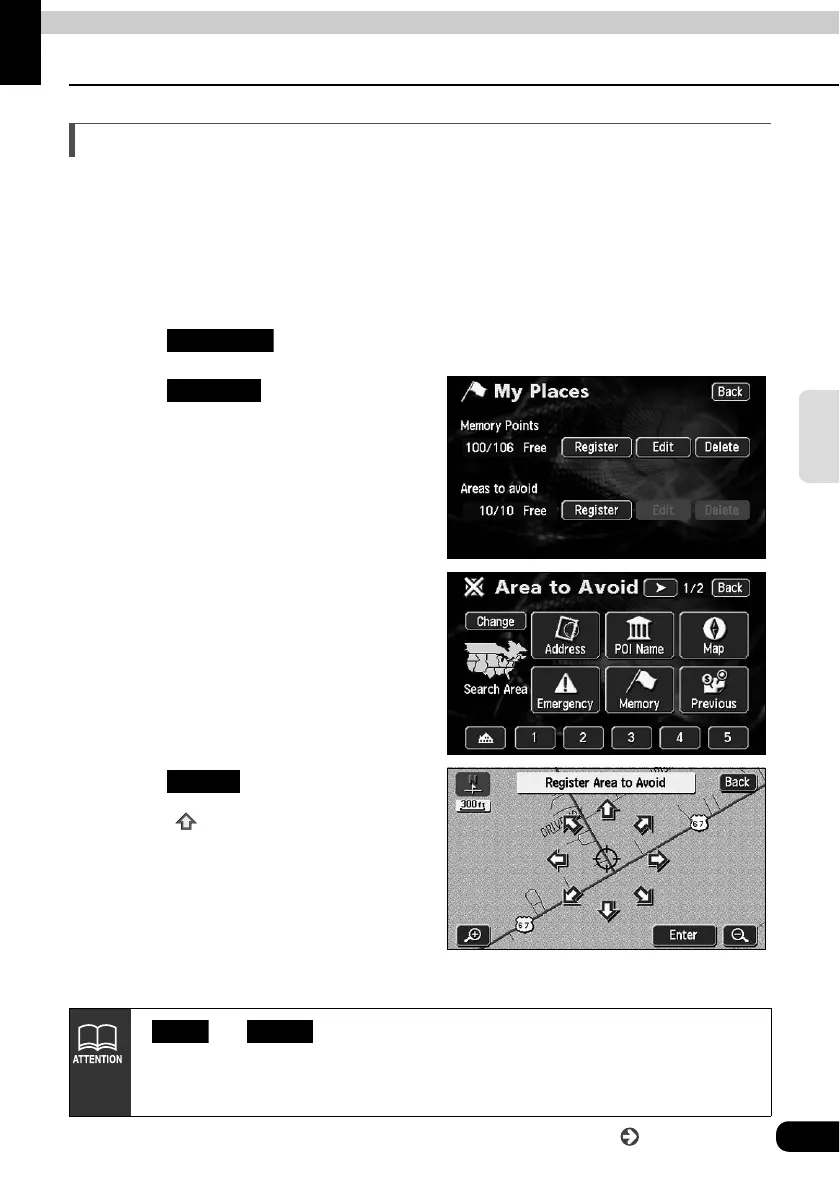
Touch in the Menu screen.
Touch for Areas to
Avoid.
Select the map retrieval method to
display the map on which a detour
memory point is to be registered.
• See pages 47 and 63, "How to
retrieve maps" and "
Performing
operations on a retrieved map
".
Touch .
• Touch to move the map.
My Places
Register
Enter
• and will appear only when a detour memory point is already
registered.
• The route may take you through a detour depending on the position of the set
destination or the present location.
Edit Delete
Go to the next page



 To Next Page