64
Navigation guidance
1. Setting the destination and searching for a route
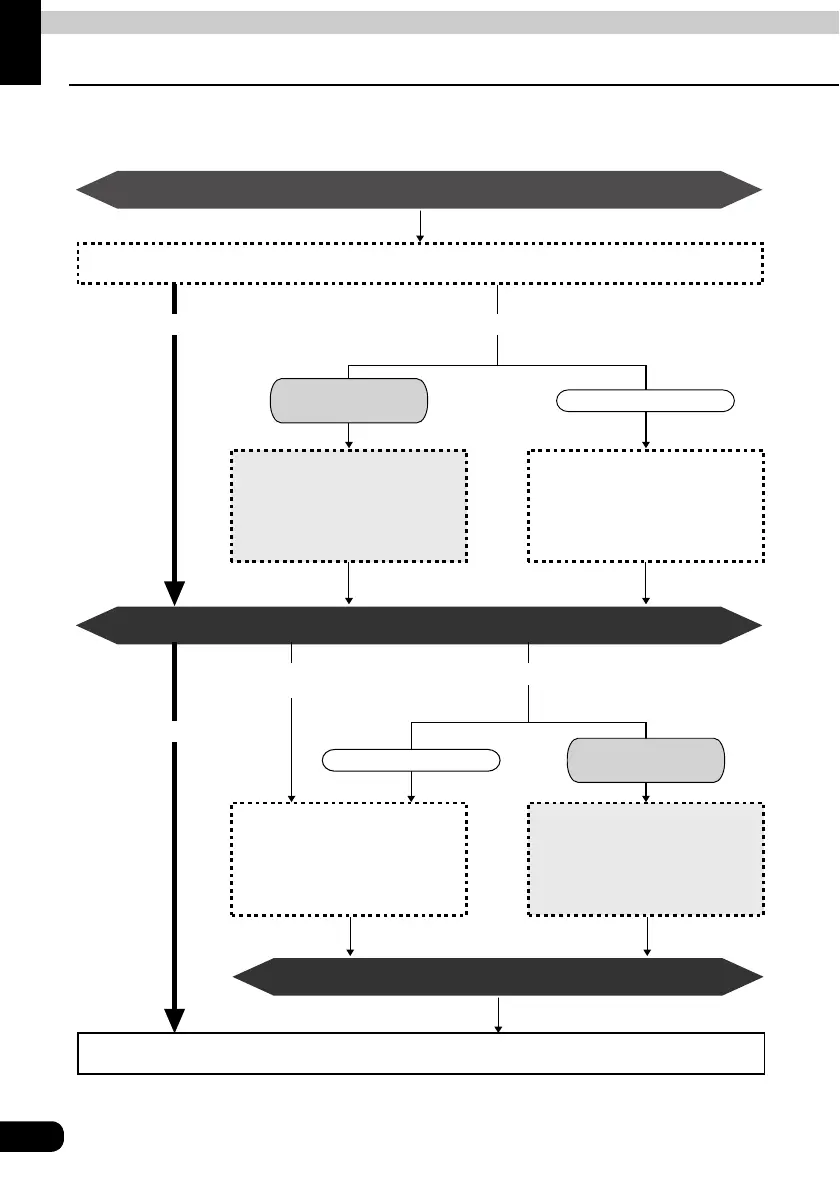
To search for a route to guide you to a destination, settings including a destination setting,
additional destinations, and route search conditions are required.
Setting a destination (Page 66)
All-route display (Page 69)
● Add a destination (Page 77)
● Indicate a transit road (Page 82)
● Display 3 routes simultaneously
(Page 75)
● Change the search conditions
for each interval (Page 79)
● Change the search conditions
for each interval (Page 79)
● Reinitiate a route search
(Page 98)
● Add a destination (Page 77)
● Indicate a transit road (Page 82)
Use the search result route Change the search result route
There is a stop to be
made along the way
Search for a different route
Initiate route guidance (Page 85)
Drive along the search result route
Search for a different route
There is a stop to be
made along the way
Route guidance
Arrival at your destination
When having deviated
from the set route
Change the route



 To Next Page