124
4.
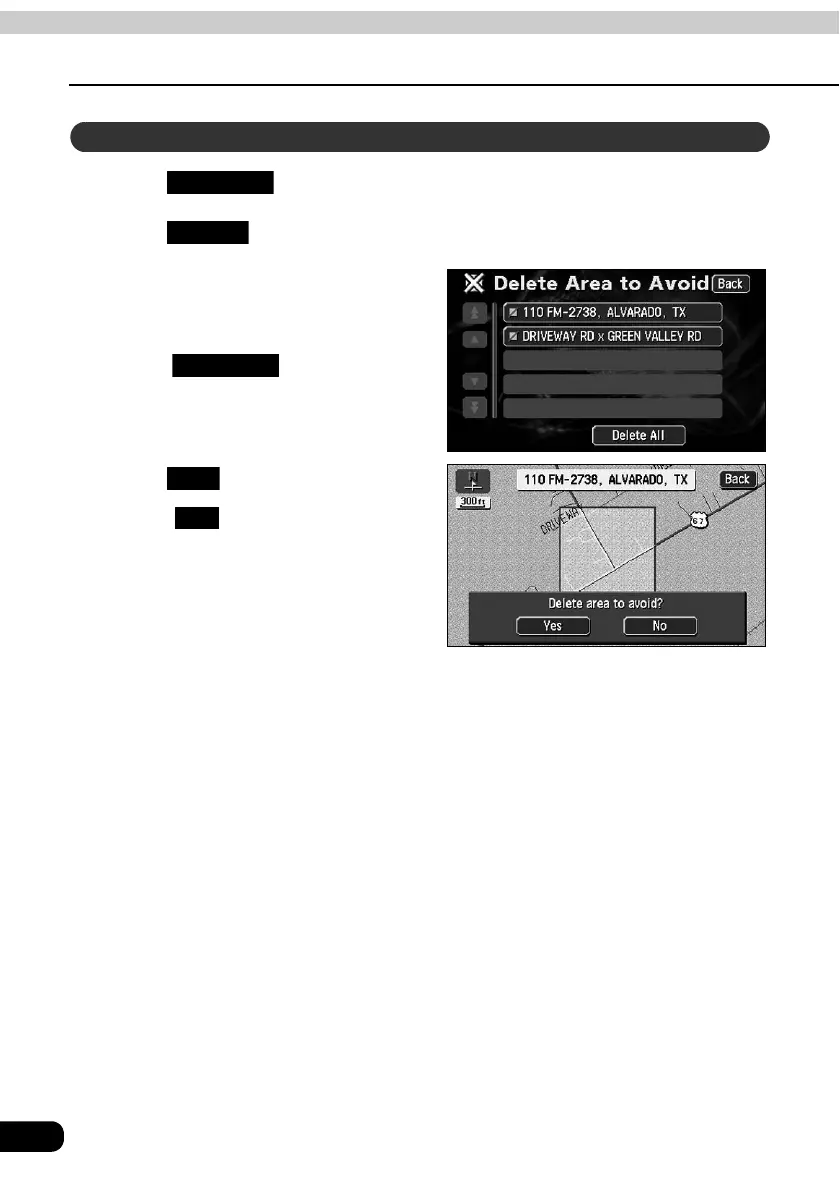
Registering, correcting or deleting detour memory points
Point registration
Touch in the Menu screen.
Touch for Areas to Avoid.
Touch the Area to Avoid to be
deleted.
• To delete all detour memory points,
touch .
Touch .
• Touch to return to the original
screen.
Deleting a detour memory point
My Places
Delete
Delete All
Yes
No



 To Next Page