67
Navigation
guidance
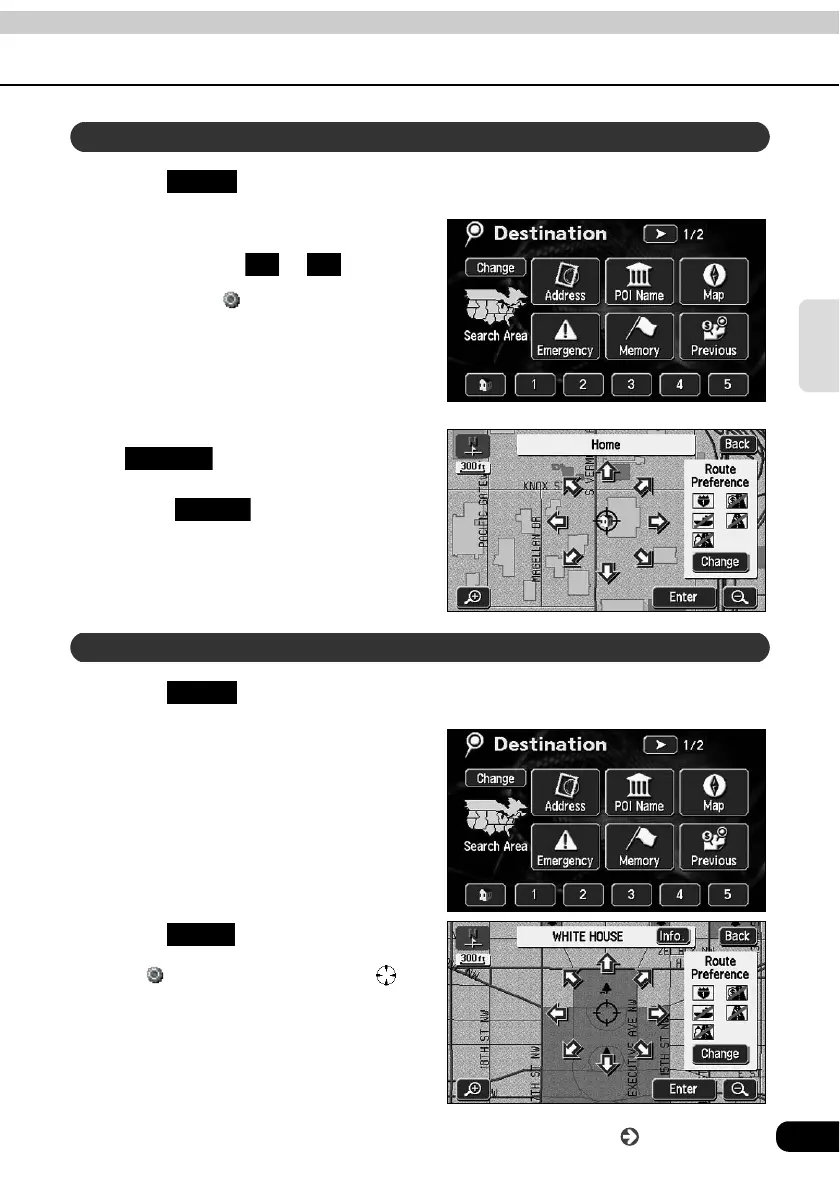
Touch in the MAIN MENU screen.
Touch "Home" icon or special
memory points to .
• The symbol will be displayed at
the location of your home or the
special memory point and the route
search will begin.
• A registered icon is used to represent
your home.
• If a destination is already set, touch
to delete the set
destination and set a new one.
• Touch to add a destination.
"Adding a destination" (Page 77)
(Refer to to .)
Touch in the MAIN MENU screen.
Select the map retrieval method
and the map corresponding to the
point to be set as the destination
will appear.
• See pages 47 and 63, "How to
retrieve maps" and "Performing
operations on a displayed map".
Touch .
• A symbol will appear for the
destination point on the position and a
route search will begin.
Set from a registered point
DEST
1 5
Replace
Add to
Set using the map retrieval method
DEST
Enter
Go to the next page



 To Next Page