29
Basic
operation
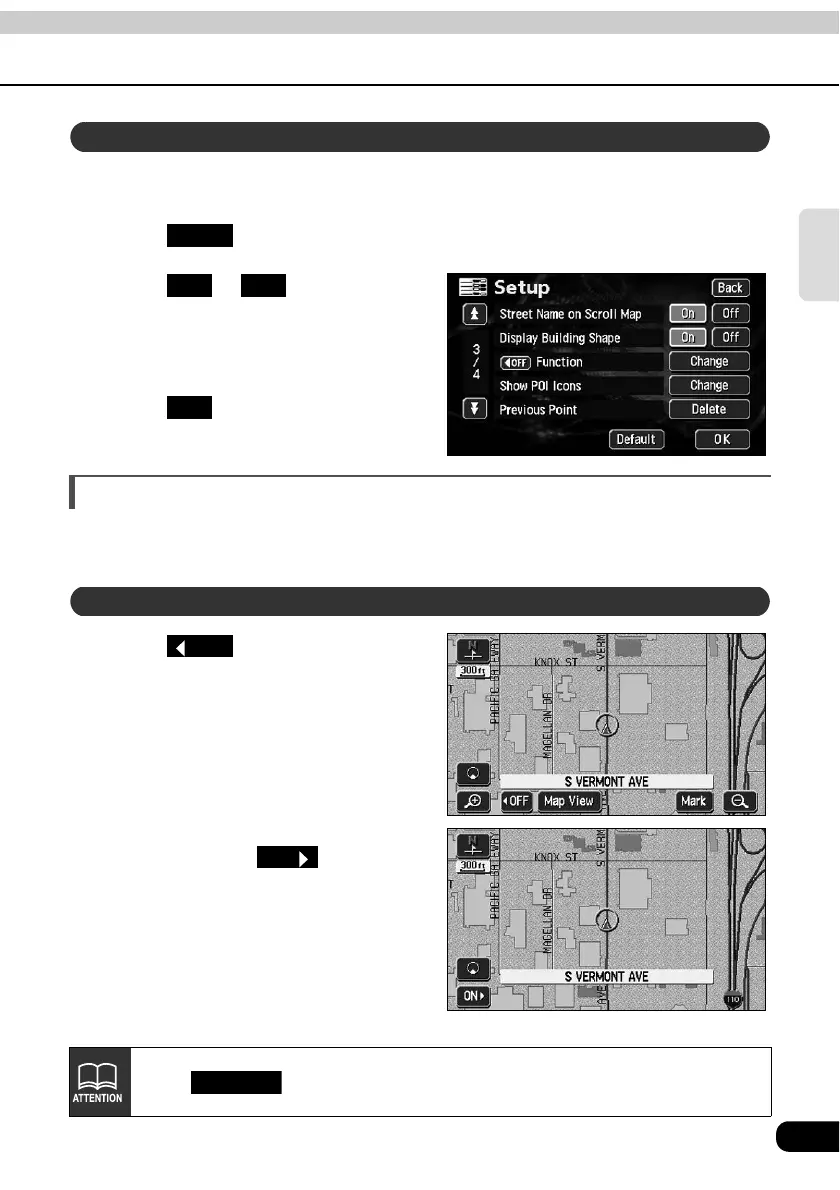
You can select between setting the Street Name display ON (display) or OFF (not display)
while scrolling.
Touch in the Menu screen.
Touch or for Street
Name on Scroll Map.
• The pressed touch switch will become
brighter.
Touch .
Switching the touch switch display
When a map is displayed, the number of touch switches displayed on the screen can be
reduced.
Touch .
• If the touch switches are not
displayed, this operation cannot be
performed via a touch switch. First
display the touch switches on the
screen and then proceed.
• If the touch switches are not
displayed, touch to make
them appear on the screen.
Setting the Street Name display while scrolling
Setup
On Off
OK
Switching the touch switch display
OFF
ON
Touch in the Setup screen to return all items to the default settings.
Default



 To Next Page