127
Information
function
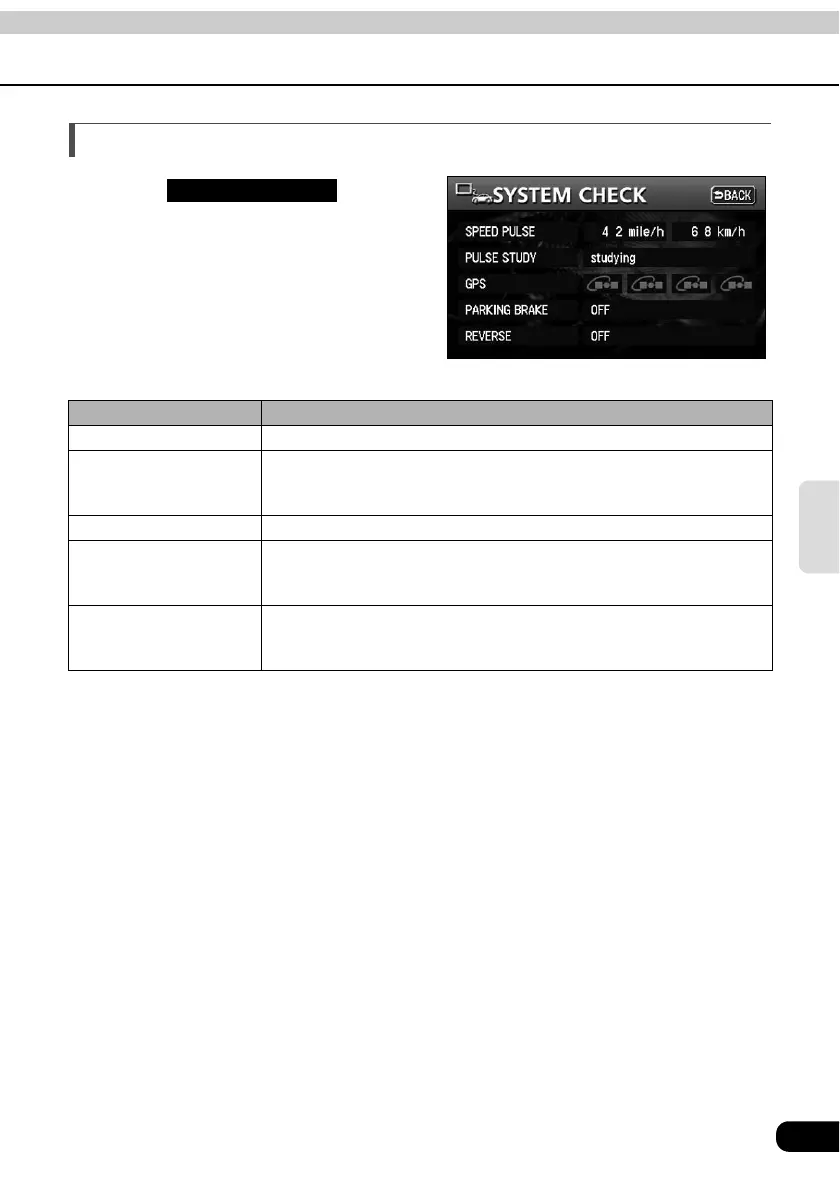
SYSTEM CHECK screen
Touch on the
INFORMATION screen.
• The SYSTEM CHECK screen is
displayed.
Item (touch switch) Function
SPEED PULSE Displays the current vehicle speed.
PULSE STUDY
Studies the vehicle speed during events such as tire changes.
Studying: Pulse study in progress
Complete: Pulse study completed
GPS Displays the GPS reception status.
PARKING BRAKE
Displays the parking brake status.
ON: Parking brake applied
OFF: Parking brake not applied
REVERSE
Displays the reverse gear selection status.
ON: Reverse gear selected
OFF: Reverse gear not selected
SYSTEM CHECK



 To Next Page