51
Basic
operation
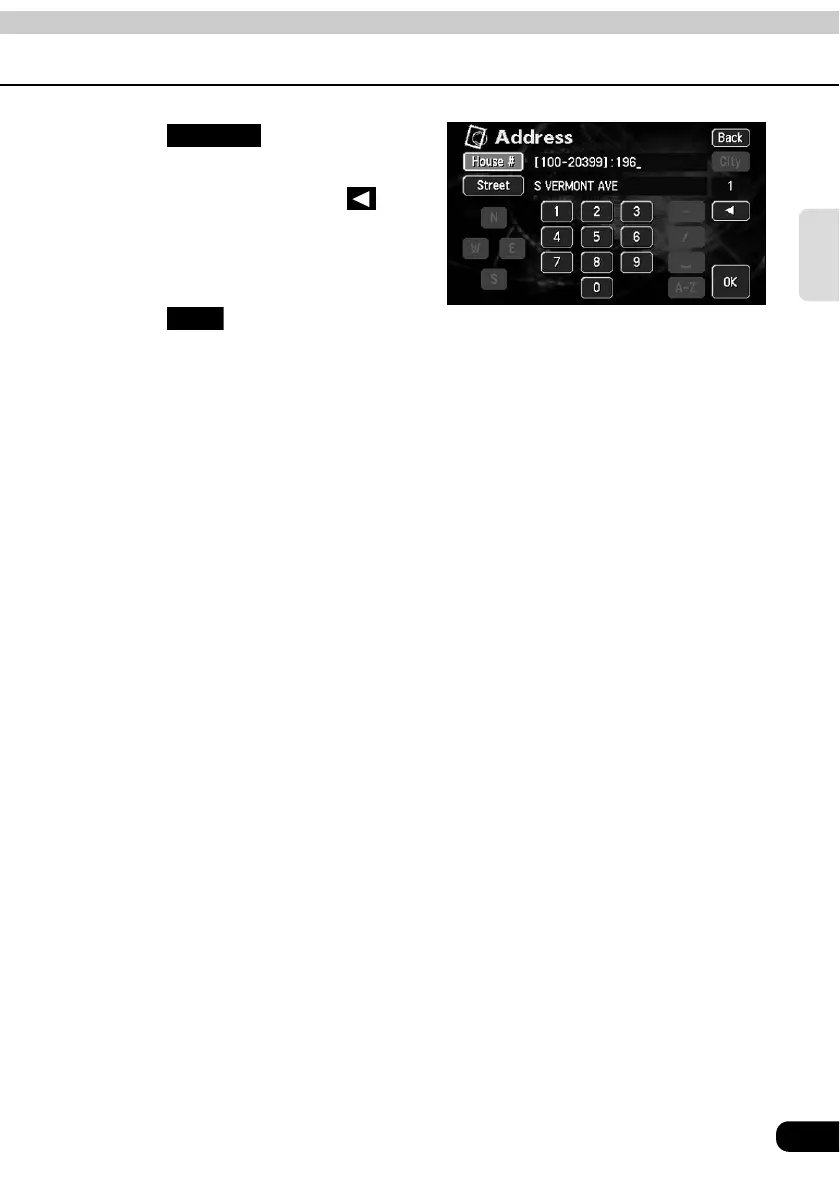
Touch and enter one
number at a time.
• If you make a mistake, touch to
delete one character at a time.
Touch .
• The map searched for by entering an address is displayed.
• If there is an address that corresponds with the entered house number, the map of the
vicinity of that address will be displayed.
• If there is no address corresponding to the entered house number, a diagram of the
vicinity of the corresponding street will appear.
House #
OK



 To Next Page