78
3. Changing the search result route
Navigation guidance
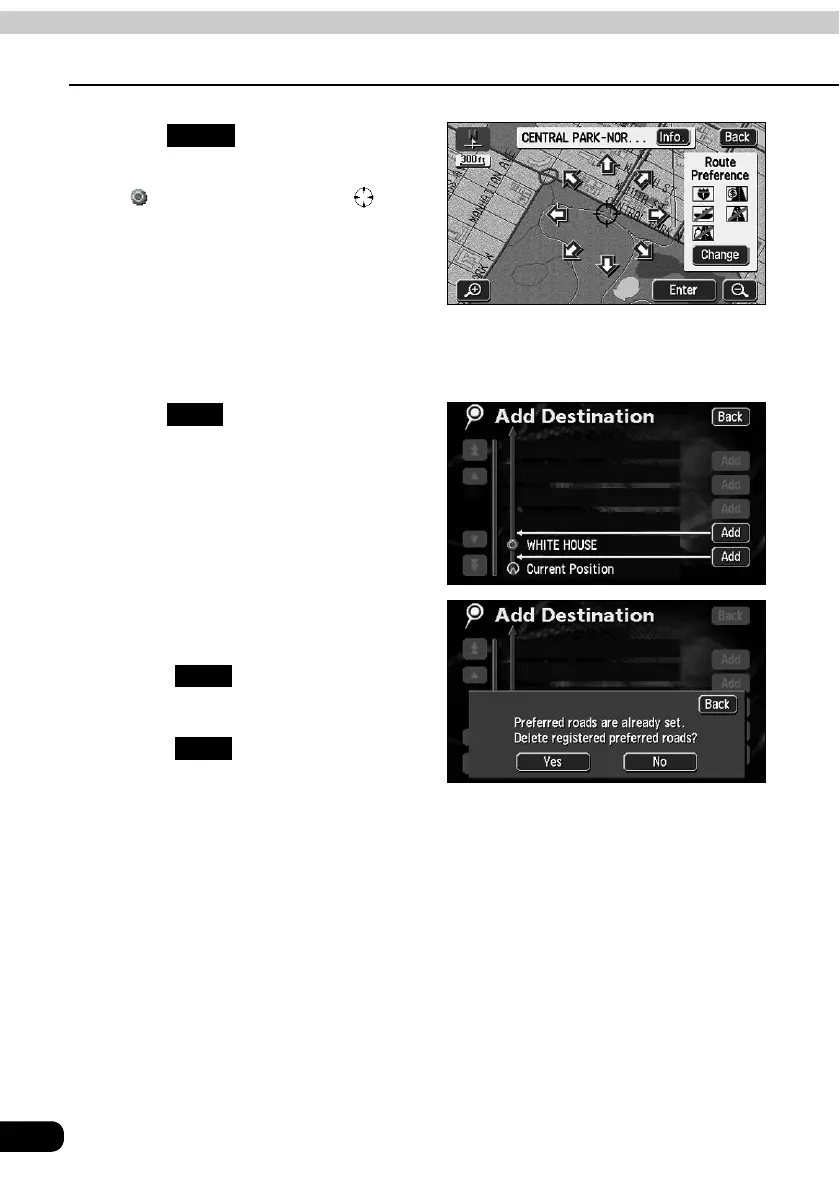
Touch .
• A destination point in the form of the
symbol will appear in the
position.
• Up to a maximum of 5 destinations can
be set.
• When 5 destinations are already set,
delete a destination and proceed. (For
information concerning deletion of a
destination, refer to "Deleting a
destination" on page 81.)
Touch in the segment to be
set.
When a transit road is indicated, a
cancellation screen may appear.
• Touch to cancel the transit
road indication and initiate a route
search.
• Touch to set the destination
without canceling the indication.
Enter
Add
Yes
No



 To Next Page