7.3.4.3 DNS
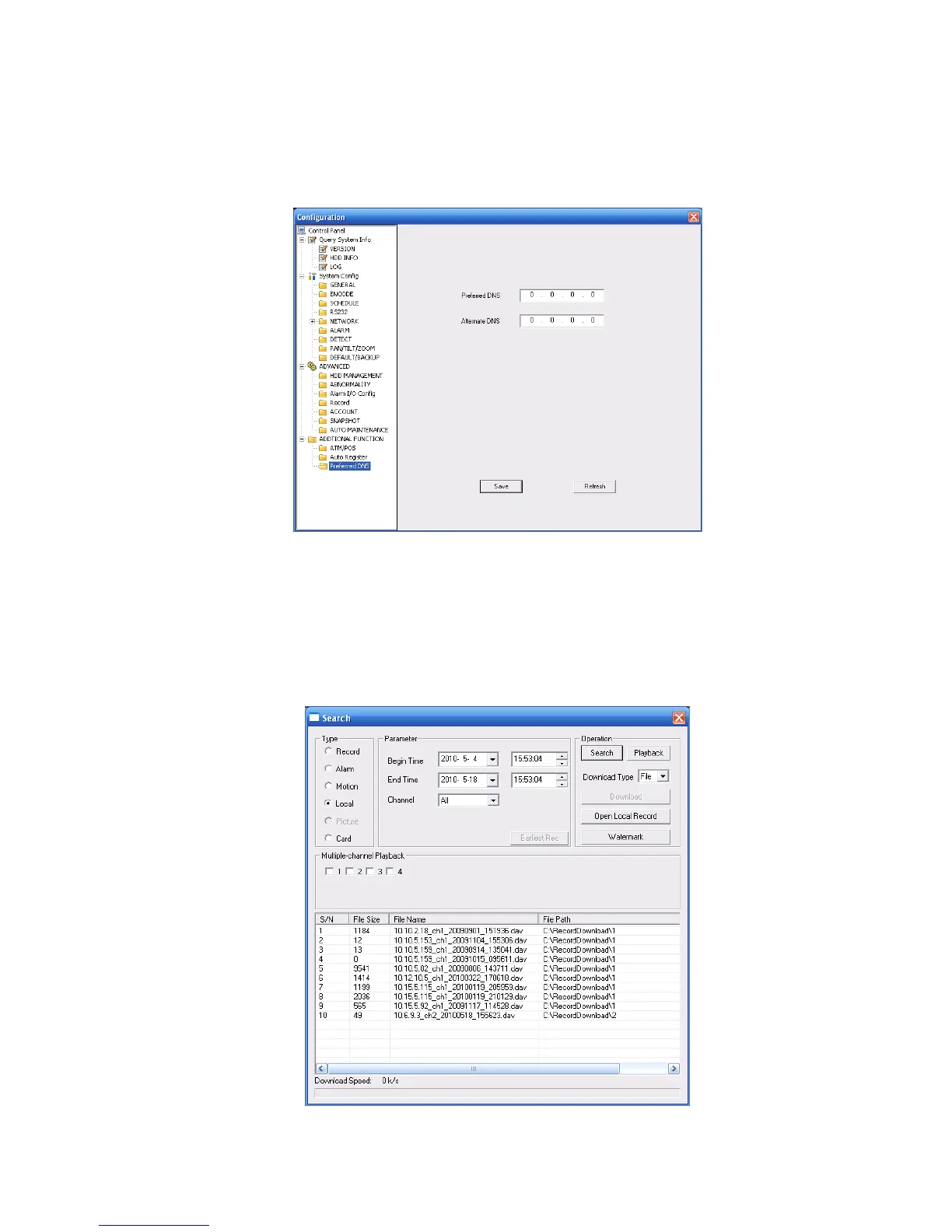
Here you can set server or local operator DNS address. See Figure 7-53.
This function is useful when you input domain name in some item. Otherwise system can not parse the
domain name.
Figure 7-53
7.4 Search
Click search button, you can see an interface is shown as in Figure 7-54.
Please select record playback mode, and then select start time, end time and channel. Then please
click search button, you can see the corresponding files in the list.
Please note the card number search is for special series only.
Figure 7-54



 To Next Page