7 WEB OPERATION
Important
Slight difference may be found in the interface. All the interfaces listed below are based on the
EDGE series product.
The simple entry level series product does not support RS232 function.
The 8-channel simple entry level series product does not support schedule snapshot function and
etc. Please note for this series product, when you logged in the Web to operate real-time
monitor/network playback/network download, the local-end 8-channel playback is disabled, and
vice versa.
The ED-DVR12004 does not support RS232, alarm and PTZ function.
7.1 Network Connection
Before web operation, please check the following items:
Network connection is right
DVR and PC network setup is right. Please refer to network setup(main menu->setting->network)
Use order ping ***.***.***.***(* DVR IP address) to check connection is OK or not. Usually the
return TTL value should be less than 255.
Open the IE and then input DVR IP address.
System can automatically download latest web control and the new version can overwrite the
previous one.
If you want to un-install the web control, please run uninstall webrec2.0.bat. Or you can go to
C:\Program Files\webrec to remove single folder. Please note, before you un-install, please close
all web pages, otherwise the un-installation might result in error.
7.2 Login
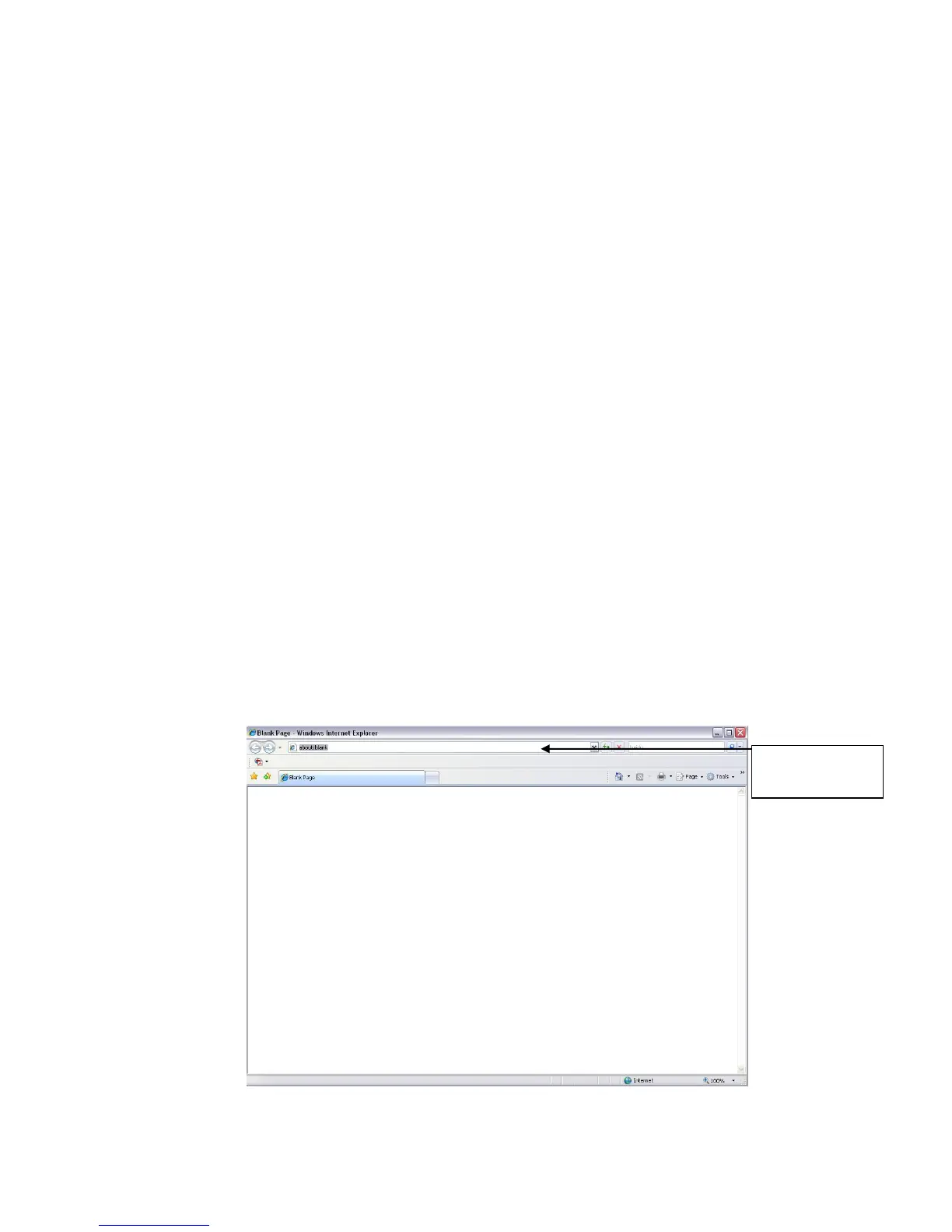
Open IE and input DVR address in the address column. For example, if your DVR IP is 10.10.3.16,
then please input http:// 10.10.3.16 in IE address column. See X428H428H428HFigure 7-1.X
Figure 7-1



 To Next Page