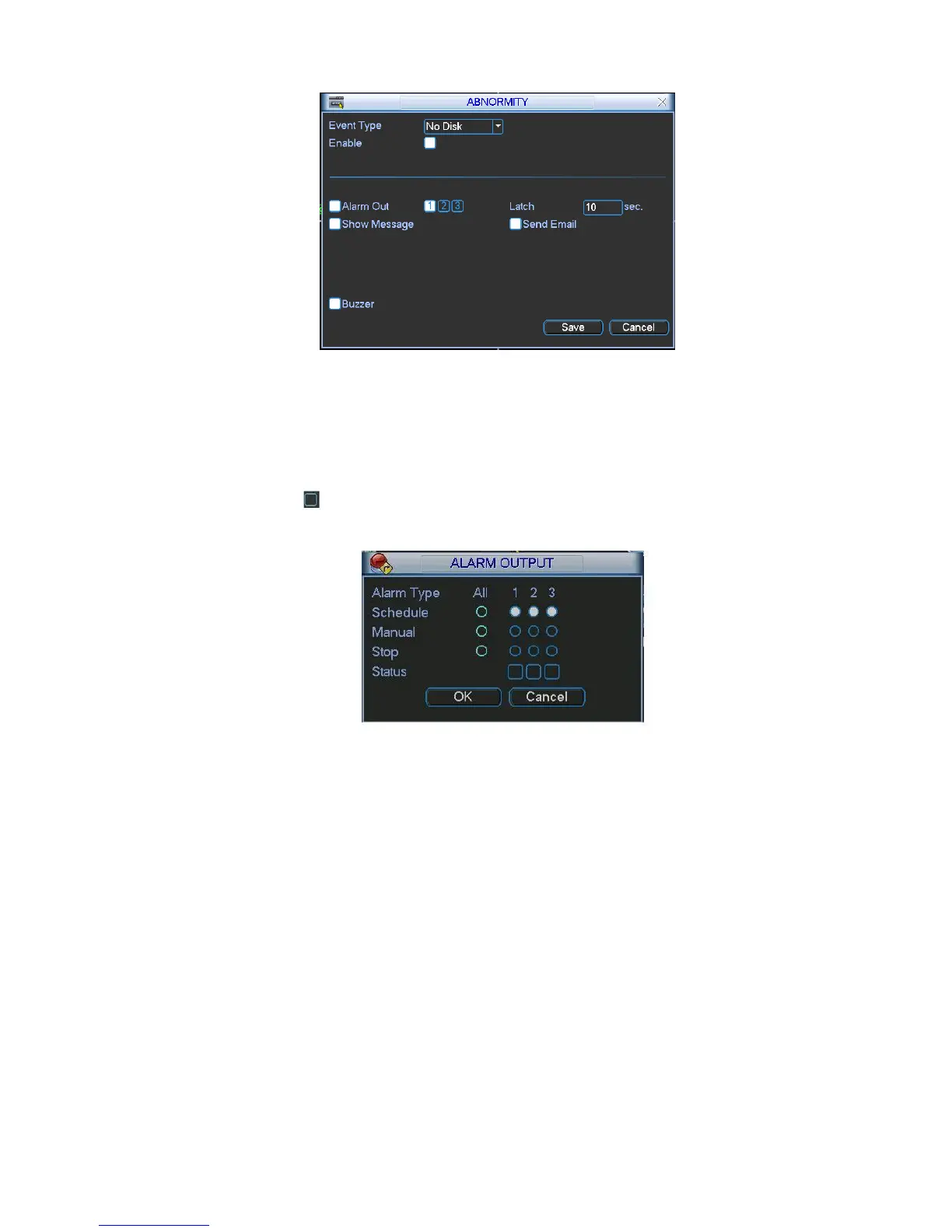
Figure 5-27
5.5.3 Alarm Output
Here is for you to set proper alarm output.
Please highlight icon to select the corresponding alarm output.
After all the setups please click OK button, system goes back to the previous menu. See Figure 5-28.
Figure 5-28
5.5.4 Manual Record
Please refer to chapter 4.2.2 manual record.
5.5.5 Account
Here is for you to implement account management. See Figure 5-29. Here you can:
Add new user
Modify user
Add group
Modify group
Modify password.
For account management please note:
System account adopts two-level management: group and user. No limit to group or user amount.
For group or user management, there are two levels: admin and user.



 To Next Page