In Figure 4-37, click “Auto Scan” button, the system begins auto scan. Correspondingly, the auto scan
button becomes Stop button. Click stop button to terminate scan operation.
4.10 Flip
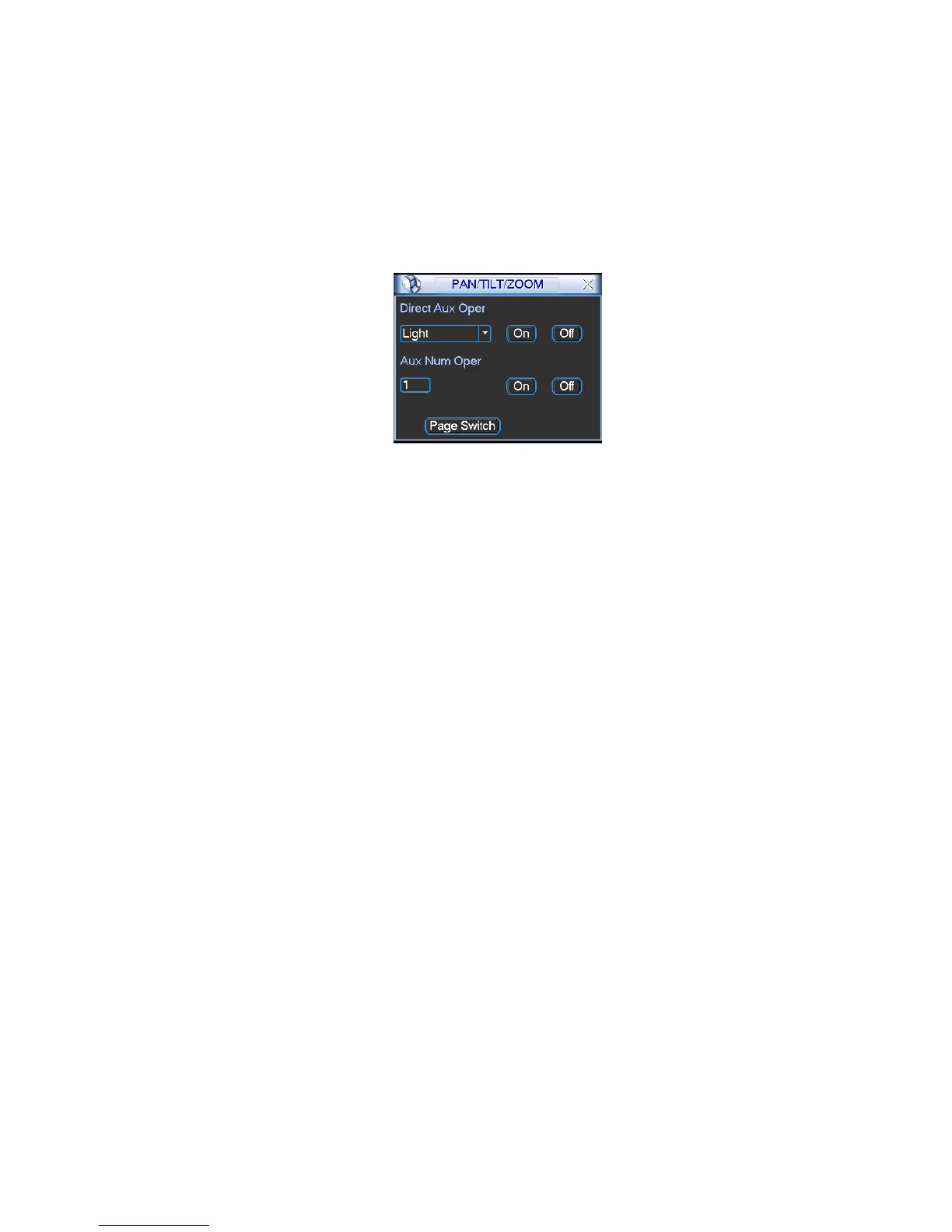
In Figure 4-37, click page switch button, you can see an interface is shown as below. See Figure 4-42.
Here you can set auxiliary function. The aux value has relation ship with the Aux button of the decoder.
Click page switch button again, system goes back to Figure 4-33.
Figure 4-42



 To Next Page