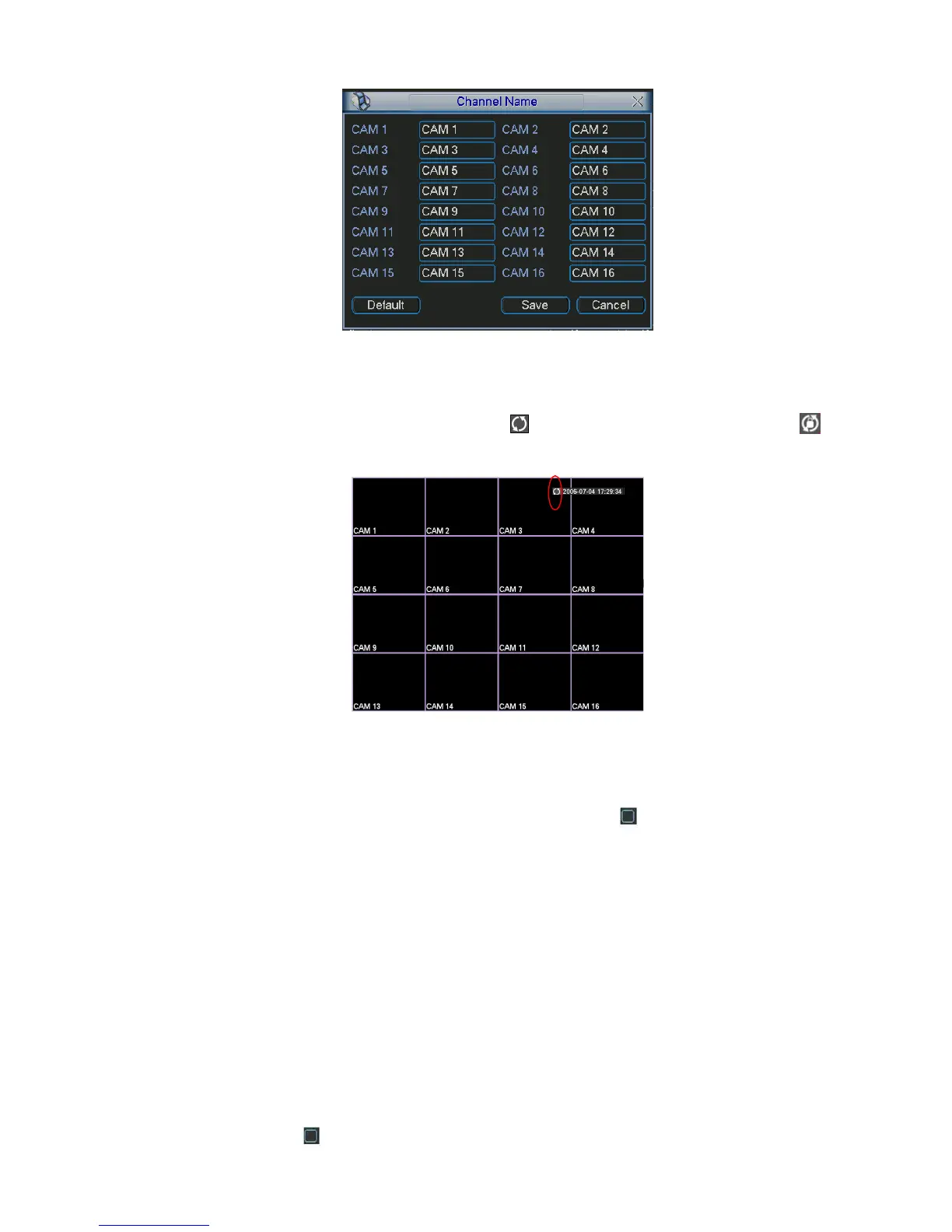
Figure 5-21
In tour mode, you can see the following interface. On the right corner, right click mouse or click shift
button, you can control the tour. There are two icons: stands for enabling window switch and
stands for enabling window function. See Figure 5-22.
Figure 5-22
5.3.10 Default
Click default icon, system pops up a dialogue box. You can highlight to restore default factory setup.
See Figure 5-23.
Select all
General
Encode
Schedule
RS232
Network
Alarm
Detect
Pan/tilt/zoom
Display
Channel name
Please highlight icon to select the corresponding function.



 To Next Page