Please note system needs to reboot to get all the modification activated.
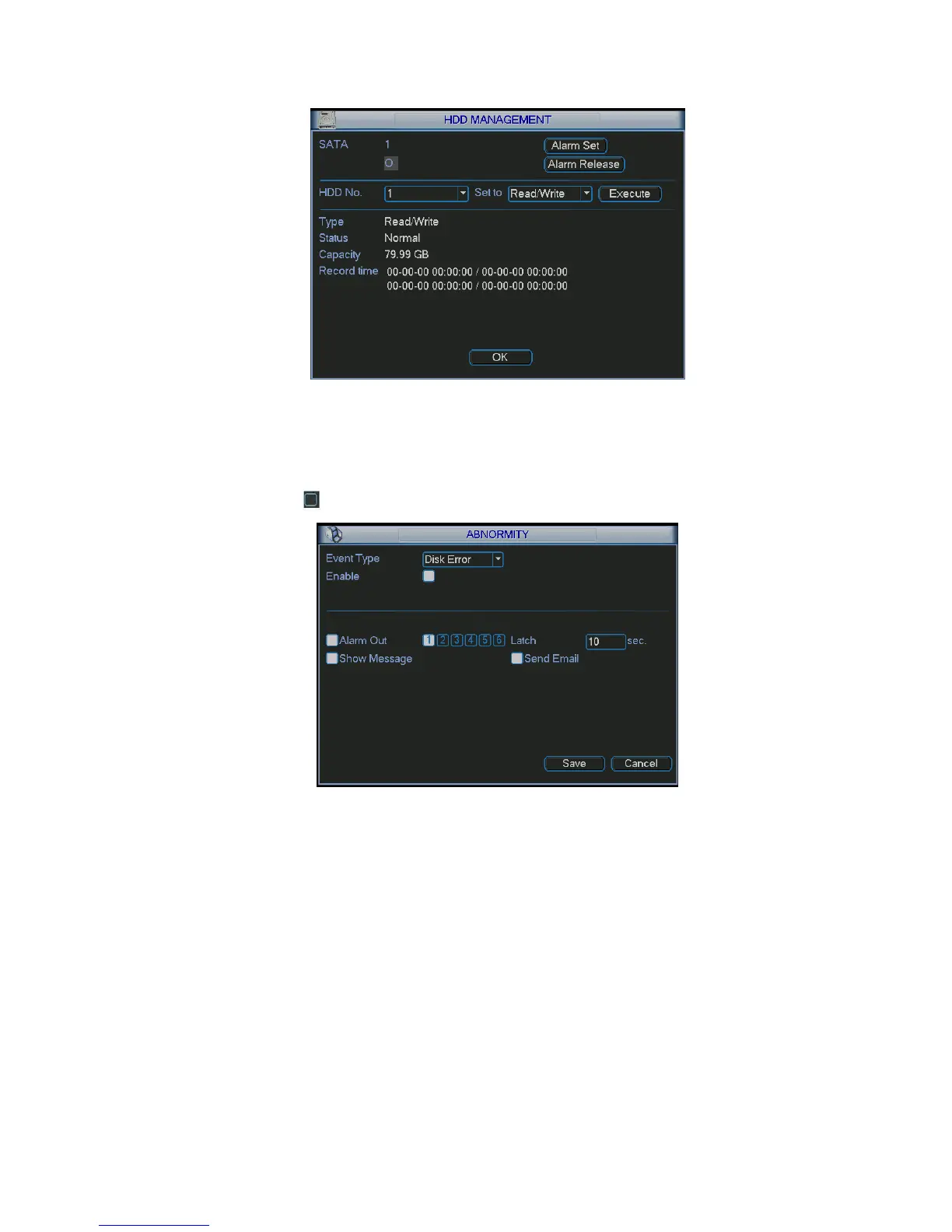
Figure 5-25
Click alarm set button, the interface is shown as below. See Figure 5-26. (This interface is just like the
abnormity setup). Please refer to chapter 5.5.2 for detailed information.
Please highlight icon to select the corresponding function.
Figure 5-26
5.5.2 Abnormity
Abnormity interface is shown as in Figure 5-27.
Event type: There are several options for you such as disk error, no disk, disconnection, IP
conflict and etc.
Alarm output: Please select alarm activation output port (multiple choices).
Latch: Here you can set corresponding delaying time. The value ranges from 10s-300s.
System automatically delays specified seconds in turning off alarm and activated output after
external alarm cancelled.
Show message: system can pop up the message in the local screen to alert you when alarm
occurs.
Alarm upload: System can upload the alarm signal to the network (including alarm centre) if
you enabled current function.
Send email: System can send out email to alert you when alarm occurs.
Buzzer: System can activate the buzzer to beep when alarm occurs.



 To Next Page