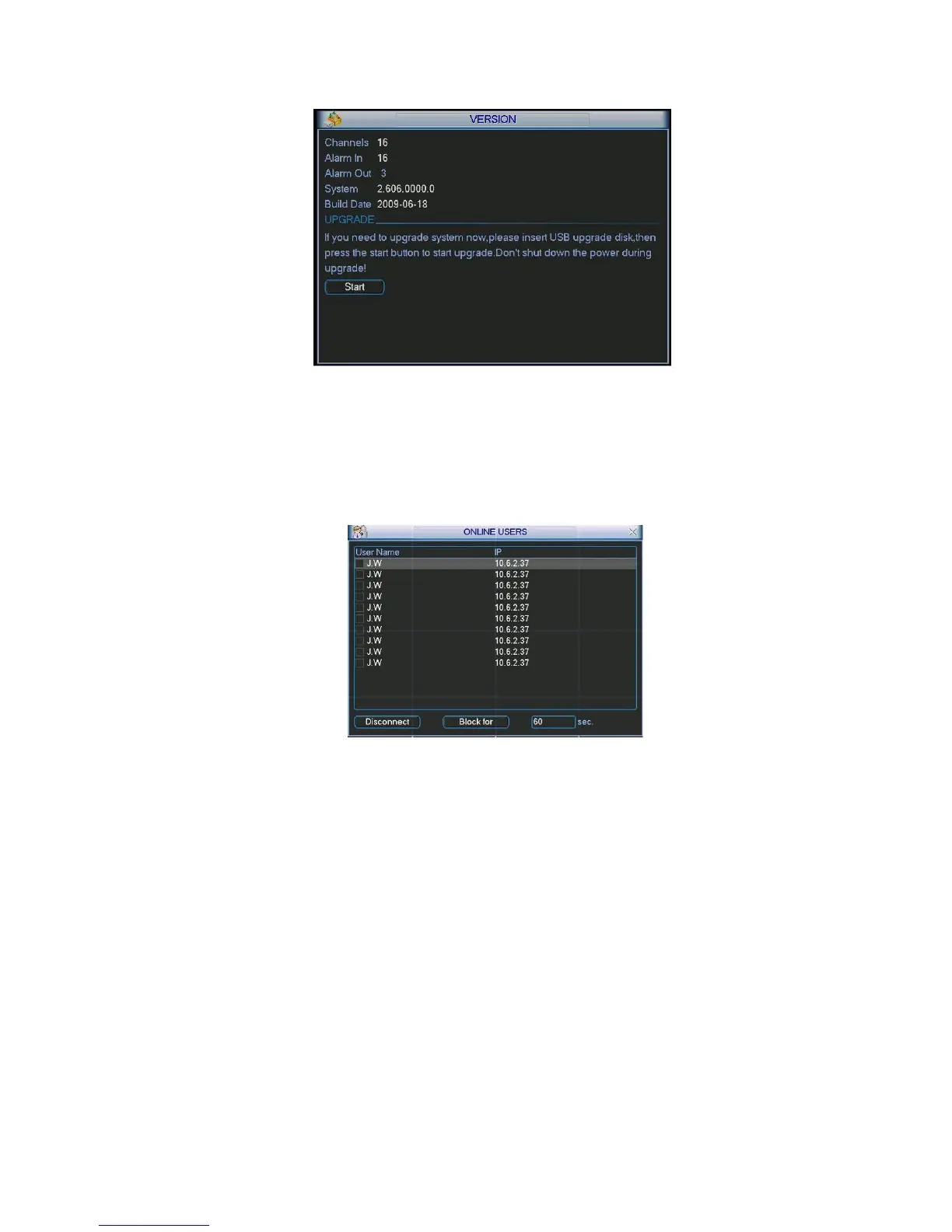
Build Date
Figure 5-41
5.6.5 Online Users
Here is for you manage online users. See Figure 5-42
You can disconnect one user or block one user if you have proper system right. Max disconnection
setup is 65535 seconds.
Figure 5-42
5.7 Shutdown
Double click shutdown button, system pops up a dialogue box for you to select. See Figure 5-43.
Logout menu user: log out menu. You need to input password when you login the next time.
Restart application: reboot DVR.
Shutdown: system shuts down and turns off power.
Restart system: system begins rebooting.
Switch user: you can use another account to log in.



 To Next Page