7.6 About
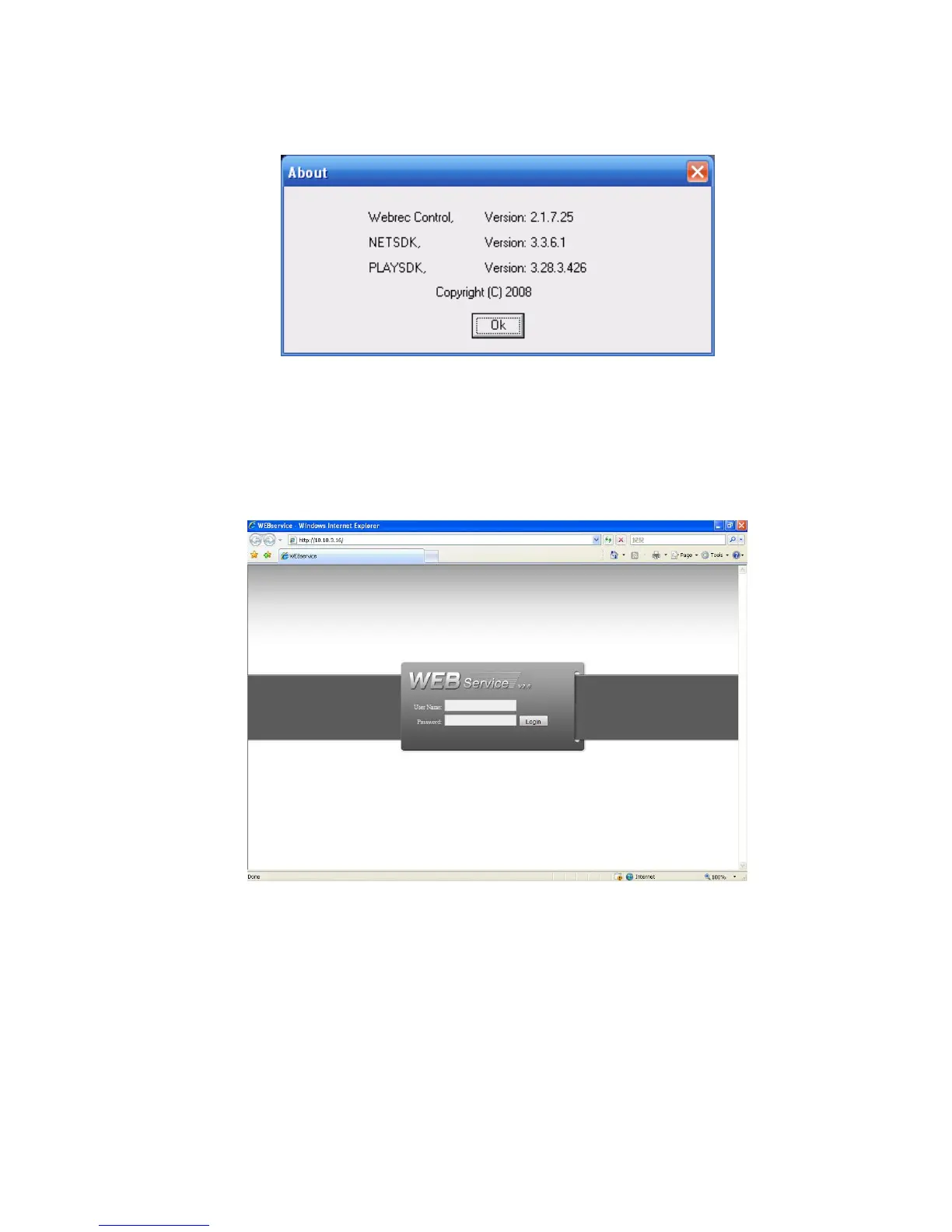
Click about button, you can view current web client information. See Figure 7-60.
Figure 7-60
7.7 Log out
Click log out button, system goes back to log in interface. See Figure 7-61.
You need to input user name and password to login again.
Figure 7-61
7.8 Un-install Web Control
You can use web un-install tool “uninstall web.bat” to un-install web control.
Please note, before you un-installation, please close all web pages, otherwise the un-installation
might result in error.



 To Next Page