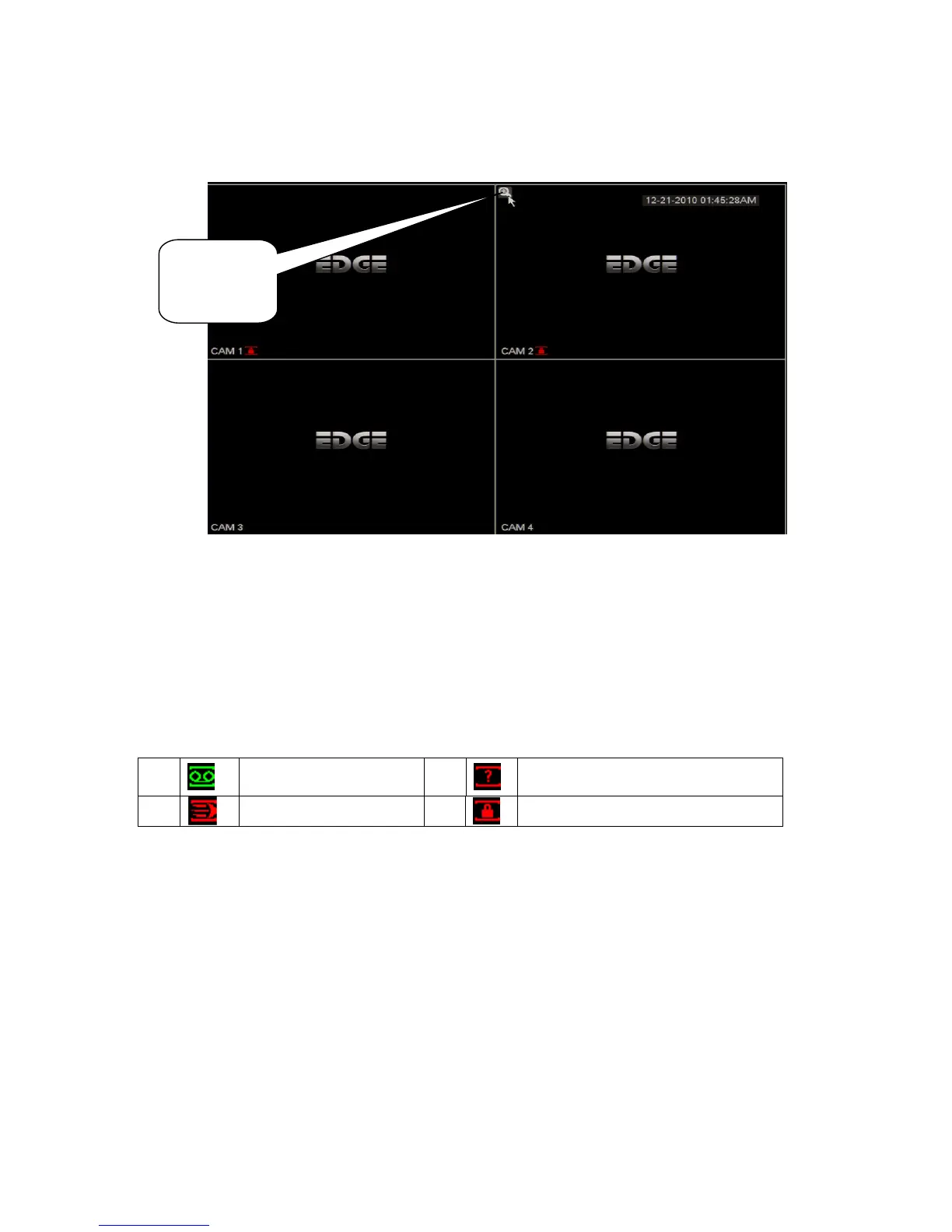
4.1.6 Preview Zoom Function
Move your mouse to the left top corner of the preview interface; you can see the preview zoom
button. See Figure 4-5. Left click the icon; you can see a hook icon. Now you have enabled the
preview zoom function. You can drag the mouse to zoom in the image.
Figure 4-5
4.2 Manual Record
4.2.1 Live Viewing
After you logged in, the system is in live viewing mode. You can see system date, time and channel
name. If you want to change system date and time, you can refer to general settings (Main Menu-
>Setting->General). If you want to modify the channel name, please refer to the display settings
(Main Menu->Setting->Display)
4.2.2 Manual record
Note:
You need to have proper rights to implement the following operations. Please make sure the HDD
has been properly installed.
4.2.2.1 Manual record menu
There are two ways for you to go to manual record menu.
Right click mouse or in the main menu, Advanced->Manual Record.
In live viewing mode, click record button in the front panel or record button in the remote control.
Manual record menu is shown as in Figure 4-6.
4.2.2.2 Basic operation
There are three statuses: schedule/manual/stop. Please highlight icon“○” to select
corresponding channel.



 To Next Page