5.5.7 TV Adjust
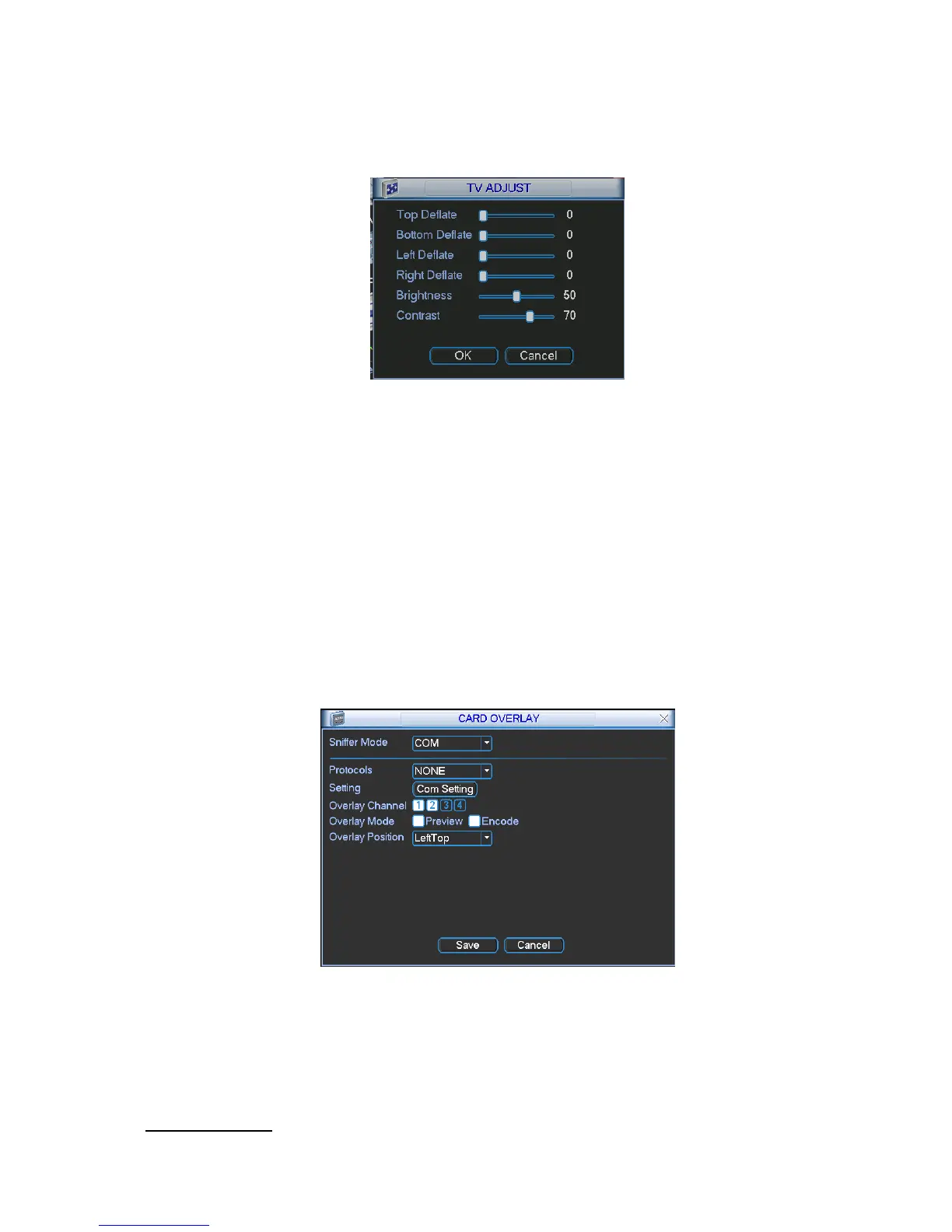
Here is for you to adjust TV output setup. See Figure 5-31.
Please drag slide bar to adjust each item.
After all the setups please click OK button, system goes back to the previous menu.
Figure 5-31
5.5.8 Card Overlay
The card overlay function is for financial areas. It includes Sniffer, information analysis and title overlay
function. The Sniffer mode includes COM and network.
5.5.8.1 COM Type
The COM interface is shown as below. See Figure 5-32.
Protocol: Please select from the dropdown list.
Setting: Click COM setting button, the interface is shown as in RS232 interface. Please refer to
Chapter 5.3.4 RS232.
Overlay channel: Please select the channel you want to overlay the card number.
Overlay mode: There are two options: preview and encode. Preview means overlay the card
number in the local monitor video. Encode means overlay the card number in the record file.
Overlay Position: Here you can select the proper overlay position from the dropdown list.
Figure 5-32
5.5.8.2 Network Type
The network type interface is shown as below. See Figure 5-33.
Here we take the ATM/POS protocol to continue.
There are two types: with or without the protocol according to client’s requirements.
With the protocol



 To Next Page