In X419H419H419HFigure 6-6X input mode value in the No. blank, and click pattern button.
6.2.7 Border Setup
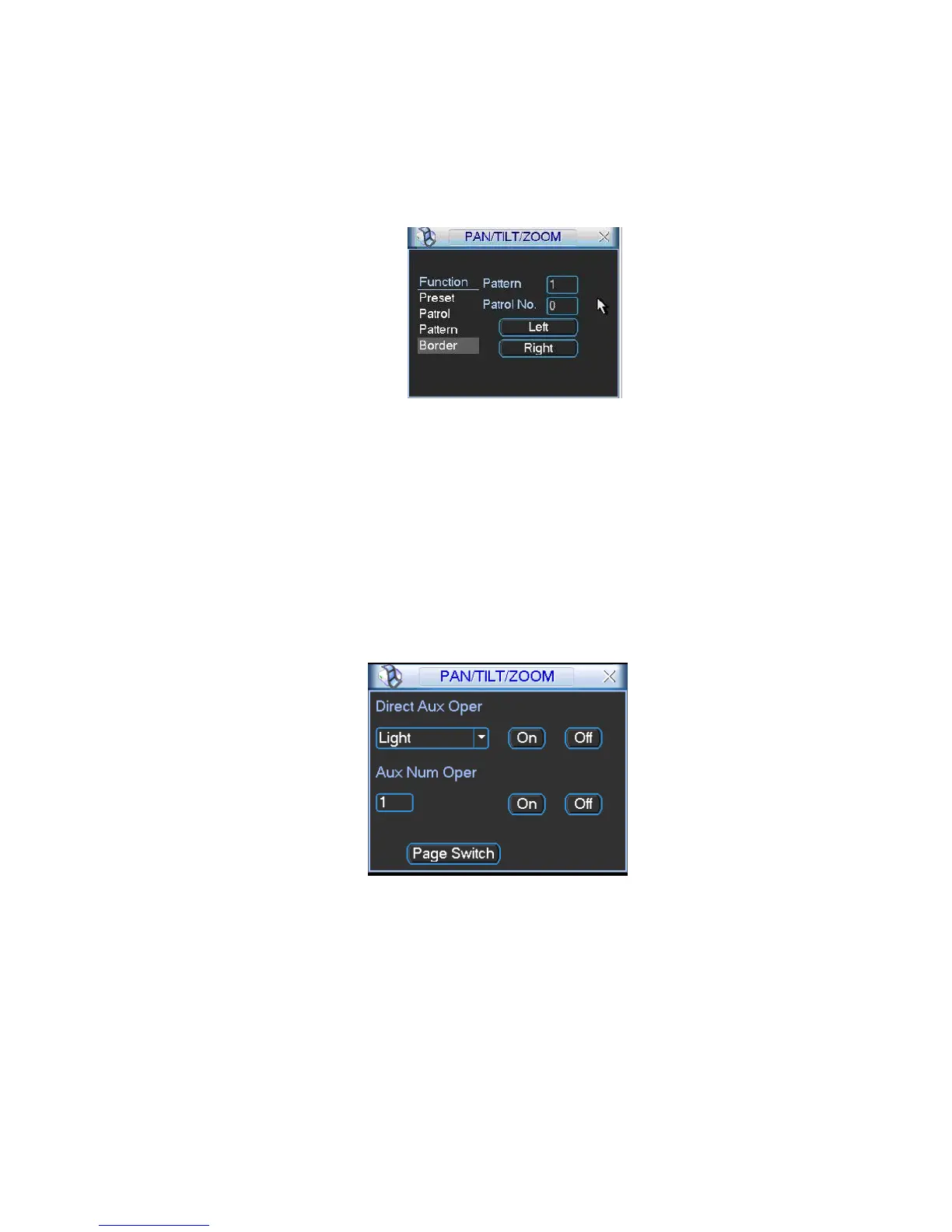
In X420H420H420HFigure 6-5X, click border button. The interface is shown as in X421H421H421HFigure 6-10X.
Please go to X422H422H422HFigure 6-2X, use direction arrows to select camera left limit, and then please go to
X423H423H423HFigure 6-10X and click left limit button
Repeat the above procedures to set right limit.
Figure 6-10
6.2.8 Activate Border Function
In X424H424H424HFigure 6-6X, click auto scan button, the system begins auto scan. Correspondingly, the auto scan
button changes to stop button.
Click stop button to terminate scan operation.
6.2.9 Flip
In X425H425H425HFigure 6-6X, click page switch button, you can see an interface is shown as below. See X426H426H426HFigure
6-11X. Here you can set auxiliary function.
Click page switch button again, system goes back to X427H427H427HFigure 6-2X.
Figure 6-11



 To Next Page