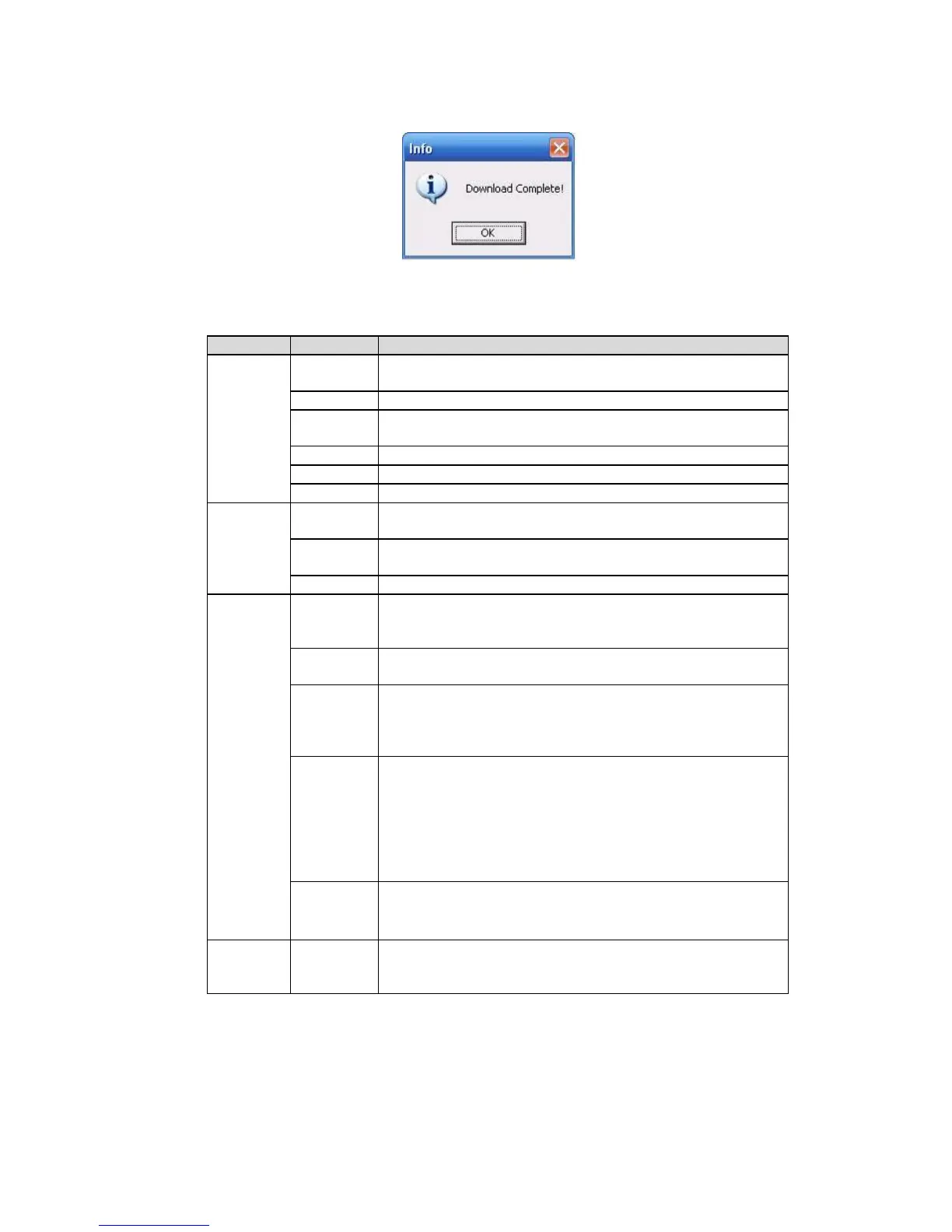
When download completed, you can see a dialogue box shown as in Figure 7-57. Please click OK to
exit.
Figure 7-57
Please refer to the following sheet for detailed information.
Search general record, alarm record and motion detection
record.
Search motion detection record.
This function is not available in current device.
Set the file start time. You can select from the dropdown
list.
Set the file end time. You can select from the dropdown
list.
Select the channel from the dropdown list.
Click this button you can view the recorded file matched
your requirements. There are 100 files in one screen. You
can use pg up/down button to view more files.
Select the file first and then click playback button to view
the video.
Download by file: Select the file(s) and then click
download button.
Download by time: Download the recorded file(s) within
your specified period.
Select the file you need (multiple choices) and then click
download button, you can see system pops up a dialogue
box. See Figure 7-55.
Input the downloaded file name, specify the path and then
click OK button. You can see system begins download
and the download becomes stop button. There is a
progress bar for your reference.
Select local record to play.
Multiple-
channel
playback
System supports playback one file in several monitor
channels.
During the playback process, you can see there are control buttons such as play, pause, stop. slow
play and fast play in the play process bar. You can view current playback file channel name, time and
data statistics.
In the search result interface, you can select one or more files to download to your local PC.
The playback control bar is shown as below. See Figure 7-58.
1: Play
2: Pause



 To Next Page