19 Installation and Service Guide
Installing Hardware
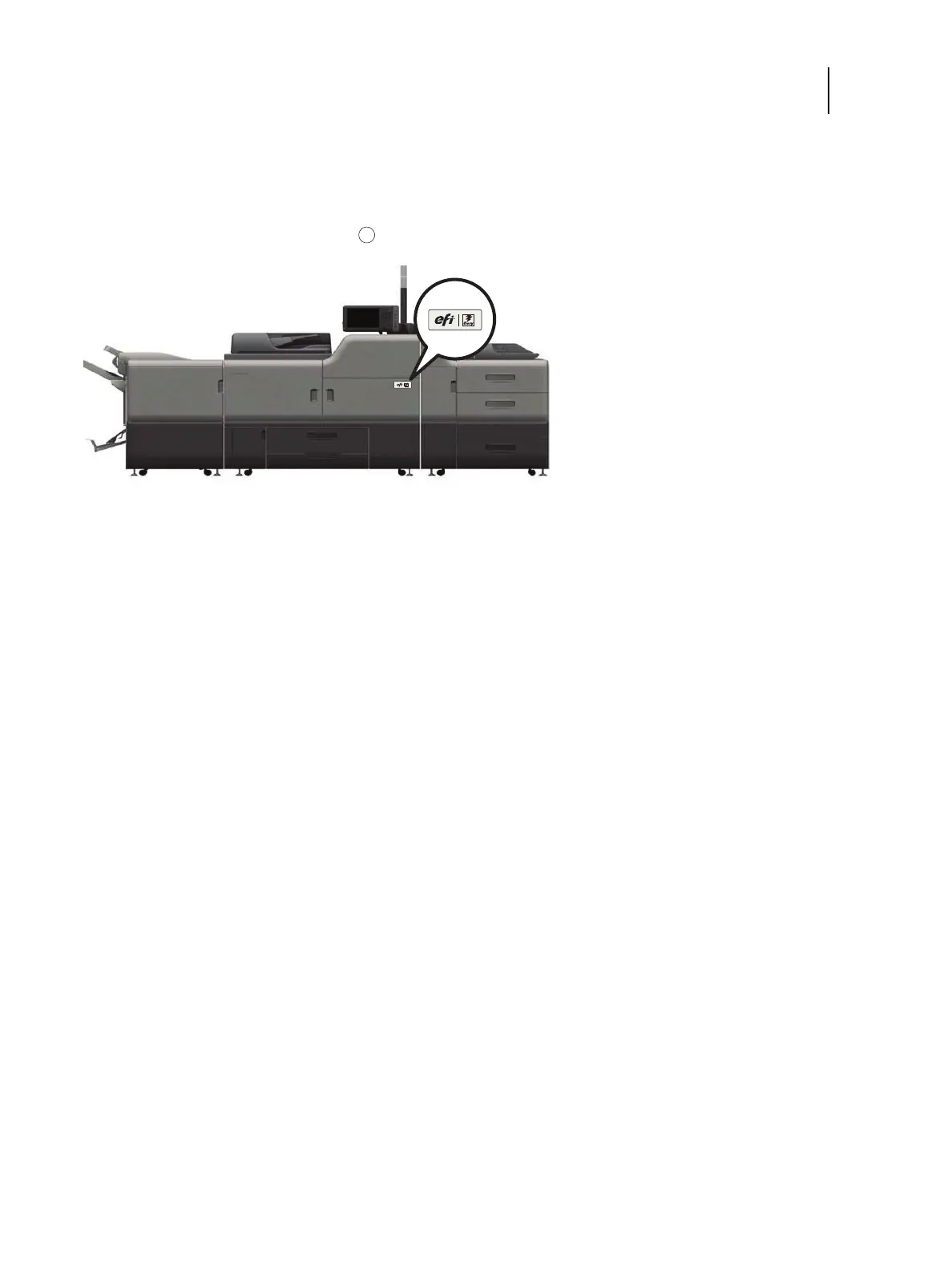
6 Locate the EFI/Fiery decal in the shipping container and affix it to the printer as shown.
Figure 3: Affixing the decal to the printer
Connecting the E-35A
Before you connect the E-35A, it is strongly recommended that you review all “Precautions” on page 10 to avoid injury
or damage to the E-35A. You must connect the following to the E-35A:
• (Optional) keyboard, monitor and mouse
• (Optional) Fiery NX Station furniture
Note: The Fiery NX Station furniture kit includes documentation for assembling the furniture.
• Power cable
• Printer interface (Crossover Ethernet) cable (Lower RJ-45)
• Network cable (Upper RJ-45)
• USB cable with Type A and B connectors for power synchronization (see page 26)
For more information on connecting cables, see page 45.
1 EFI/Fiery decal



 To Next Page