51 Installation and Service Guide
Replacing Parts
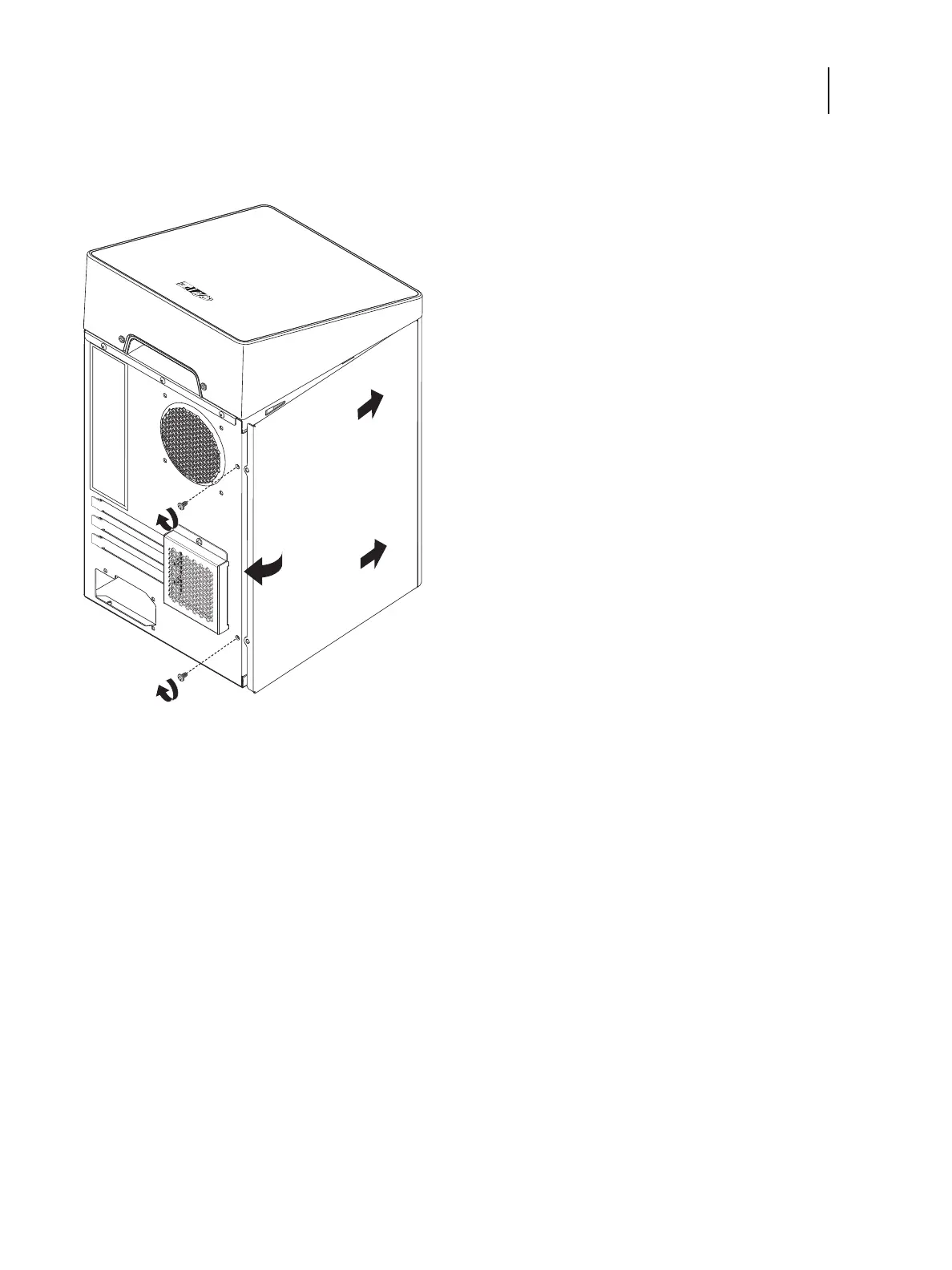
3 To replace the chassis cover, slide the cover into place and secure with two screws on the rear side of the chassis.
Figure 25: Replacing the chassis cover
To remove and replace the front panel
1 From inside the chassis, bend outward the four tabs on the front panel and then lift the front panel away from the
chassis.
It may help to partially loosen the tabs one at a time as you disengage them from the chassis.



 To Next Page