Printer Operations
Document ID: OMM-00165 Rev. C Pro 32r Operations Guide 110
3. Choose the Settings button.
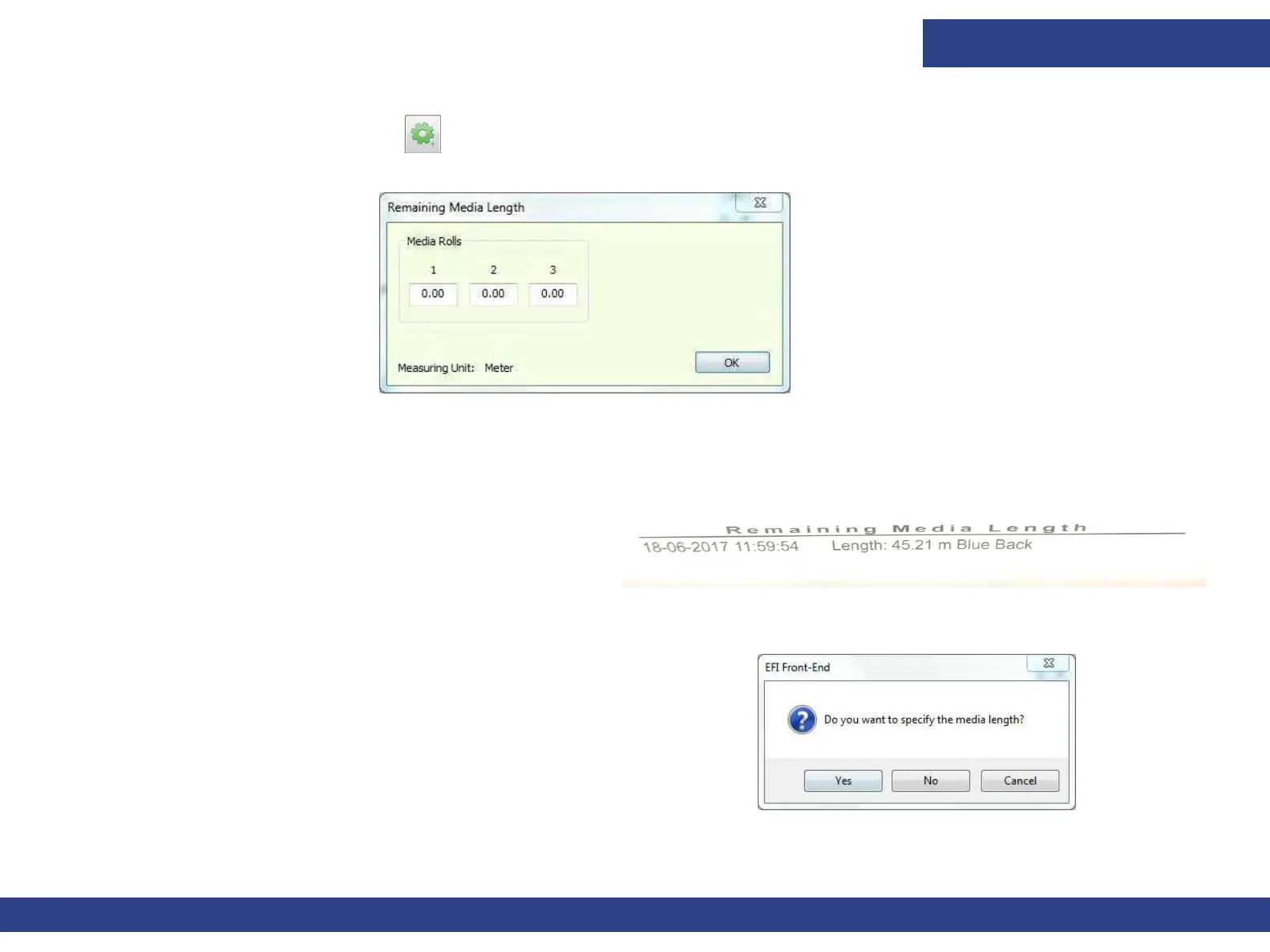
Figure 6-6 : Remaining Media Length Dialog Box
4. Enter loaded media length for each roll. Choose OK. If there is insufficient media for the job(s), an appropriate message appears.
Figure 6-8
The software counts (in the background,) the amount of
media that has been used. At the
end of the job, choose
Print in the Media Settings window. The signature is
stamped on the remaining Media.
If you don’t set the remaining media length, a confirm/
cancel prompt appears.
Figure 6-7 : Signature Stamped on Remaining Media



 To Next Page