Printer Operations
Document ID: OMM-00165 Rev. C Pro 32r Operations Guide 126
This chapter describes the media handling accessories and sets out procedures for loading, winding and unwinding options.
Media loading, winding, and unwinding have a great impact on the print results.Proper media handling maintains print
quality and is key to accurate double-sided printing
and overcoming challenging media-feeding issues. Proper media
handling also helps avoid unwanted print artifacts,
which can be caused by media distortion, wrinkles, uneven media
stretch, tilt and misalignment,
etc.
6.9.1 Media Loading and Winding
The printer is equipped with a rear air shaft for media unwinding and a front air shaft for media winding. The air shaft has
inflatable rubber bladders that when inflated, hold the media steady in place, and the media advance through the printer
in accordance with the tension rolls and the front air shaft.
6.9.2 Media Path
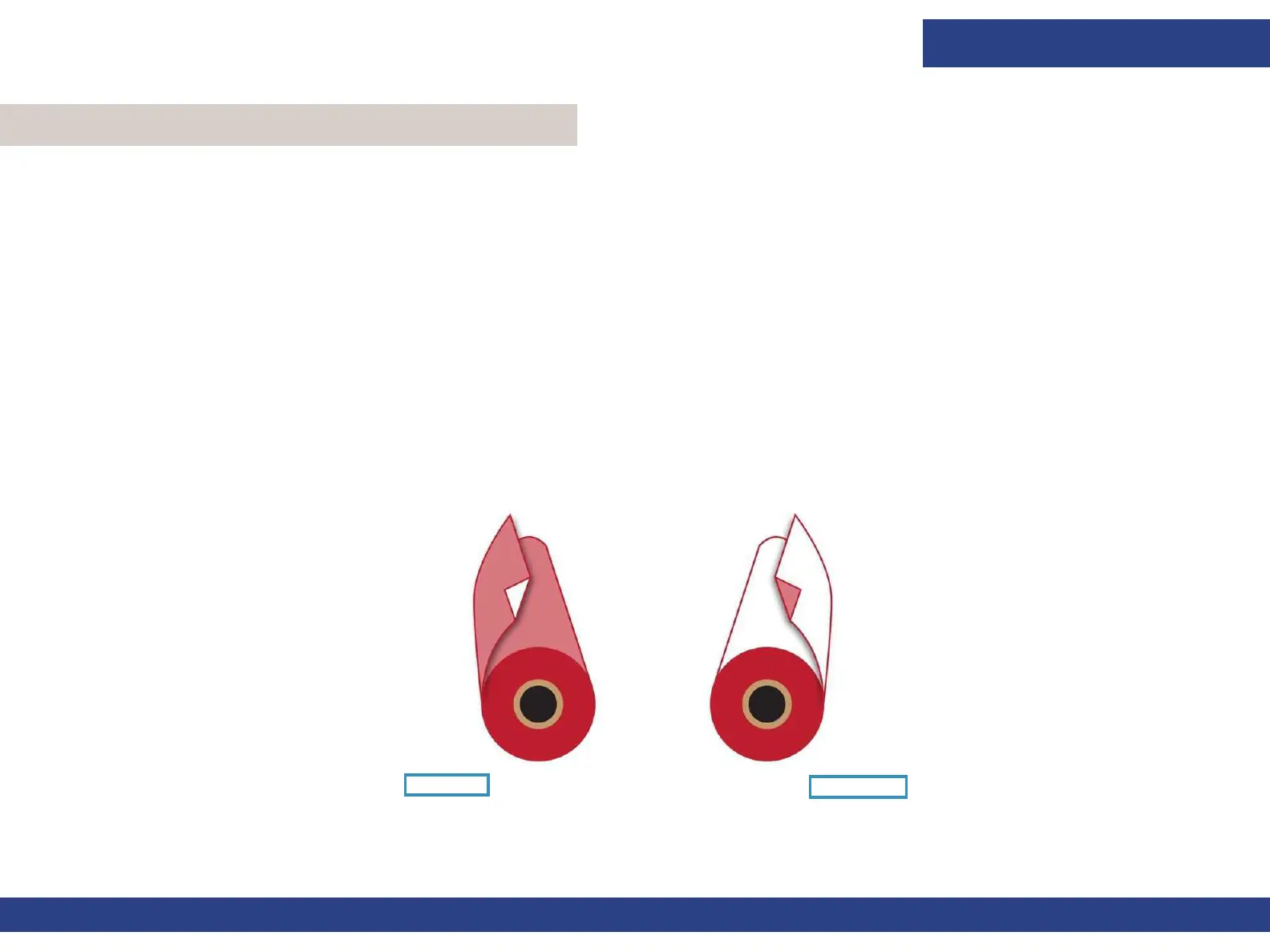
The media path depends on the media, weather it is printed and collected face-in or face-out.
6.9 Media Handling
Figure 6-29
Face-In
Face-Out



 To Next Page