Printer Setup
Document ID: OMM-00165 Rev. C Pro 32r Operations Guide 93
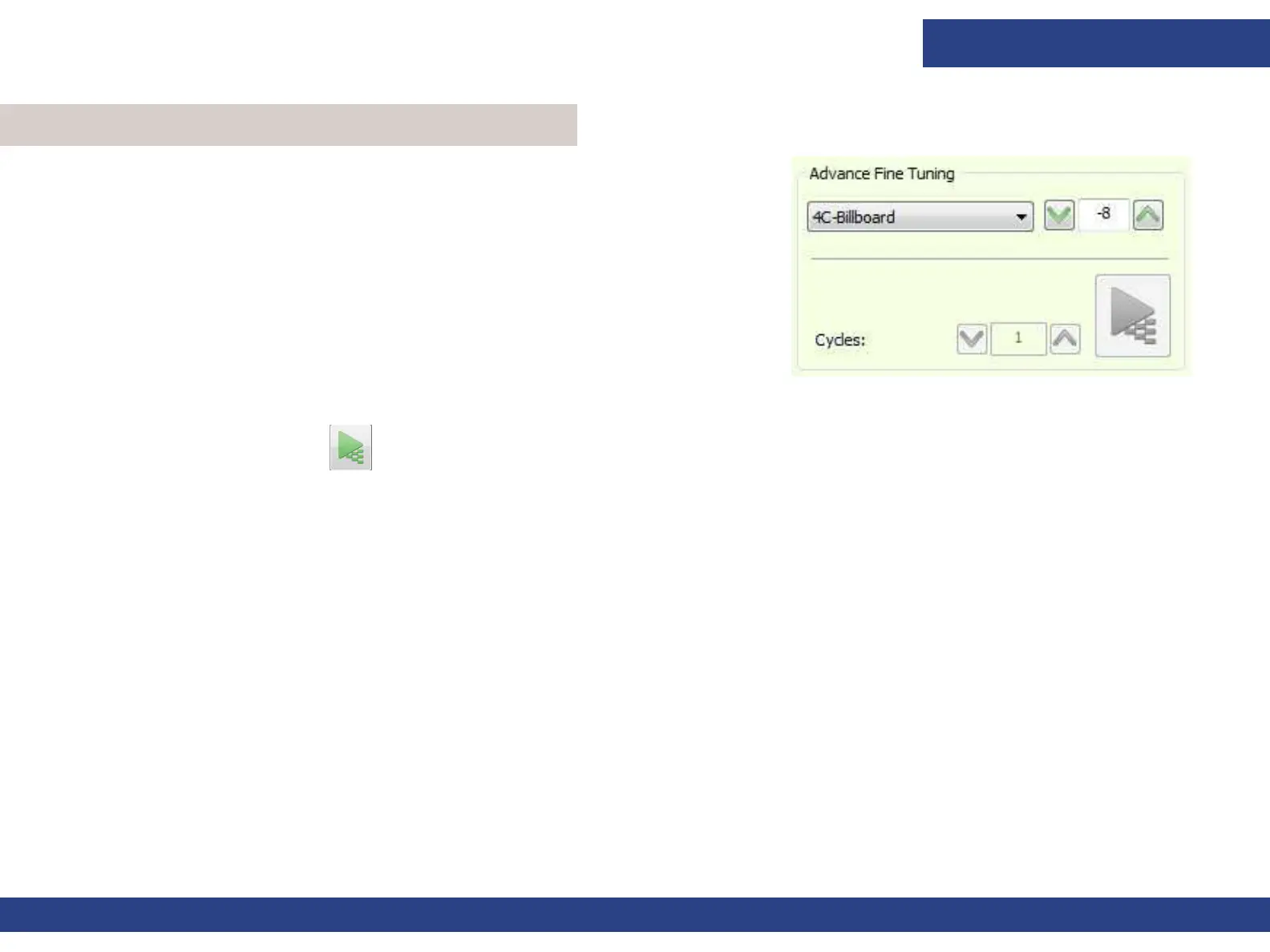
The Advanced Fine Tuning feature affects the media advance, thus
preventing gaps or overlaps between the passes in the Y-axis. The aim is
to maintain no gap or overlap between the passes. The media Advance
Fine Tuning enables you to slightly open (positive value) and close
(negative value) the gaps during printing. A change in media tension or
print table vacuum level affects the media’s advance fine tuning.
Figure 5-21
1. Load the required media and set the Tension and Print Table Vacuum level.
2. From the Advance Fine Tuning group box in the Control Panel, choose
the Print Mode you want to fine tune.
3. Set the number of cycles (1 - 10). One cycle prints a test pattern equaling
the circumference of the Y Roll.
4. Choose Print Pattern and examine the output.
5.4 Advanced Fine Tuning



 To Next Page