Printer Setup
Document ID: OMM-00165 Rev. C Pro 32r Operations Guide 84
It is crucial to clean the print heads and keep their nozzles clear.
5.3.1 Purge Print Heads
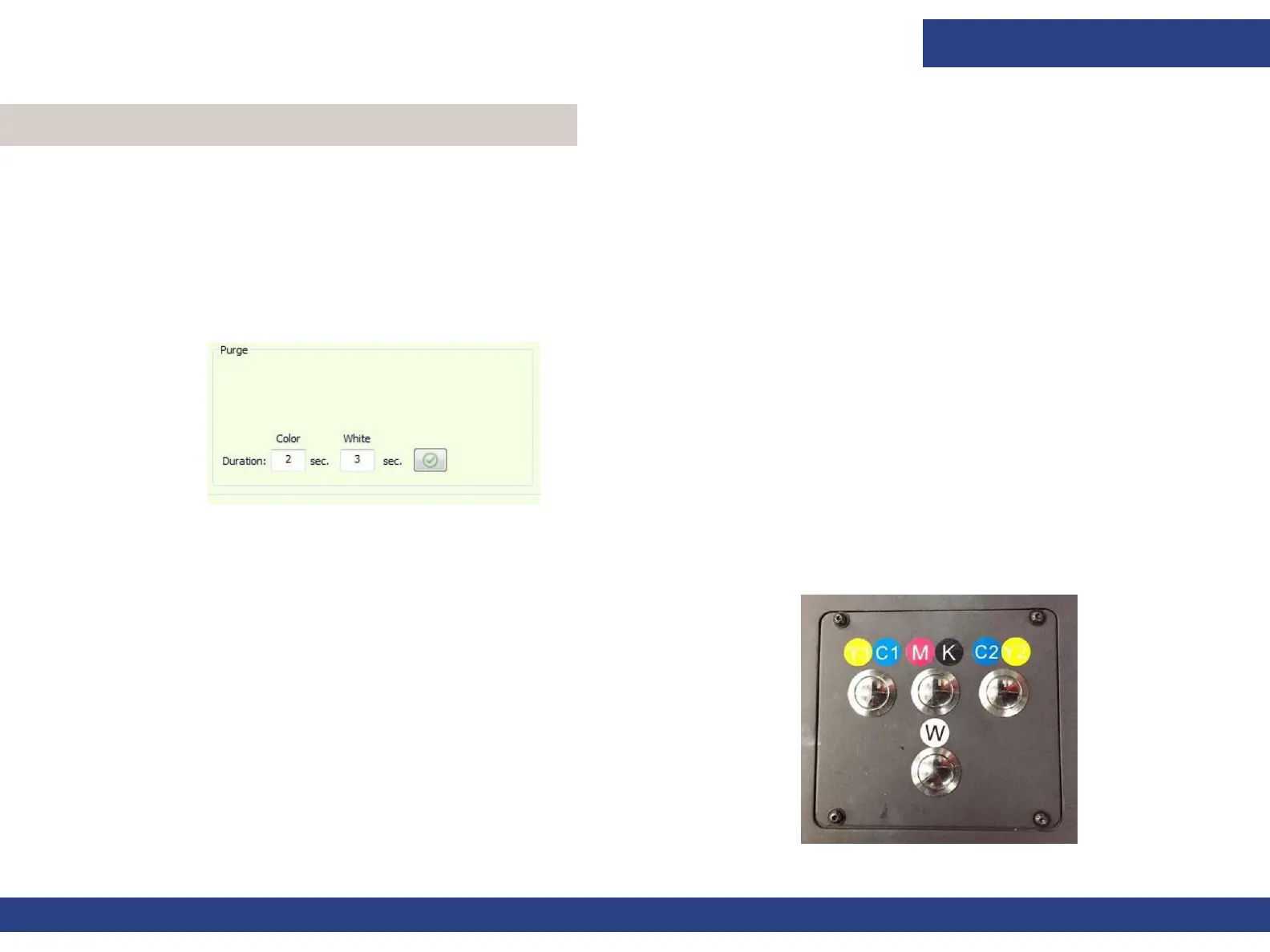
In order to open clogged nozzles, purge some ink through the print heads (using air pressure). The ink is forced through
the print head and drips onto the ink tray. The purge duration can be controlled through the Duration field in the Front
End window’s control panel (limited to 5 seconds).
1. In the Duration field, enter the number of seconds you want the purge to take, 5 seconds
maximum. The recommended duration
for everyday use is 2 seconds.
2. Click Apply.
3. Press each of the purge buttons on the left side of the printer
in order to conduct the purge.
5.3 Cleaning Print Heads
Figure 5-10 : Select Print Heads
Figure 5-11



 To Next Page