6.12 Multi-Roll Printing (Optional)
Printer Operations
Document ID: OMM-00165 Rev. C Pro 32r Operations Guide 137
The procedure for multi-roll printing is very similar to that of printing on a single roll. Make sure you have sufficient
external core holders.
6.12.1 Configuring
1. From the front-end window, go to Preferences dialog box.
2. In the End Of Media box, check the appropriate end of media options and choose OK.
6.12.2 Preparing the Printer for Multi-Roll Printing
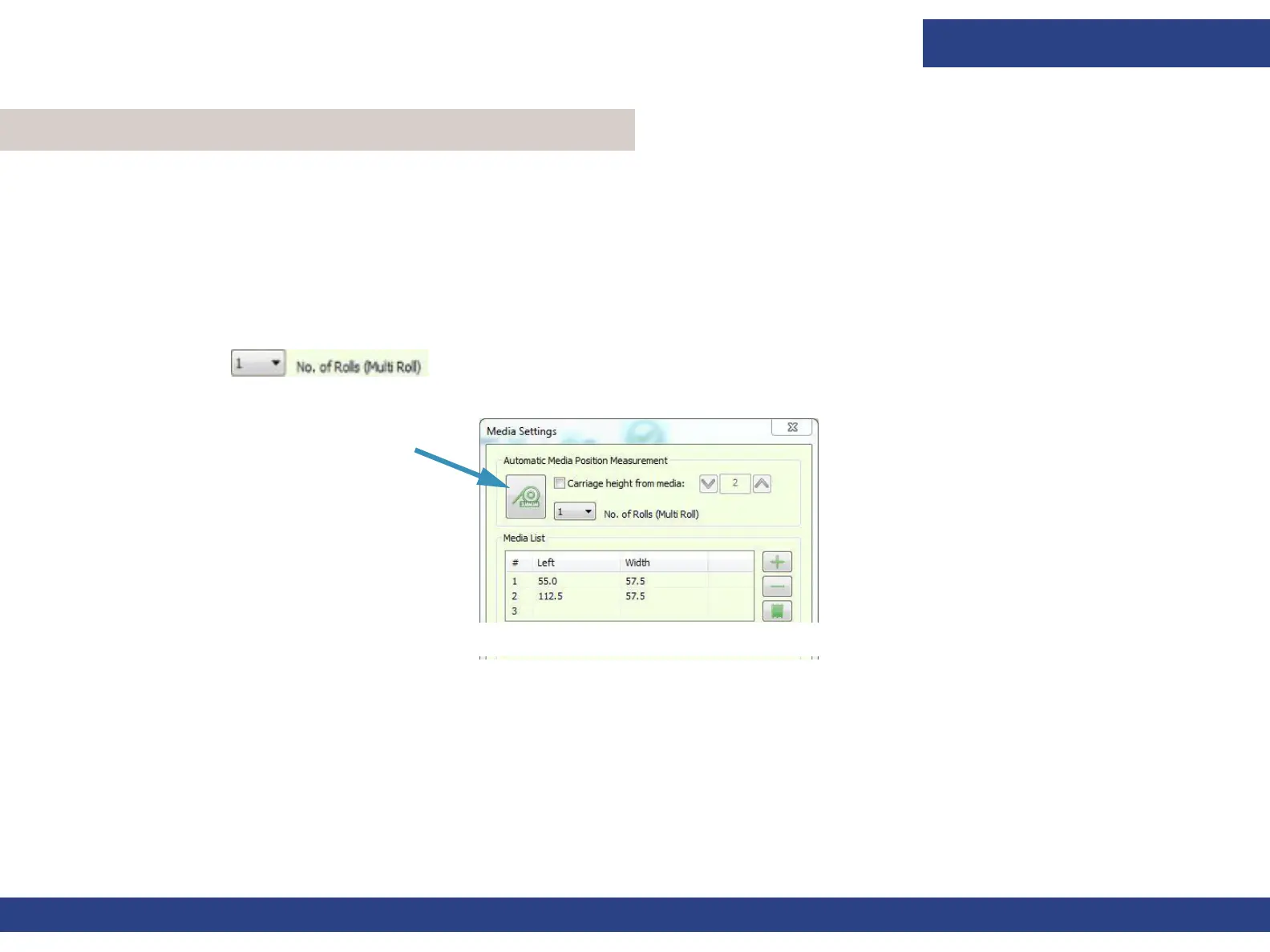
1. In the Automatic Media Position Measurement from the Media Settings dialog box, select the appropriate number of rolls to be
printed.
2. To measure the media choose the Measure Media button.
Figure 6-44 Measure Media Button
3. When the measurement is complete, choose OK.
4. Import the relevant file and specify the number of copies required.



 To Next Page