Printer Setup
Document ID: OMM-00165 Rev. C Pro 32r Operations Guide 83
5.2.4.2 Media Settings Dialog Box
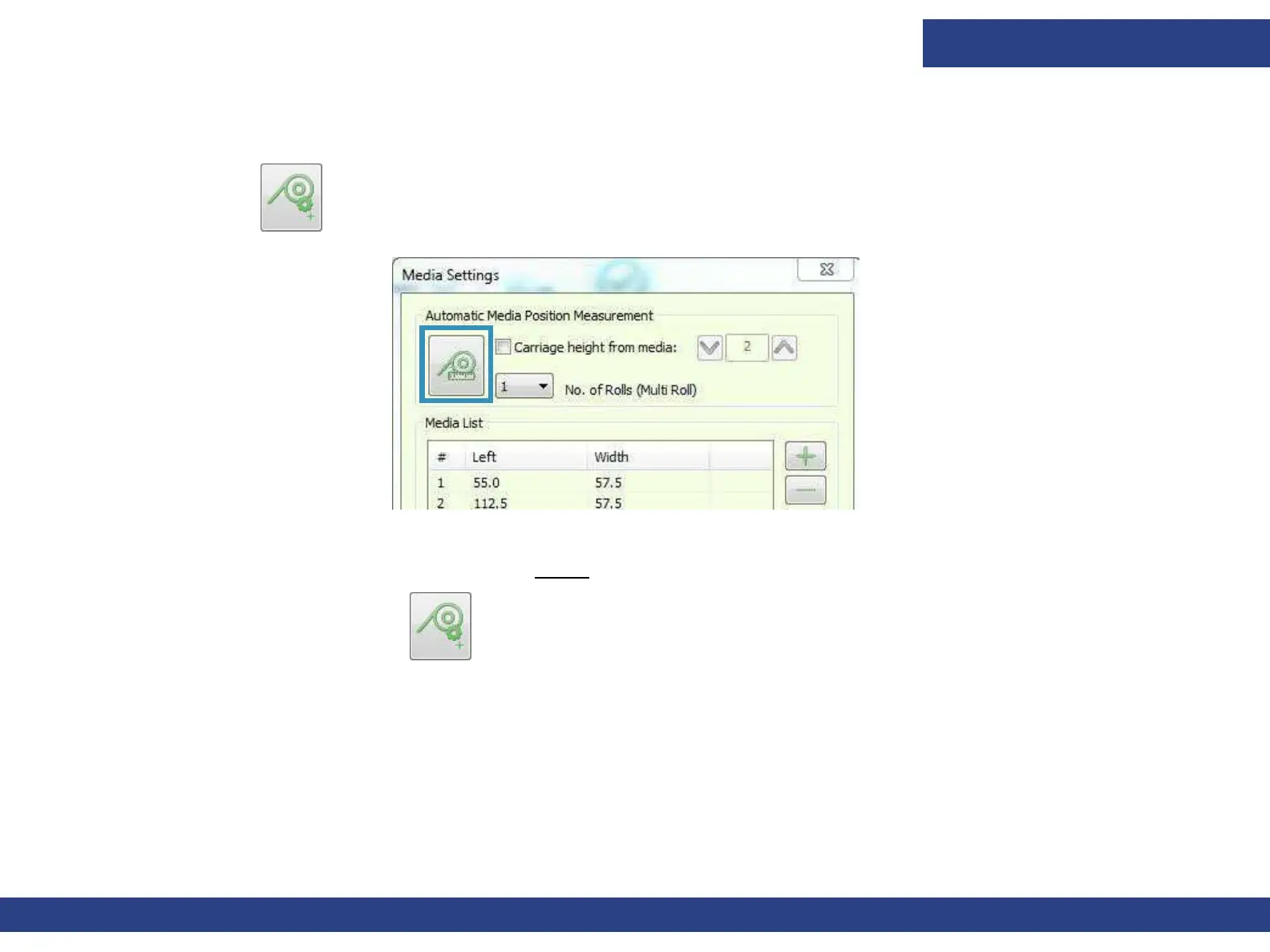
The height of the carriage has to be adjusted according to the thickness of the media on which you are printing.
1. Choose the icon on the front-end window to open the Media Settings dialog.
2. Before measuring, specify the required height above the media in the spin box.
3. Click the Measure Media icon. The detector measures the height and adjusts the carriage height. After adjustment, the
carriage height displays in the Carriage H Motor Group Box.
Figure 5-9



 To Next Page