Printer Operations
Document ID: OMM-00165 Rev. C Pro 32r Operations Guide 113
4. If you want to start printing the job from the beginning, choose No.
5. If you want to continue with the printing, choose OK.
6. If you wish to make adjustments, do so, and then choose OK.
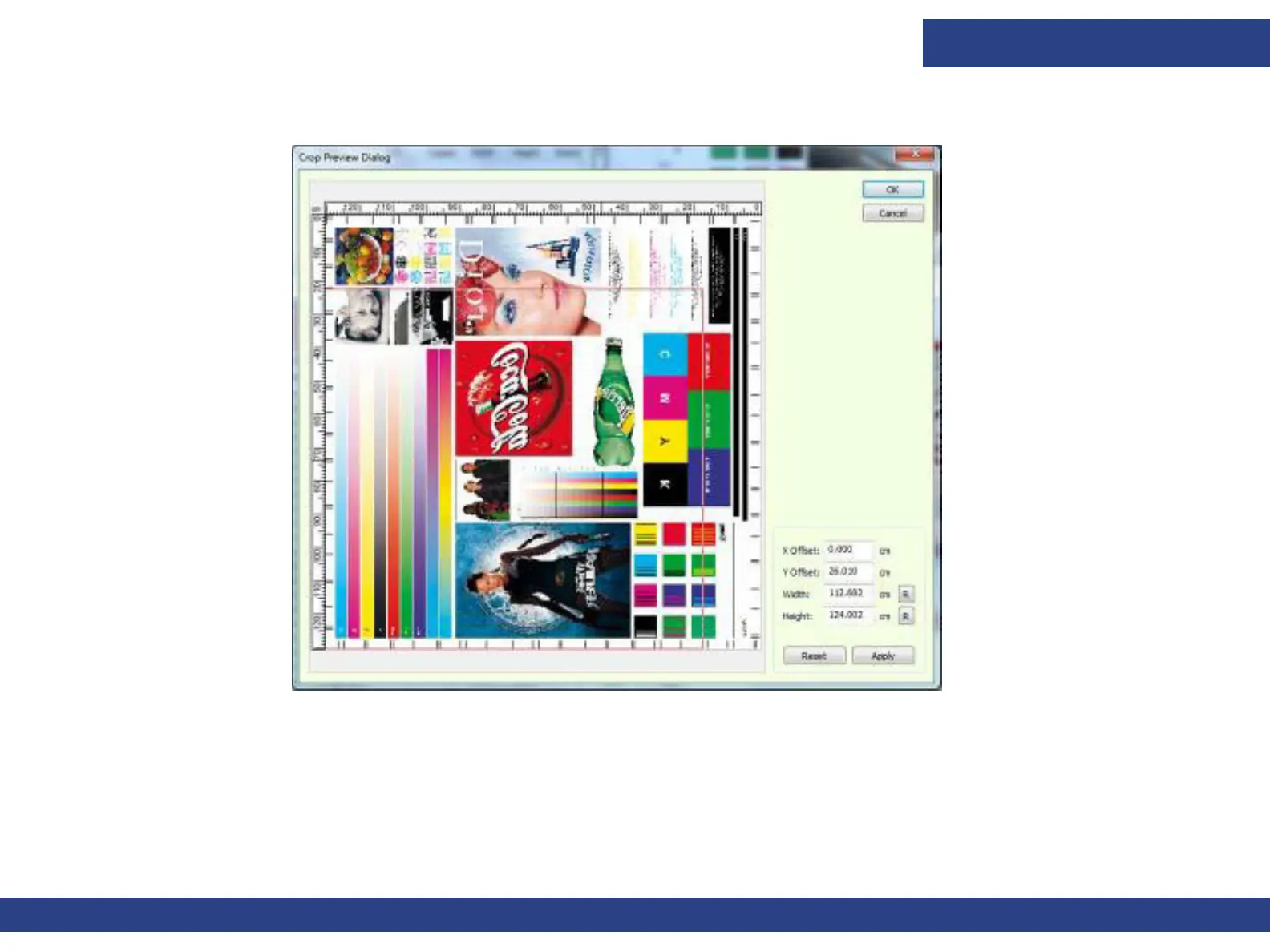
Figure 6-11



 To Next Page