Printer Operations
Document ID: OMM-00165 Rev. C Pro 32r Operations Guide 133
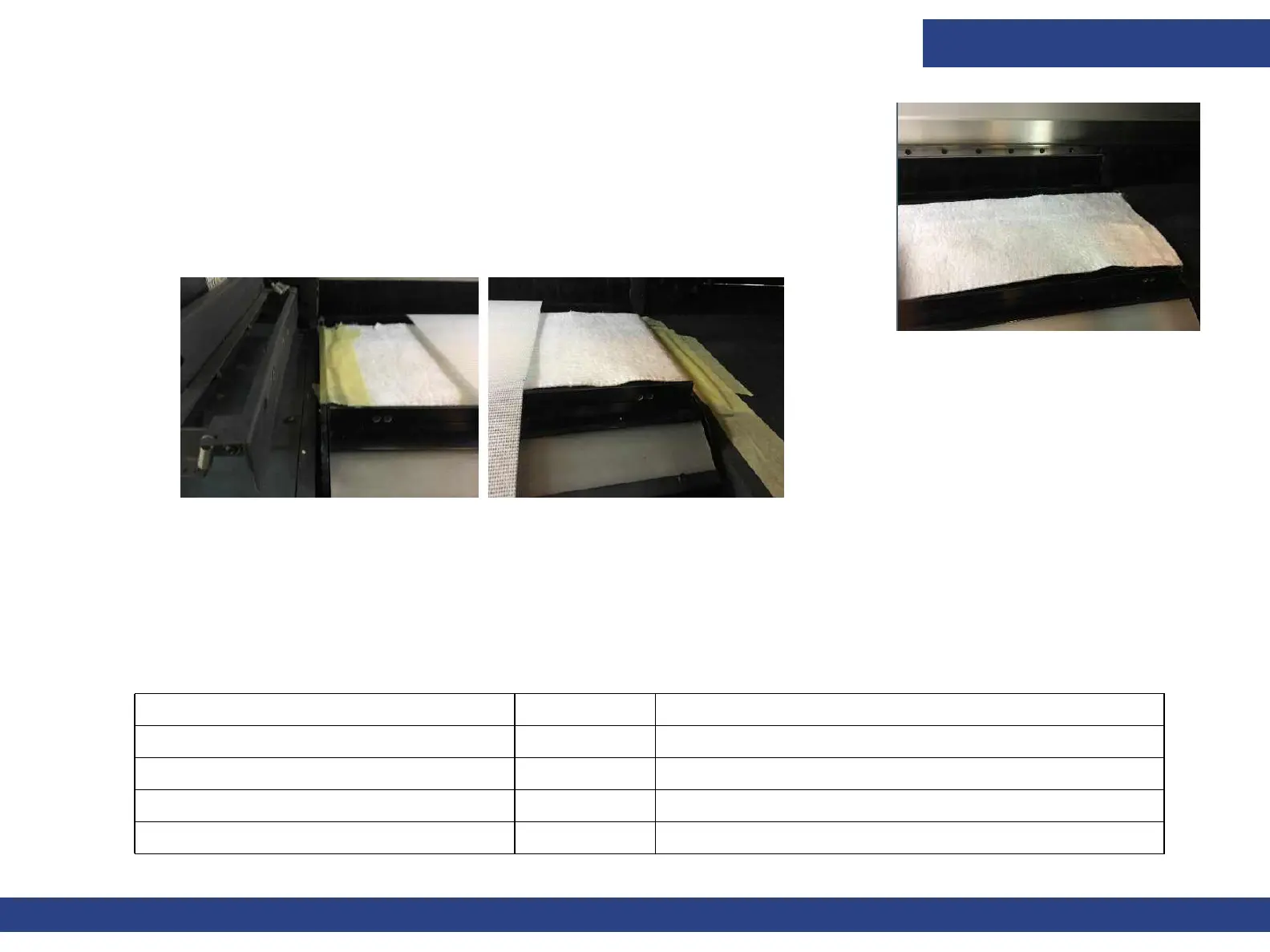
5. Place the absorbent cloth along the print table, between the wings.
6. Attach both edges of the cloth to the table frame, using Scotch Tape.
7. Make sure the cloth edges are totally covered with tape and properly attached.
The printer is now ready to print on mesh media.
8. To return to another printing mode, lower the wings by pushing the Wings button again on the front control panel and removing
the absorbent cloth.
9. If necessary, clean the print table from any ink residue.
6.10.0.1
Tension 40
Front air shaft (winding) 22 Uninflated
Rear air shaft (unwinding) 20 Until about half roll than needs to lower gradually
Vacuum table 5
Head height 14mm
Recommended Settings
Figure 6-39
Figure 6-40



 To Next Page