Printer Operations
Document ID: OMM-00165 Rev. C Pro 32r Operations Guide 135
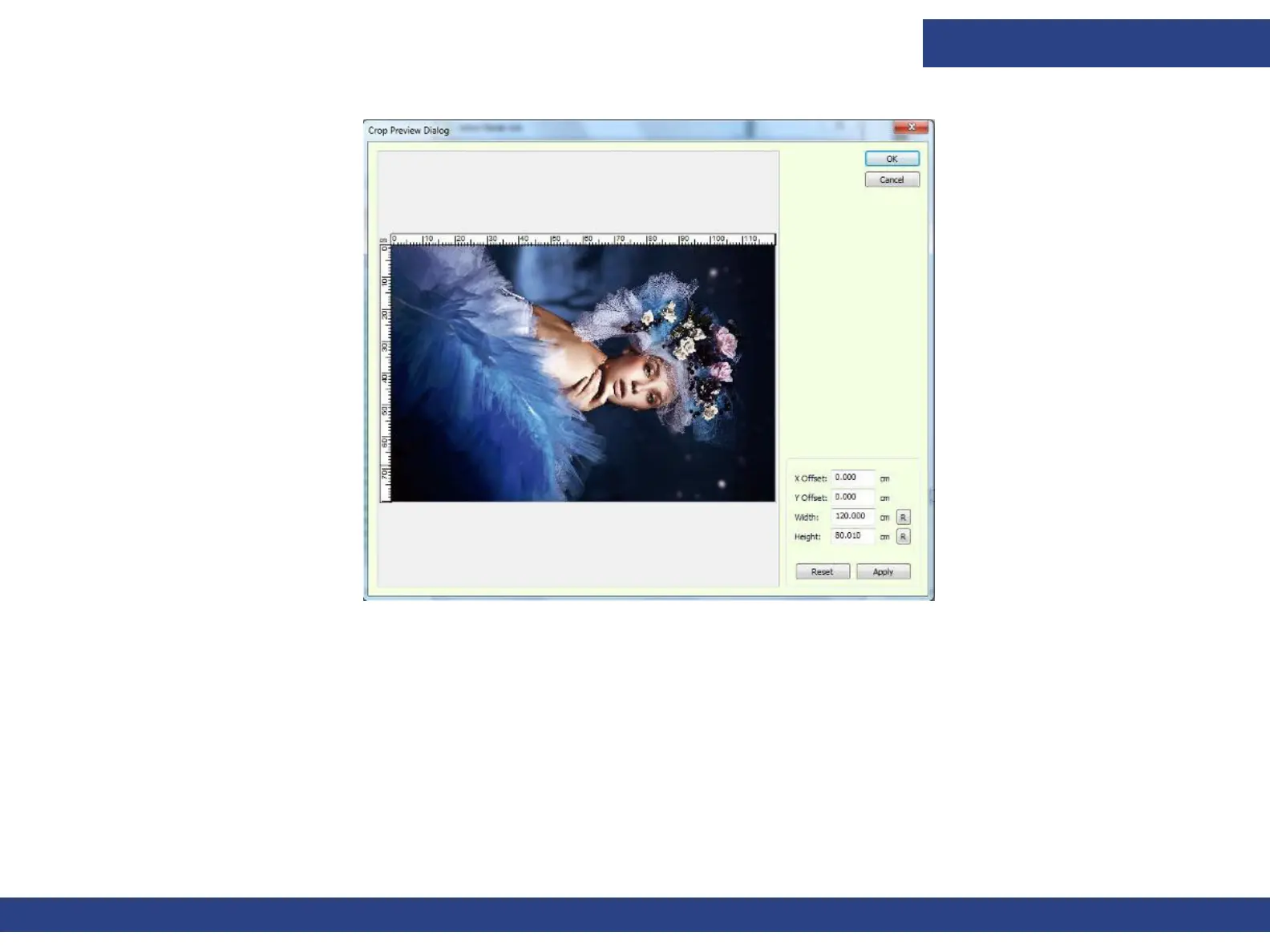
2. Double-click the job's preview box at the lower left corner of the Select Job window.
Figure 6-42 : Crop Preview Dialog Box
You can crop the job by:
• Entering the required values at the lower right corner of the dialog box, choose Apply and then OK.
• Drag the cross-hair cursor over the image, to define the area that has to be cropped, and choose OK.
The job's preview box shows the job before cropping, as well as the crop marks.



 To Next Page