Printer Operations
Document ID: OMM-00165 Rev. C Pro 32r Operations Guide 140
6.13.1 Enable Skip White Feature
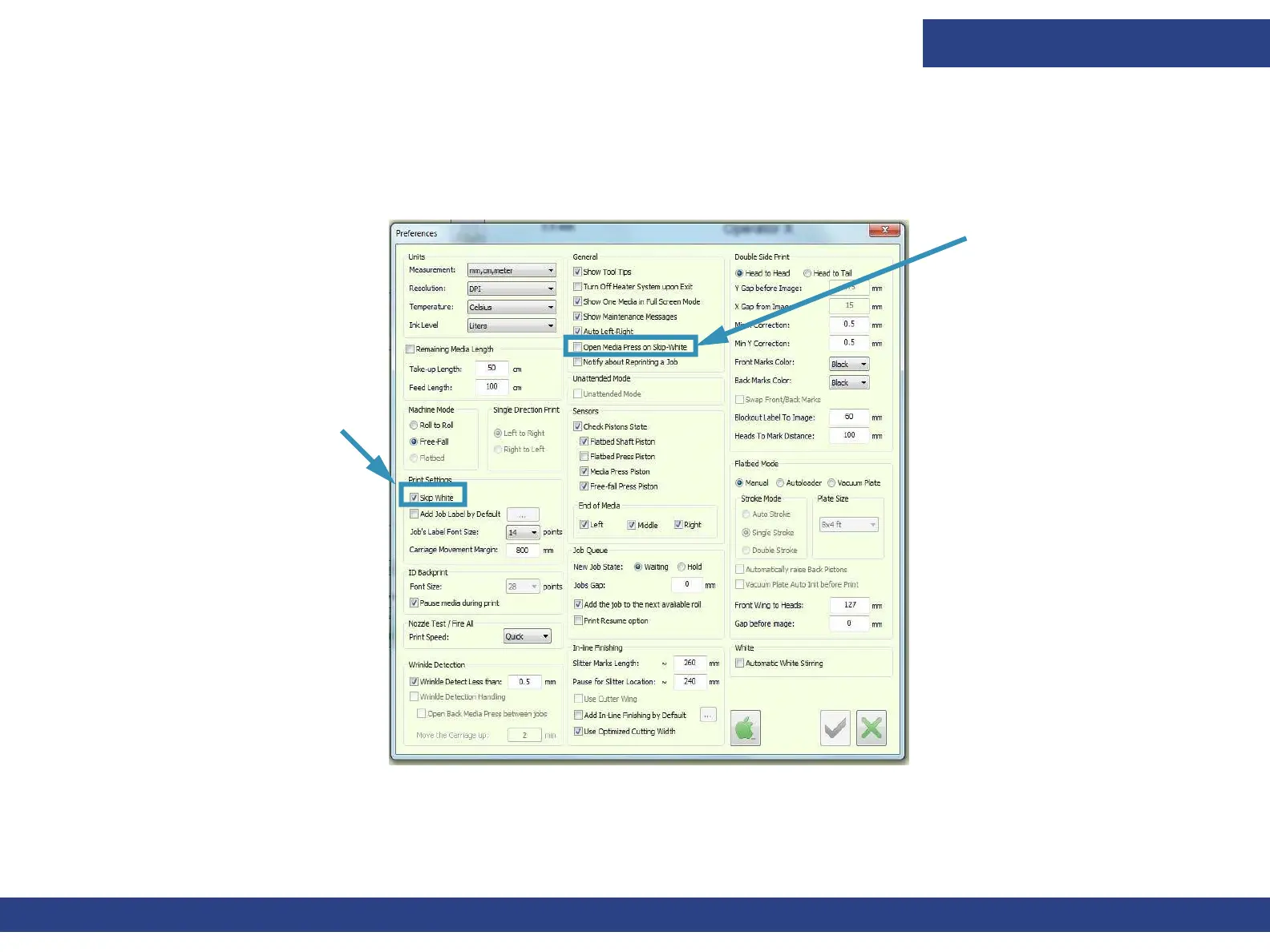
From the Print Settings group box in the Preferences dialog box, check the Skip White option. The Open Media Press On
Skip-white option is used when printing on a challenging media that is tension sensitive and tends to wrinkle. When this
option is activated, the press shaft opens when the media advances to skip white and closes as the printing resumes.
Figure 6-47 : Skip White Settings



 To Next Page