Safety
Document ID: OMM-00165 Rev. C Pro 32r Operations Guide 16
2.3.2.1 Safety features
• The soft rubber protectors on the leading edge of the cover minimize injury to hands.
• A safety label on the closed cover instructs the operator to make sure that it is clear of foreign objects.
2.3.3 The Press Roller and Shaft
To minimize the hazards above, mark the floor with wide luminous adhesive tape and create a safety exclusion zone
of 1m around the printer.
PRESS ROLLER
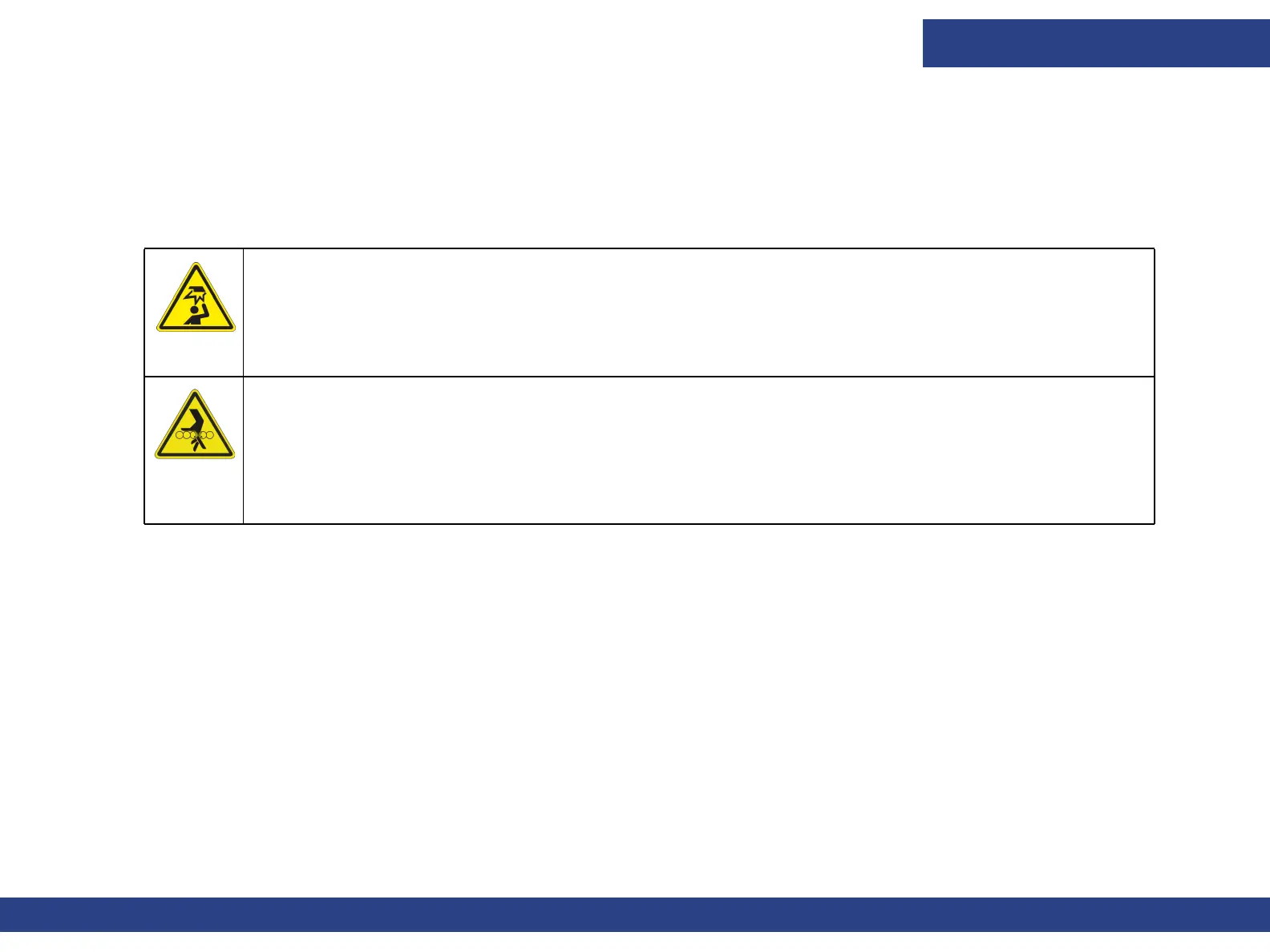
Do not place your hand near the revolving press roller and shaft. It can get caught and crushed.
As a safety feature, the printer requires that the operator use both hands to press two buttons to activate the
rollers. A safety label near those buttons instructs users to make sure that the rollers are not obstructed.
Rolling Media Backwards
Rollers can pull and crush fingers on the media if it is manually rolled backwards.
Heed the safety warning labels on the printer's back frame.
To immediately stop the media from moving, press any emergency stop buttons along the printer's rear.



 To Next Page