EN
ESIM364 USER MANUAL V1.6
2. BASIC CONFIGURATION AND USE
ATTENTION: System conguration described in this document is based on the default system parameter values. Your alarm system
installer may have changed those values. For more details, please contact your alarm system installer.
This chapter provides a description of basic conguration and use of ESIM364 alarm system by the following methods:
• SMS text message
• Free of charge phone call
• EKB2 LCD keypad
• EKB3 LED keypad
• EKB3W wireless keypad.
• iButton key
• EWK1 wireless keyfob
• EWK2 wireless keyfob
SMS
In order to congure and control the system using SMS text message, send the text command to the ESIM364 system phone
number from one of the listed user phone numbers. In this user manual the underscore symbol ”_” represents one space char-
acter. Every underscore symbol must be re placed by a single space character. There must be no spaces or other unnecessary
characters at the beginning and at the end of the message. ssss – 4-digit SMS password set by your alarm system installer.
EKB2
The system conguration and control by EKB2 keypad is performed by navigating throughout the menu section list displayed
on LCD screen. To navigate in the menu path, touch ↓, ↑ keys to select the desired menu section and touch OK key to open the
selected section. To enter a required value, use 0... 9 keys and touch OK key for value conrmation or cancel/go one menu
section back by touching ↑key. The value can be typed in directly by touching 0... 9 keys while highlighting the desired menu
section. EKB2 menu type is “circle”, therefore when the last section in the menu list is selected, you will be brought back to the
beginning of the list after touching the ↓ key. In this user manual, the menu path is provided under “tree” view by starting at
home screen view. In this user manual valid parameter range is indicated in brackets.
EKB3/
EKB3W
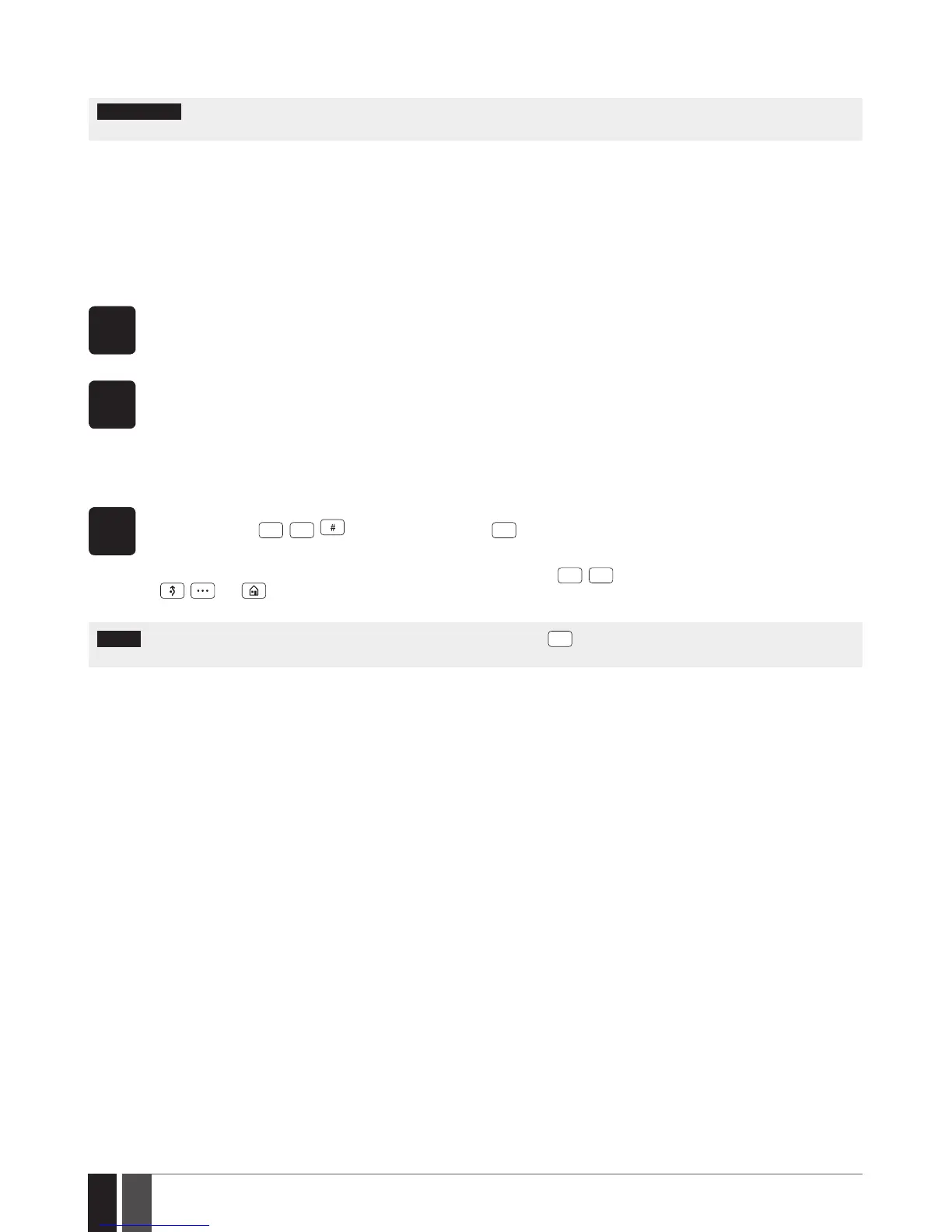
The system conguration and control by EKB3/EKB3W keypad is carried out by entering a valid congu ration command using
the number keys
, key for conrmation and
*
key to cancel the characters that are being entered. Alterna-
tively, the user can wait for 10 seconds until the keypad buzzer will provide a long beep indicating that the entered characters
have been cancelled. When typing in the characters, the indication of each pressed key is provided by short beep of keypad
buzzer. Additionally, the red indicators light up when the number keys
are being pressed. Some commands require
, and keys as well. The structure of a standard con guration command is a combination of digits. The variables
are provided in lower-case letters, while a valid parameter value range is provided in brackets.
NOTE: If you have accidentally typed in an unnecessary character, please press
*
key or wait for 10 seconds until the keypad buzzer
will provide a long beep indicating that the typed in characters have been cleared.
ESIM364 system complies with EN 50131-1 Grade 3 security standard requirements and comes equipped with the following features:
• 6-digit SMS password, user/master and installer codes.
• Prompt for master and installer codes when conguring the system by EKB2, EKB3, EKB3W keypad or ELDES Conguration Tool
software.
• System arming is blocked if any system fault exists. The user will not be able to arm the system until all existing system faults
are solved.
• System arming is blocked until tamper fault is cleared by the installer.
By default, the EN 50131-1 Grade 3 features are disabled. To enable them, please contact your alarm system installer.



 To Next Page