8. BYPASSING AND ACTIVATING ZONES
Zone bypassing allows the user to deactivate a violated zone and arm the system without restoring the zone. If a bypassed zone is violated or
restored during exit/entry delay, or when then system is armed, it will be ignored. When a zone is bypassed, EKB2 keypad will display icon
in the home screen view.
EKB2
Enter valid user/master code and navigate through the following path using OK and arrow keys to bypass a violated zone (-s):
Menu path:
Bypass a zone: OK → uumm → OK → BYPASS → OK → BYPASS LIST 1... 3 → OK → ZONE 1... 76 → OK → BYPASS → OK
Bypass all certain partition zones: OK → uumm → OK → BYPASS → OK → BYP VIOLATED ZONES → OK→ [p] part-name → OK
Value: uumm – 4-digit user or master code.
Enter valid user/master code, navigate through the following path using OK and arrow keys to activate a bypassed zone:
Menu path:
Activate a bypassed zone: OK → uumm → OK → BYPASS → OK → BYPASS LIST 1... 3 → OK → ZONE 1... 76 → OK → UNBYPASS → OK
Value: uumm – 4-digit user or master code.
NOTE: Zones can only be bypassed and activated when the system is not armed.
EKB3
When a zone is bypassed, EKB3/EKB3W keypad indicator will light ON. Bypass a violated zone by entering a valid user/master
code and entering the following combination using , number and keys:
Press the key, enter zone number and user/master code:
nn uumm #
Value: nn – zone number, range – [01... 76]; uumm – 4-digit user or master code.
Example:
1 1 1 1
5
ATTENTION: Bypassing a violated tamper is NOT allowed. Please, restore the tamper (for example: close sensor‘s enclosure) before
arming the system.
NOTE: The zone will remain bypassed until the system is disarmed. Once the system is disarmed, the zone‘s current state will be indicated
on the keypads.
NOTE: Your alarm system installer may have set a certain limit of zone violations resulting in automatic bypass of the zone once the
limit is exceeded.
9. VIEWING SYSTEM INFORMATION
SMS
1. In order to nd out the system‘s current information, send the following SMS text message to the system‘s phone number
from any out of 10 listed user phone numbers:
SMS text message content:
ssss_INFO
Value: ssss - 4-digit SMS password.
Example: 1111_INFO
2. The system will reply to the user phone number that sent the SMS text message with the following up-to-date informa-
tion:
• System date and time.
• System status: partition armed (ON)/disarmed (OFF).
• GSM signal strength level.
• Mains power status.
• Temperature of the area surrounding ESIM364 primary and secondary temperature sensors (if any).
• State of zones (OK/alarm).
• Name and status (ON/OFF) of PGM outputs.
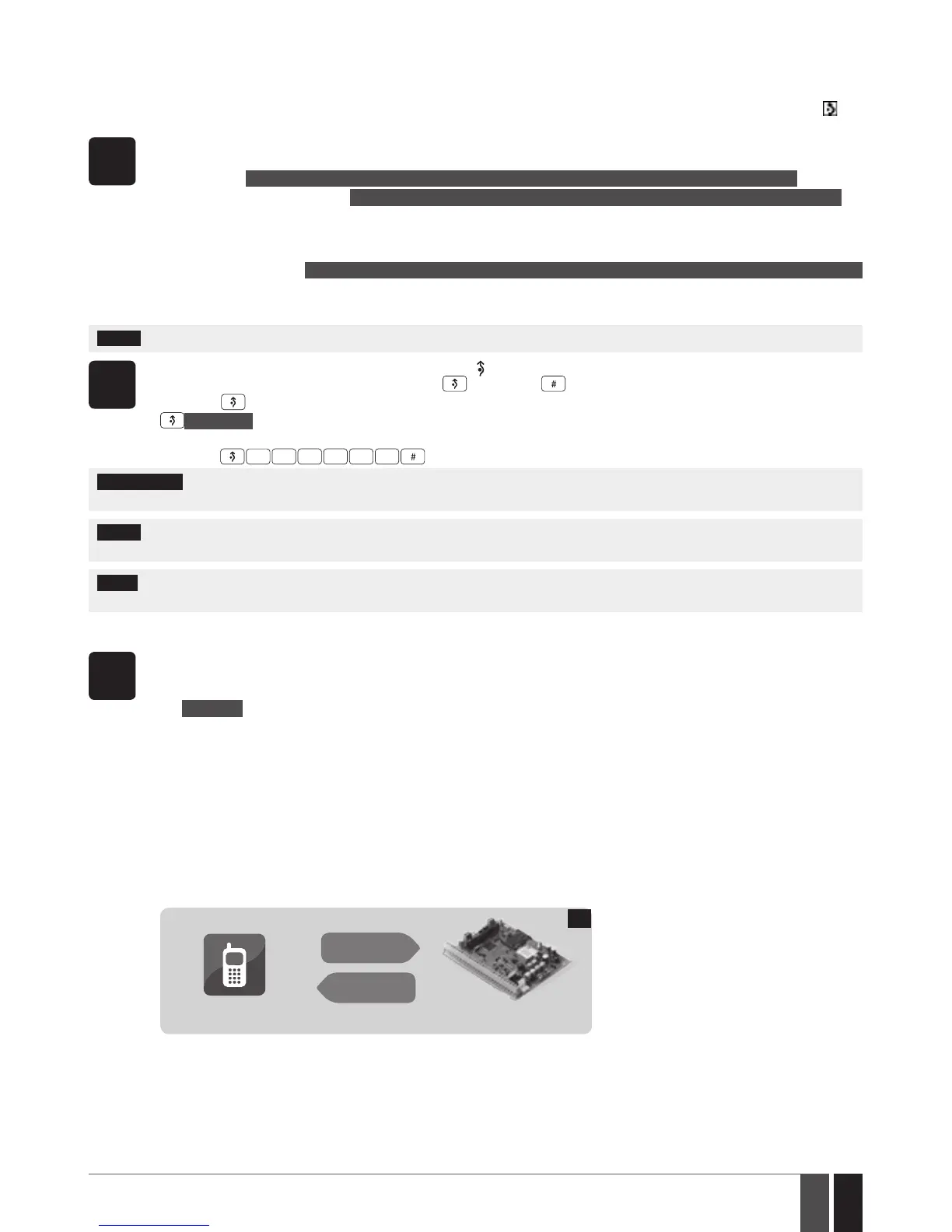
User
ESIM364
SMS
SMS
14
See also 12. MANAGING AND VIEWING TEMPERATURE INFORMATION.



 To Next Page