parameter) before the disarming process.
Switch keypad parti-
tion
Hold the
1 2
key and release it after 3 short beeps:
Value:
1 2
key – partition number 1... 2 respectively.
Once the partition is switched, indicator will light ON in EKB3W keypad’s section A (= Partition 1) or B (= Partition 2) and a by entering a
valid user/master code, indicator will light OFF and the user will be notied by SMS text message.
Disarm the system and
turn OFF the alarm
Enter user/master code:
uumm
Value: uumm – 4-digit user or master code.
Example:
2 2 2 2
To disarm and turn OFF the alarm in multiple partitions, please disarm the partitions one by one by following the aforementioned proce-
dure.
NOTE: If the user fails to enter a correct user/master code 10 times in a row, the system will block the keypad for 2 minutes. While the
keypad is blocked, the system prevents from entering any user/master code. The keypad will automatically unblock once the 2-minute
time has expired.
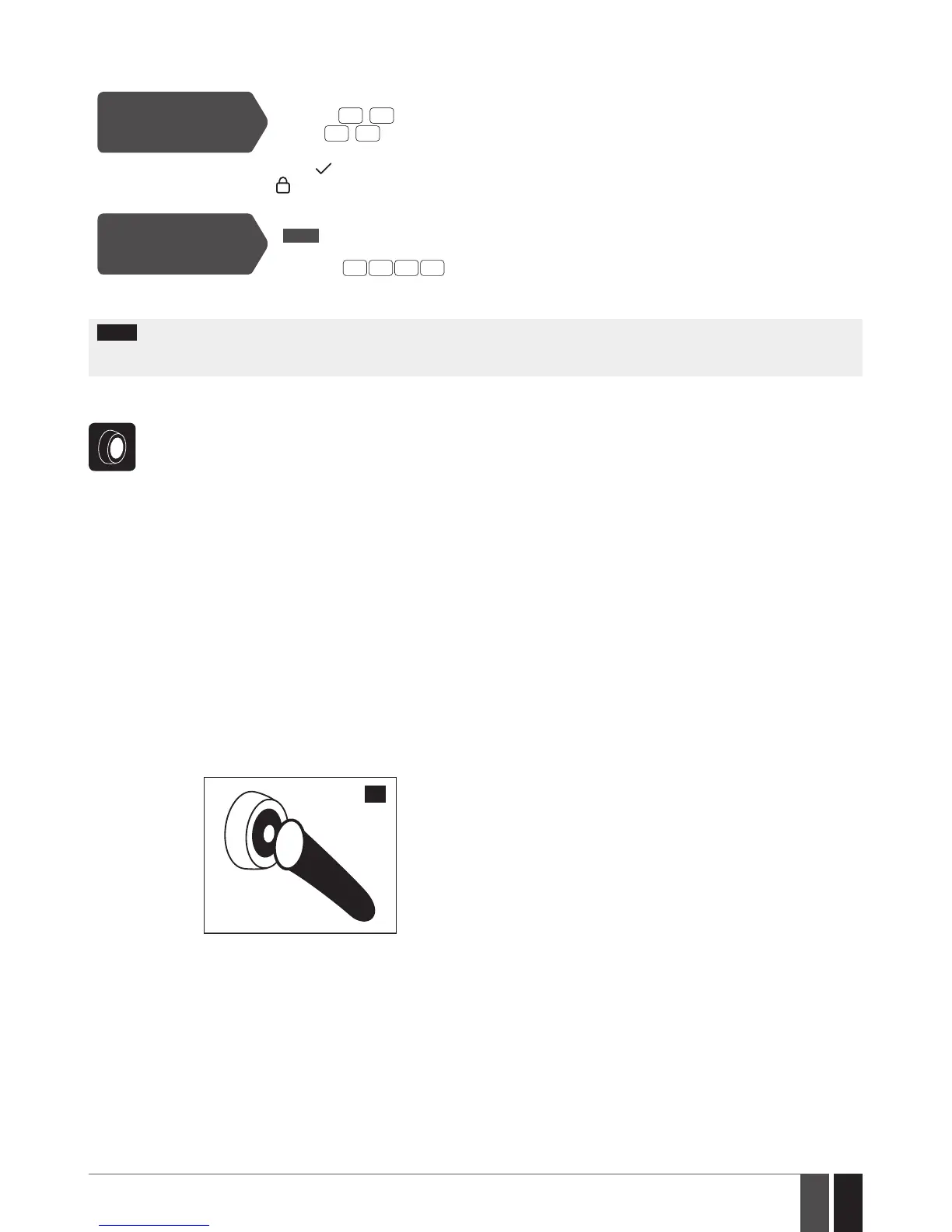
5.6. iButton Key
To arm or disarm the system and turn OFF the alarm, touch the iButton key reader by any of 16 available iButton keys. When the
iButton is touched to the iButton key reader for arming, the system will proceed as follows:
Non-partitioned system:
• If ready (no violated zone/tamper), the system will initiate exit delay and arm followed by SMS text message delivery to
the user.
• If unready, the system will not arm and provide a list of violated zones/tampers by SMS text message to user phone num-
ber. In such case the user must restore all violated zones and tampers before arming the system. Alternatively, the violated
zones can be bypassed (see 8. BYPASSING AND ACTIVATING ZONES), disabled (please contact your alarm system in-
staller to set up this parameter) or a Force attribute enabled (please contact your alarm system installer to set up this
parameter), while the tampers can be disabled (please contact your alarm system installer to set up this parameter).
Partitioned system:
• If all partitions are disarmed ready (no violated zone/tamper), the system will initiate exit delay and arm them followed by
SMS text message delivery to the user.
• If one or more partitions are disarmed unready (violated zone/tamper is present), the system will arm the ready partition
(-s) and skip the unready one (-s). In order to arm the unready partition, the user must restore all violated zones and tam-
pers assigned to the unready partition before arming the system. Alternatively, the violated zones can be bypassed (see 8.
BYPASSING AND ACTIVATING ZONES), disabled (please contact your alarm system installer to set up this parameter) or
a Force attribute enabled (please contact your alarm system installer to set up this parameter).
• If a combination of armed and disarmed ready partitions is present, the system will initiate exit delay, arm the disarmed
ready partitions and skip the armed ones followed by SMS text message delivery to the user.
7
When an iButton key is assigned to multiple partitions, the user will be able arm/disarm the corresponding system partitions
by touching the iButton key to the reader. For example, if iButton 5 is assigned to Partition 1 and 4, the user will be able to arm/
disarm Partition 1 and 4 by touching iButton 5 to the reader. For more details on how to set iButton key partition, please contact
your alarm system installer.



 To Next Page