14.2. Turning ON/OFF the Electrical Appliances for a Determined Time Period
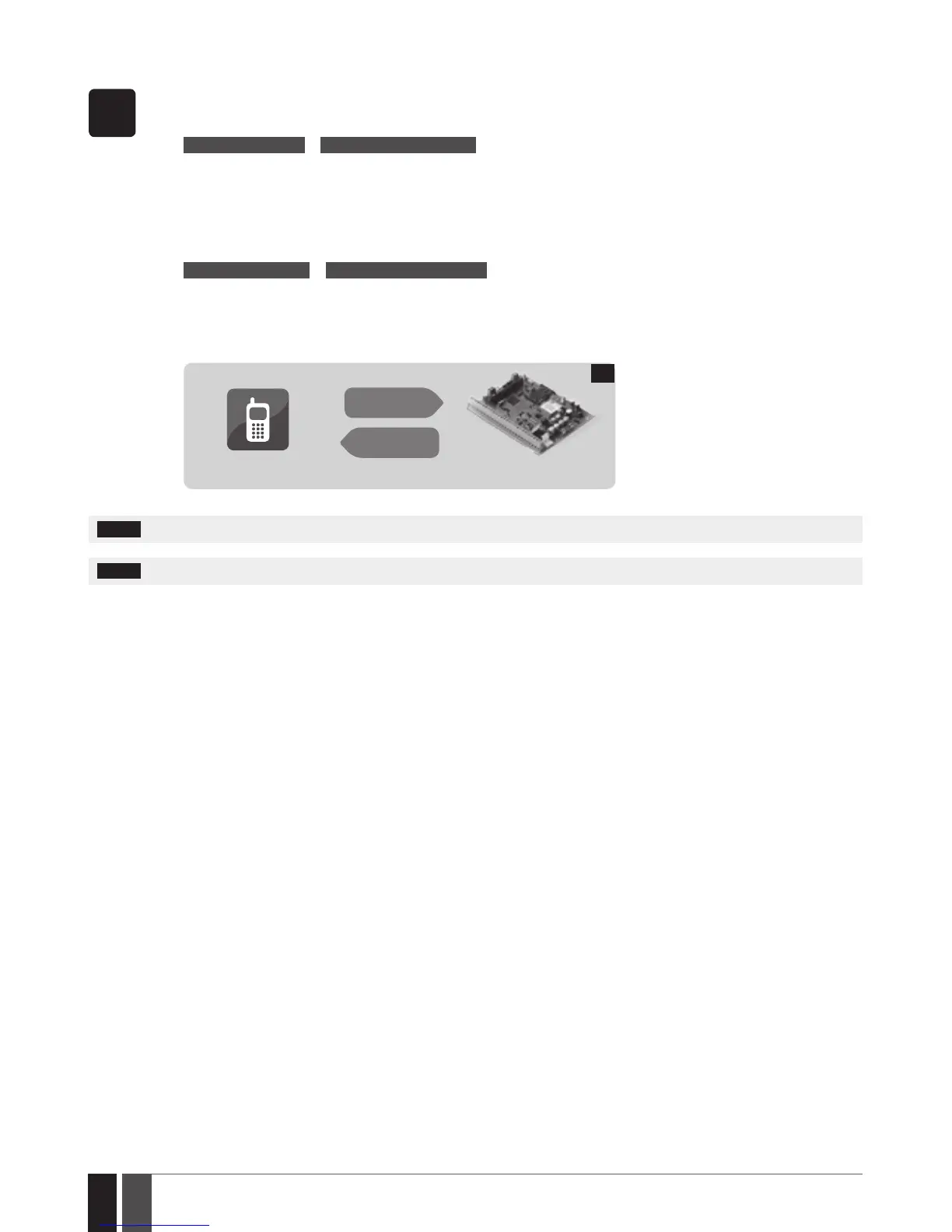
SMS
1. In order to instantly turn ON a specied PGM output and keep it in this state for a determined time period, send the follow-
ing SMS text message to the system’s phone number from any out of 10 listed user phone numbers:
SMS text message content:
ssss_Coo:ON:hr.mn.sc or ssss_out-name:ON:hr.mn.sc
Value: ssss - 4-digit SMS password; oo – PGM output number, range – [1... 76]; hr – hours, range – [00... 23], mn – minutes,
range – [00... 59]; sc – seconds, range – [00... 59]; out-name – PGM output name.
Example: 1111_Pump:ON:00.00.25
2. In order to instantly turn OFF a specied PGM output and keep it in this state for a determined time period, send the fol-
lowing SMS text message to the system’s phone number from any out of 10 listed user phone numbers:
SMS text message content:
ssss_Coo:OFF:hr.mn.sc or ssss_out-name:OFF:hr.mn.sc
Value: ssss - 4-digit SMS password; oo – PGM output number, range – [1... 76]; hr – hours, range – [00... 23], mn – minutes,
range – [00... 59]; sc – seconds, range – [00... 59]; out-name – PGM output name.
Example: 1111_C3:OFF:13.25.56
3. The system will reply with conrmation by SMS text message to the user phone number that sent the SMS text message.
User
ESIM364
SMS
SMS
21
NOTE: PGM output can be turned ON for a determined time period only when it is in OFF state.
NOTE: PGM output can be turned OFF for a determined time period only when it is in ON state.



 To Next Page