Manage arming and
disarming for listed
user phone numbers
Cong
Tool
This operation may be carried out from the PC using the ELDES Conguration Tool software.
5.2. SMS Text Message
SMS
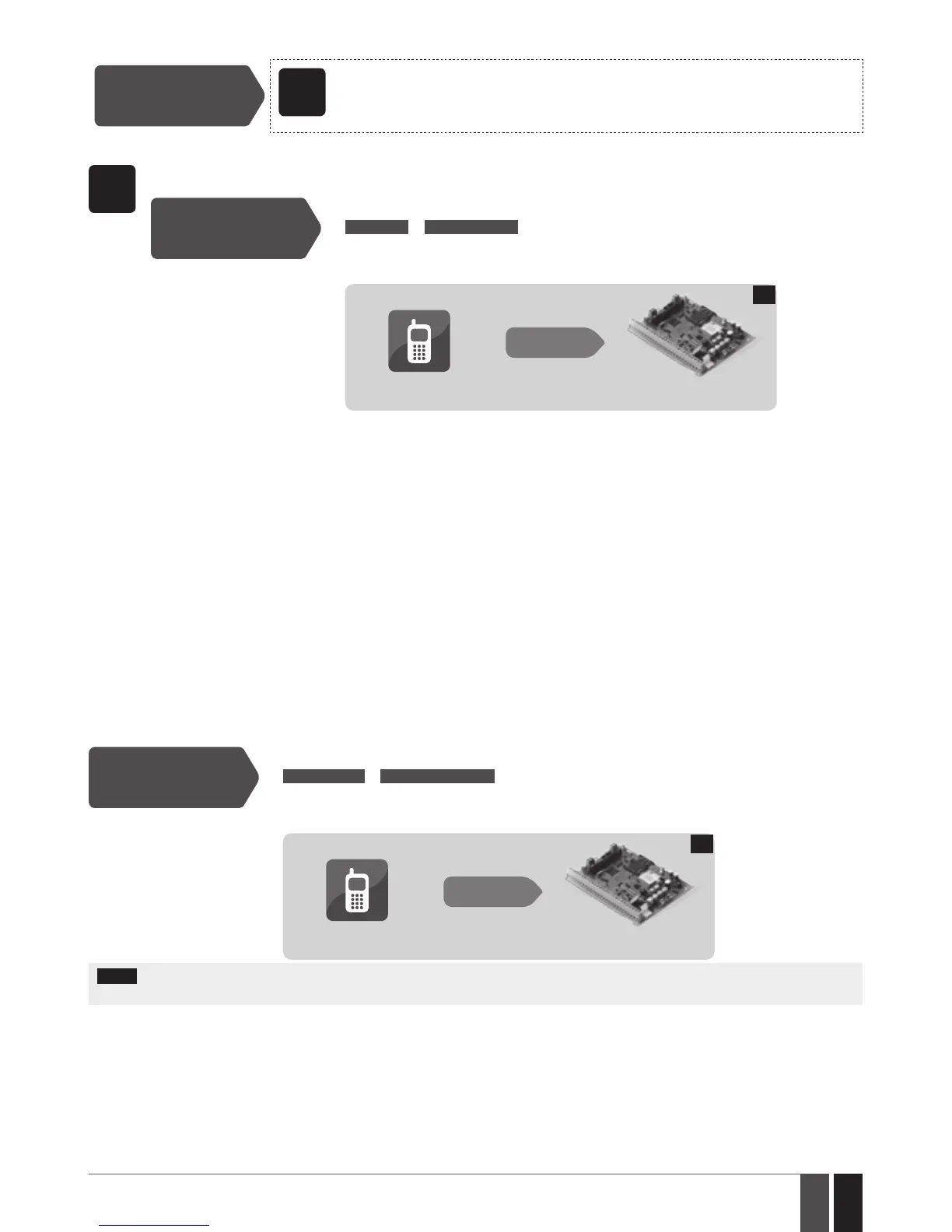
To arm the system by SMS text message, send the following text to the system‘s phone number from any of 10 available user
phone numbers.
Arm the system
SMS text message content:
ssss_ARMp or ssss_ARMp,p,p,p
Value: ssss – 4-digit SMS password; p – partition number, range – [1... 4].
Example: 1111_ARM1
User
ESIM364
SMS
5
When the SMS text message for arming is sent to the system’s phone number, the system will proceed as follows:
• Non-partitioned system:
• If ready (no violated zone/tamper), the system will arm followed by SMS text message delivery to the user.
• If unready, the system will not arm and provide a list of violated zones/tampers by SMS text message to user phone
number. In such case the user must restore all violated zones and tampers before arming the system. Alternatively,
the violated zones can be bypassed (see 8. BYPASSING AND ACTIVATING ZONES), disabled (please contact your
alarm system installer to set up this parameter) or a Force attribute enabled (please contact your alarm system installer
to set up this parameter), while the tampers can be disabled (please contact your alarm system installer to set up this
parameter).
• Partitioned system:
• If all partitions are disarmed ready (no violated zone/tamper), the system will arm them.
• If one or more partitions are disarmed unready (violated zone/tamper is present), the system will arm the ready parti-
tion (-s) and skip the unready one (-s). The system will then send an SMS text message, containing a list of violated
zones/tampers, to user phone number that the system arming was initiated from.
• If a combination of armed and disarmed ready partitions is present, the system will arm the disarmed ready partitions
and skip the armed ones.
To disarm the system and turn OFF the alarm by SMS text message, send the following text to the system‘s phone number from any of 10
available user phone numbers:
Disarm the system and
turn OFF the alarm
SMS text message content:
ssss_DISARMp or ssss_DISARMp,p,p,p
Value: ssss – 4-digit SMS password; p – partition number, range – [1... 4].
Example: 1111_DISARM1,2,4
User
ESIM364
SMS
6
NOTE: Your alarm system installer may have disabled system arming and/or disarming by free of charge phone call and SMS text mes-
sage for a certain user.



 To Next Page