EN
ESIM364 USER MANUAL V1.6
3.2. Setting Duress and SGS Codes
• Duress code - The Duress code is used when system arming or disarming is demanded by force. When used, the system will arm/disarm
as well as it will silently transmit an alert to the monitoring station. Only one of the user codes ranging from User code 2 through 10 can
be set as Duress code. .
• SGS code – The user codes ranging from User code 2 through 10 can be set as SGS (Security Guard Service) code, which is used as a
checkpoint by a security service guard upon his/her visit in the secured location. When used, a data message, containing a certain event
code, will be delivered to the monitoring station. However, NO system arming or disarming will be carried out after entering the SGS
code.
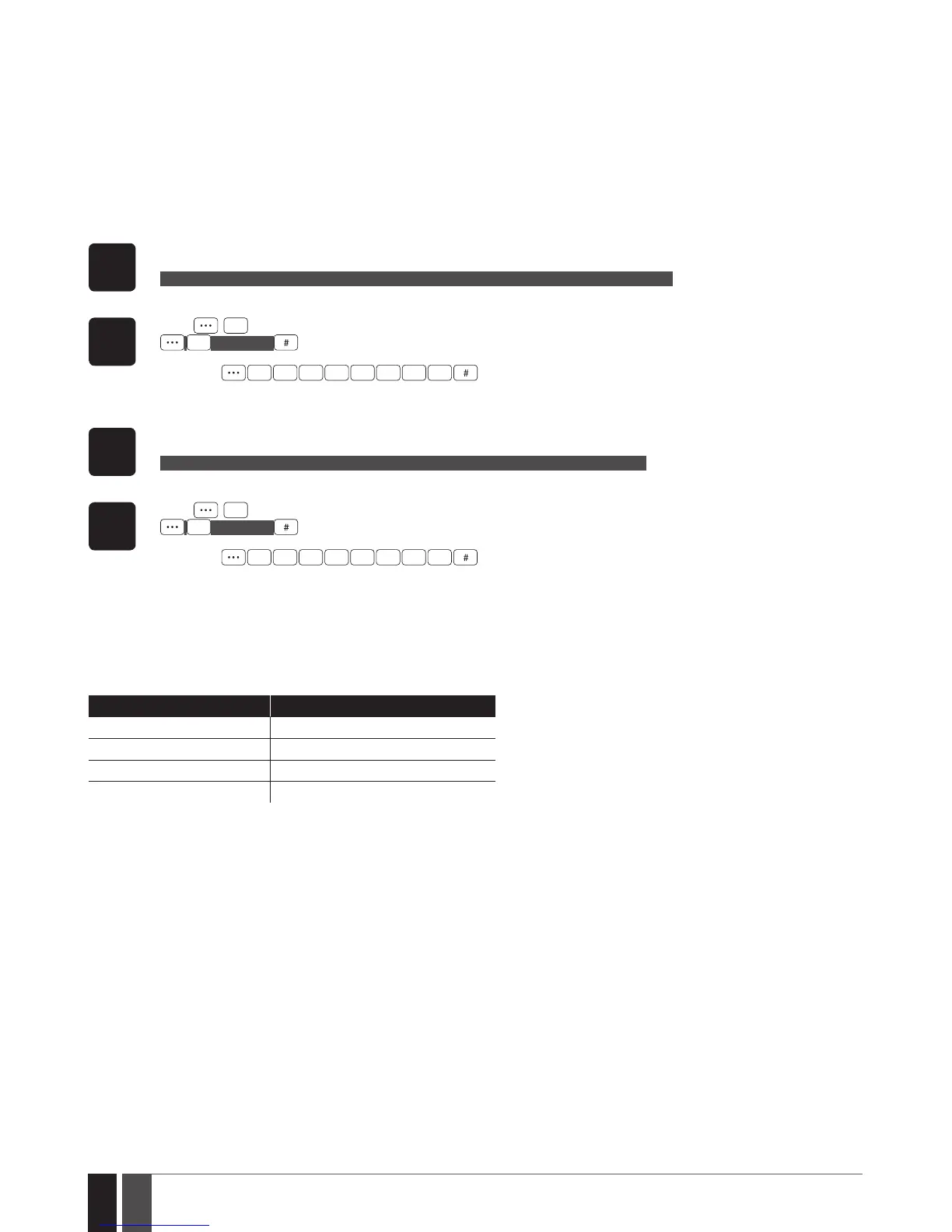
1. To set an existing user code as Duress code:
EKB2
Enter the master code, navigate through the following path using OK and arrow keys and select the user code you wish to set
as Duress code:
OK → mmmm → OK → CODES → OK → DURESS CODE → OK → N/A | USER CODE 2... 10 → OK
Value: mmmm – 4-digit master code; N/A – Duress code not in use.
EKB3/
EKB3W
Press ,
3
, enter the user code slot you wish to set as Duress code and enter the master code:
3
us mmmm
Value: us - user code slot, range - [02... 10]; mmmm - 4-digit master code.
Example:
3
8
2 2 2 2
2. To set an existing user code as SGS code:
EKB2
Enter the master code, navigate through the following path using OK and arrow keys and select the user code you wish to set
as SGS code:
OK → mmmm → OK → CODES → OK → SGS CODE → OK → N/A | USER CODE 2... 10 → OK
Value: mmmm – 4-digit master code; N/A – SGS code not in use.
EKB3/
EKB3W
Press ,
4
, enter the user code slot you wish to set as SGS code and enter the master code:
4
us mmmm
Value: us - user code slot, range - [02... 10]; mmmm - 4-digit master code.
Example:
2 2 2 2
4 4
3.3. Assigning User and Master Code Partition
User/master code partition determines which system partition (-s) can be armed/disarm using the master code or a certain user code. For
more details on how to arm/disarm the system, please refer to 5. ARMING, DISARMING AND TURNING OFF THE ALARM.
The following table reects the values used for system element assignment to partitions by EKB2/EKB3/EKB3W keypad. A sum of values is
used to assign the element to multiple partitions.
Partition Partition value (pv)
Partition 1 1
Partition 2 2
Partition 3 4
Partition 4 8
Example #1: The user wants to assign a certain user code to Partition 4 only. According to the table value 8 reects Partition 4. He would
then have to enter value 8.
Example #2: The user wants to assign a certain user code to Partition 2 and 3. According to the table value 2 reects Partition 2, while
value 4 reects Partition 3, therefore 2 + 4 = 6. He would then have to enter value 6.
Example #3: The user wants to assign the master code to Partition 1, 3 and 4. According to the table value 1 reects Partition 1, while
values 4 and 8 reect Partitions 3 and 4 respectively, therefore 1 + 4 + 8 = 13. He would then have to enter value 13.



 To Next Page