14. CONTROLLING ELECTRICAL APPLIANCES
Your system features 4 or more PGM outputs intended for connection and control of various electrical appliances. This provides a possibility to
control garage gates, turn on and o your house heating, lighting, cooling system, reset smoke sensors to restored state etc. The PGM outputs
must be congured by your installer before using them.
14.1. Turning ON/OFF the Electrical Appliances Instantly
SMS
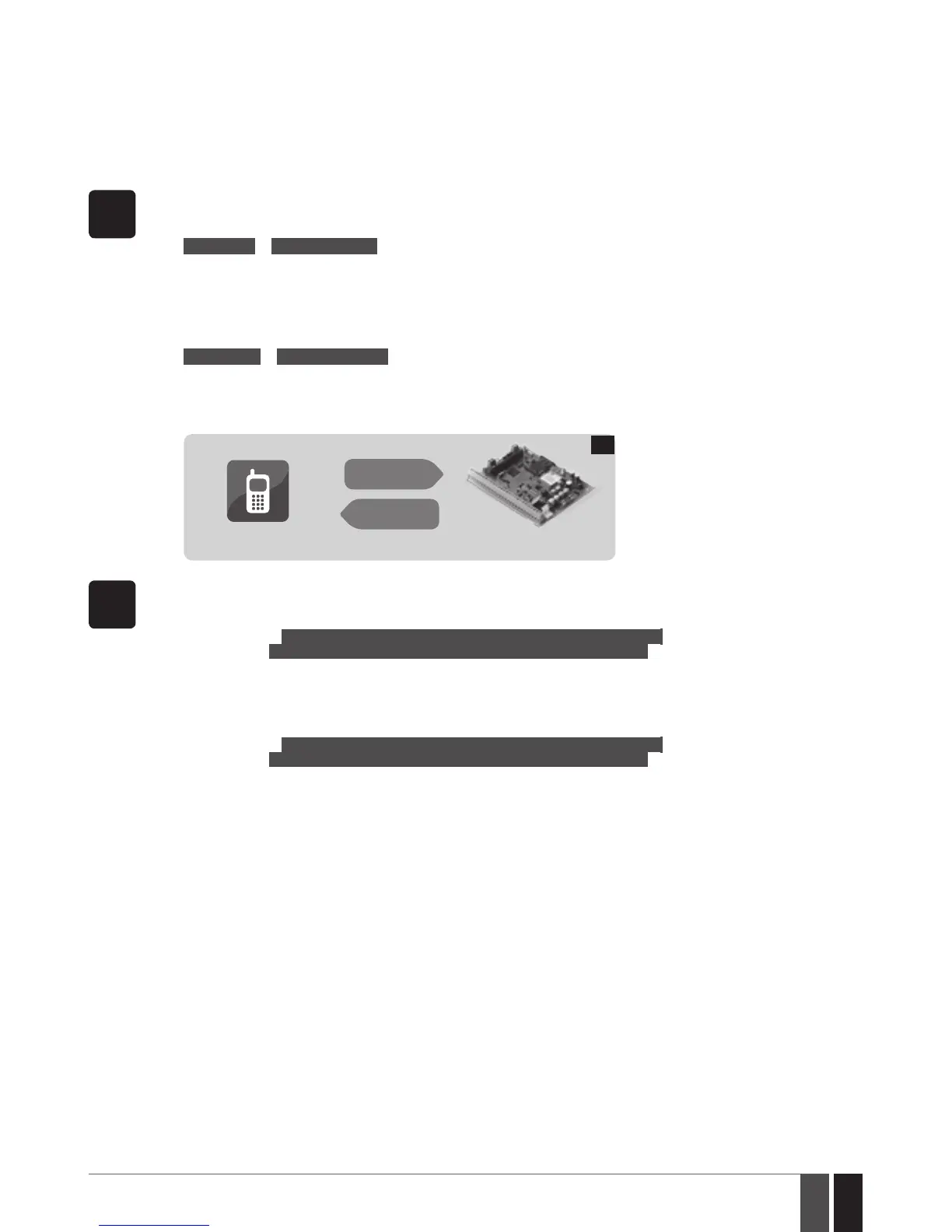
1. In order to turn ON a specied PGM output, send the following SMS text message to the system’s phone number from any
out of 10 listed user phone numbers:
SMS text message content:
ssss_Coo:ON or ssss_out-name:ON
Value: ssss - 4-digit SMS password; oo – PGM output number, range – [1... 76]; out-name – PGM output name.
Example: 1111_Pump:ON
2. In order to turn OFF a specied PGM output, send the following SMS text message to the system‘s phone number from any
out of 10 listed user phone numbers:
SMS text message content:
ssss_Coo:OFF or ssss_out-name:OFF
Value: ssss - 4-digit SMS password; oo – PGM output number, range – [1... 76]; out-name – PGM output name.
Example: 1111_C2:OFF
3. The system will reply with conrmation by SMS text message to the user phone number that sent the SMS text message.
User
ESIM364
SMS
SMS
20
EKB2
1. In order to turn ON a specied PGM output, enter the master code and navigate through the following menu path using OK
and arrow keys.
Menu path:
On-board PGM output: OK → mmmm → OK → PGM OUTPUTS → OK → out-name → ON → OK
Wireless PGM output:OK → mmmm → OK → PGM OUTPUTS → OK → out-name → ON → OK
Value: mmmm – 4-digit master code; out-name – up to 16 characters PGM output name.
2. In order to turn OFF a specied PGM output, enter the master code and navigate through the following menu path using OK
and arrow keys.
Menu path:
On-board PGM output: OK → mmmm → OK → PGM OUTPUTS → OK → out-name → ON → OK
Wireless PGM output:OK → mmmm → OK → PGM OUTPUTS → OK → out-name → ON → OK
Value: mmmm – 4-digit master code; out-name – up to 16 characters PGM output name.



 To Next Page