6. ARMING IN STAY MODE
EKB2
EBK3/
EKB3W
EWK1/
EWK2
Stay mode allows the user to arm and disarm the alarm system without leaving the secured area. If the zones with Stay attri-
bute enabled are violated when the system is Stay armed, no alarm will be caused. Typically, this feature is used when arming
the system at home before going to bed.
The system can be Stay armed under the following conditions:
• If a Delay-type zone is NOT violated during exit delay and a zone (-s) with Stay attribute enabled exists, the system will
arm in Stay mode. When arming the system in Stay mode under this condition, one of the available arming methods must
be used that provide exit delay i.e. EKB2/EKB3/EKB3W keypad and iButton key. In addition, the user will be able to arm
the system in Stay mode using EWK1/EWK2 keyfob if the alarm system installer has pre-assigned the Stay-arm function
to one of the keyfob buttons.
• The system will instantly arm in Stay mode when using one of the following methods.
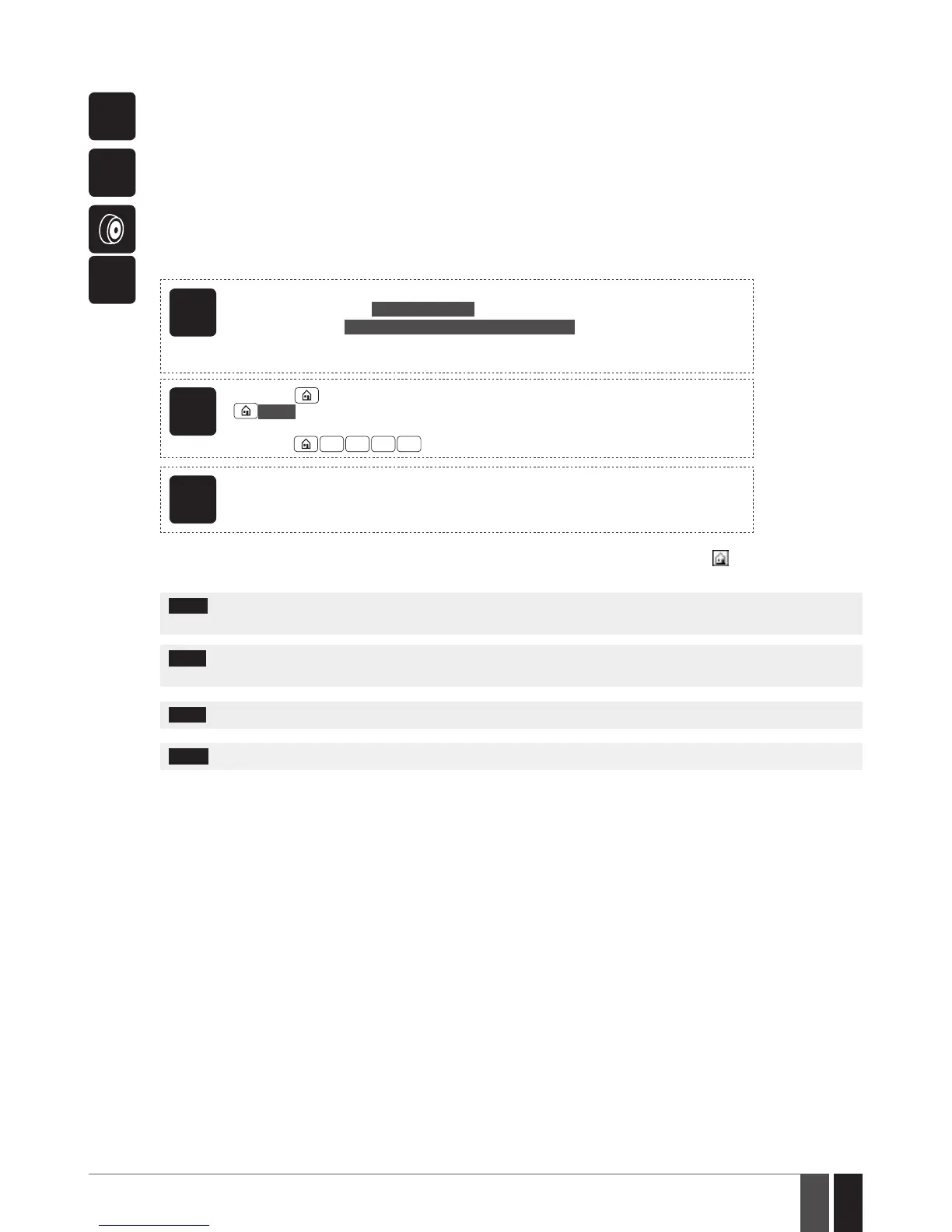
EKB2
Menu path:
Non-partitioned system: P2 → uumm → OK
Partitioned system: P2 → uumm → OK → [p] part-name → OK
Value: uumm – 4-digit user/master code; p – partition number, range – [1... 4]; part-name – up
to 15 characters partition name.
EKB3/
EKB3W
Press the key and enter user/master:
uumm
Value: uumm – 4-digit user/master code.
Example:
1 1 1 1
EWK1/
EWK2/
EWK2A
This operation may be carried out from the wireless keyfob if pre-assigned using the PC run-
ning ELDES Conguration Tool software.
When one or more system partitions are successfully armed in Stay mode, EKB2 keypad will display icon in the home screen
view.
NOTE: To disarm the system, please use one of the methods described in 5. ARMING, DISARMING AND TURNING OFF
THE ALARM.
NOTE: The system can be armed in Stay mode, only if at least one zone with Stay attribute enabled exists. Please contact your
alarm system installer to set up this parameter.
NOTE: The system can also be instantly Stay-armed using ELDES Cloud Services.
NOTE: Stay mode is not supported by virtual zones.
For more details on how to enable the Stay attribute for zone, please, contact your alarm system installer.



 To Next Page