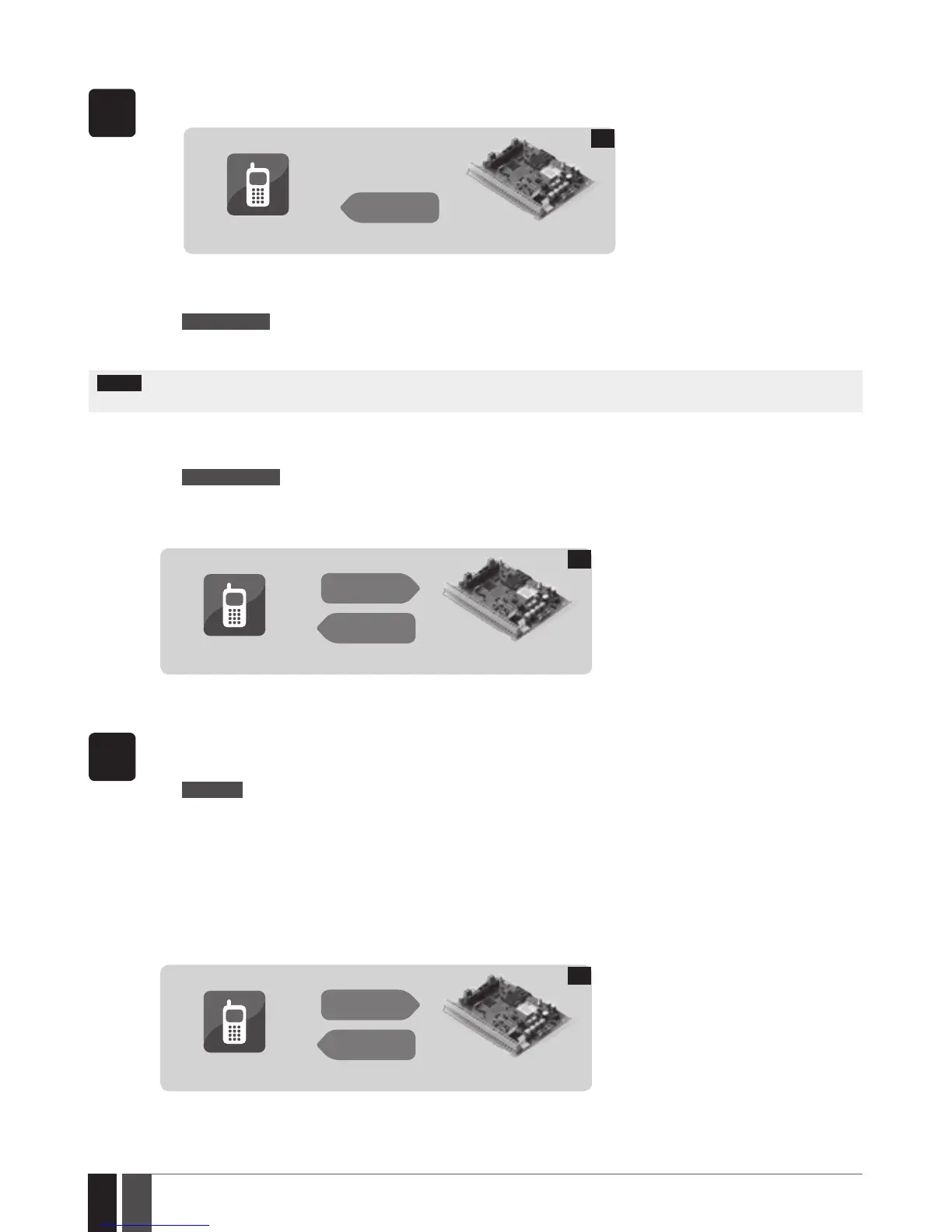
9.1. Managing Periodical System Information
SMS
1. By default conguration, the SMS text message mentioned in chapter 9. VIEWING SYSTEM INFORMATION is sent peri-
odically to User 1 phone number at 11:00 daily.
User
ESIM364
SMS
15
2. In order to set a dierent SMS sending frequency (in days) and time, send the following SMS text message to the system‘s
phone number from any out of 10 listed user phone numbers:
SMS text message content:
ssss_INFO:f.it
Value: ssss - 4-digit SMS password; f – frequency in days, range – [0... 99]; it – time, range – [0... 23]
Example: 1111_INFO:2.15 (every 2nd day at 15:00)
NOTE: Unlike system information SMS text message upon request, periodical system information SMS text message does not included
zone states, PGM output names and status.
3. In order to disable periodic SMS text message, send the following SMS text message to the system‘s phone number from
any out of 10 listed user phone numbers:
SMS text message content:
ssss_INFO:00.00
Value: ssss - 4-digit SMS password.
Example: 1111_INFO:00.00
4. The system will reply with conrmation by SMS text message to the user phone number that sent the SMS text message.
User
ESIM364
SMS
SMS
16
10. VIEWING ZONE AND PGM OUTPUT INFORMATION
SMS
1. In order to nd out the current zone and PGM output information, send the following SMS text message to the system‘ s
phone number from any out of 10 listed user phone numbers:
SMS text message content:
ssss_INFO
Value: ssss - 4-digit SMS password.
Example: 1111_INFO
2. The system will reply to the user phone number that sent the SMS text message with the following up-to-date informa-
tion:
• System status: partition armed (ON)/disarmed (OFF).
• Status of zones and PGM outputs (ON/OFF).
• Zone alarm texts.
• PGM output names.
User
ESIM364
SMS
SMS
17



 To Next Page