NOTE: If the user fails to enter a correct user/master code 10 times in a row, the system will block the keypad for 2 minutes and the
keypad will display KEYPAD BLOCKED message. While the keypad is blocked, the system prevents from entering any user/master code.
The keypad will automatically unblock once the 2-minute time period has expired and display KEYPAD UNBLOCKED message
5.3.2. Cancelling System Arming
To cancel the arming process:
• Non-partitioned system – Enter the user/master code again during exit delay countdown.
• Partitioned system – Select the partition again, that is currently being armed, from the partition selection menu during exit delay
countdown. The keypad will display part-name ARMING TERMINATED message for 2 seconds followed by partition selection menu.
5.3.3. Disarming the System and Turning OFF the Alarm
To disarm and turn OFF the alarm, enter any out of 29 available 4-digit user codes or master code using the number keys on the keypad. By
default, the system disarming process is as follows:
• Non-partitioned system – When a valid user or master code is entered, the keypad will switch to home screen view.
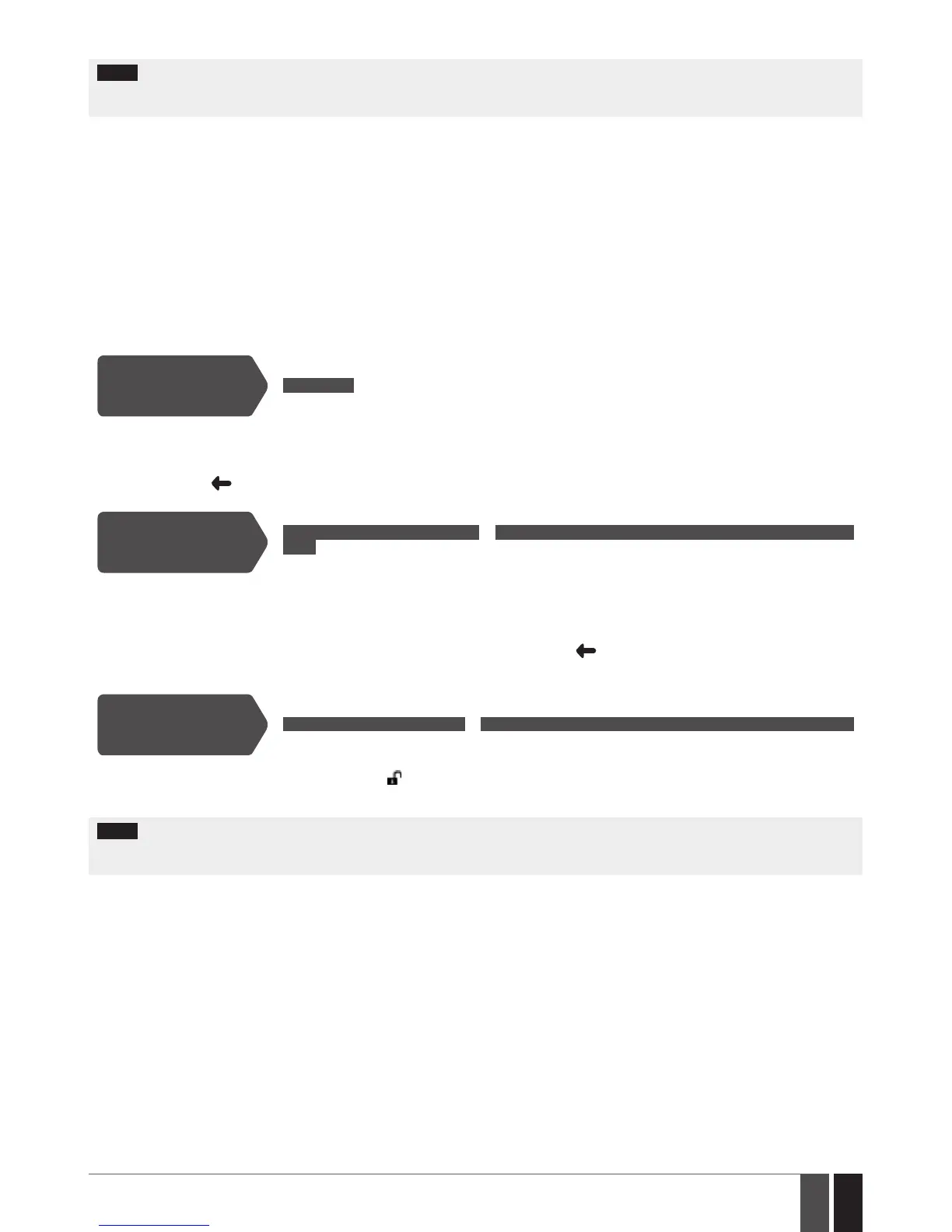
Disarm the system and
turn OFF the alarm
Enter user/master code:
uumm → OK
Value: uumm – 4-digit user/master code.
• Partitioned system - disarming a single partition – When a valid user or master code is entered, the keypad will display the
partition selection menu. Once a partition that is to be disarmed is selected, the keypad will display part-name DISARMED message
for 2 seconds and return to partition selection menu followed by home screen view after the keypad back-light timeout expires.
Alternatively, the key may be touched in order to instantly return to home screen view.
Disarm the system and
turn OFF the alarm
Enter user/master code and select partition:
uumm → OK → [p] part-name → OK or OK → uumm → OK → ARM/DIS PARTITION → OK → [p] part-name
→ OK
Value: uumm – 4-digit user or master code; p – partition number, range – [1... 4], part-name – up to 15
characters partition name.
• Partitioned system - disarming multiple partitions simultaneously – When a valid user or master code is entered, the keypad will
display the partition selection menu. Once DISARM ALL menu item is selected, the keypad will display multiple part-name DISARMED
messages for 2 seconds reecting each partition the user/master code is assigned to and return to partition selection menu followed
by home screen view after the keypad back-light timeout expires. Alternatively, the key may be touched in order to instantly return
to home screen view.
Disarm all partitions
and turn OFF the alarm
simultaneously
Enter user/master code:
uumm → OK → DISARM ALL → OK or OK → uumm → OK → ARM/DIS PARTITION → OK → DISARM ALL → OK
Value: uumm – 4-digit user/ master code
When successfully disarmed, the keypad may display icon next to the partition name that has been disarmed (by default - disabled) and
notify the user by SMS text message.
NOTE: If the user fails to enter a correct user/master code 10 times in a row, the system will block the keypad for 2 minutes and the
keypad will display KEYPAD BLOCKED message. While the keypad is blocked, the system prevents from entering any user/master code.
The keypad will automatically unblock once the 2-minute time period has expired and display KEYPAD UNBLOCKED message.



 To Next Page