Technical Support - MDM 36/97 599 76 11-68 Rev. 01
8.2 Display of total operating time
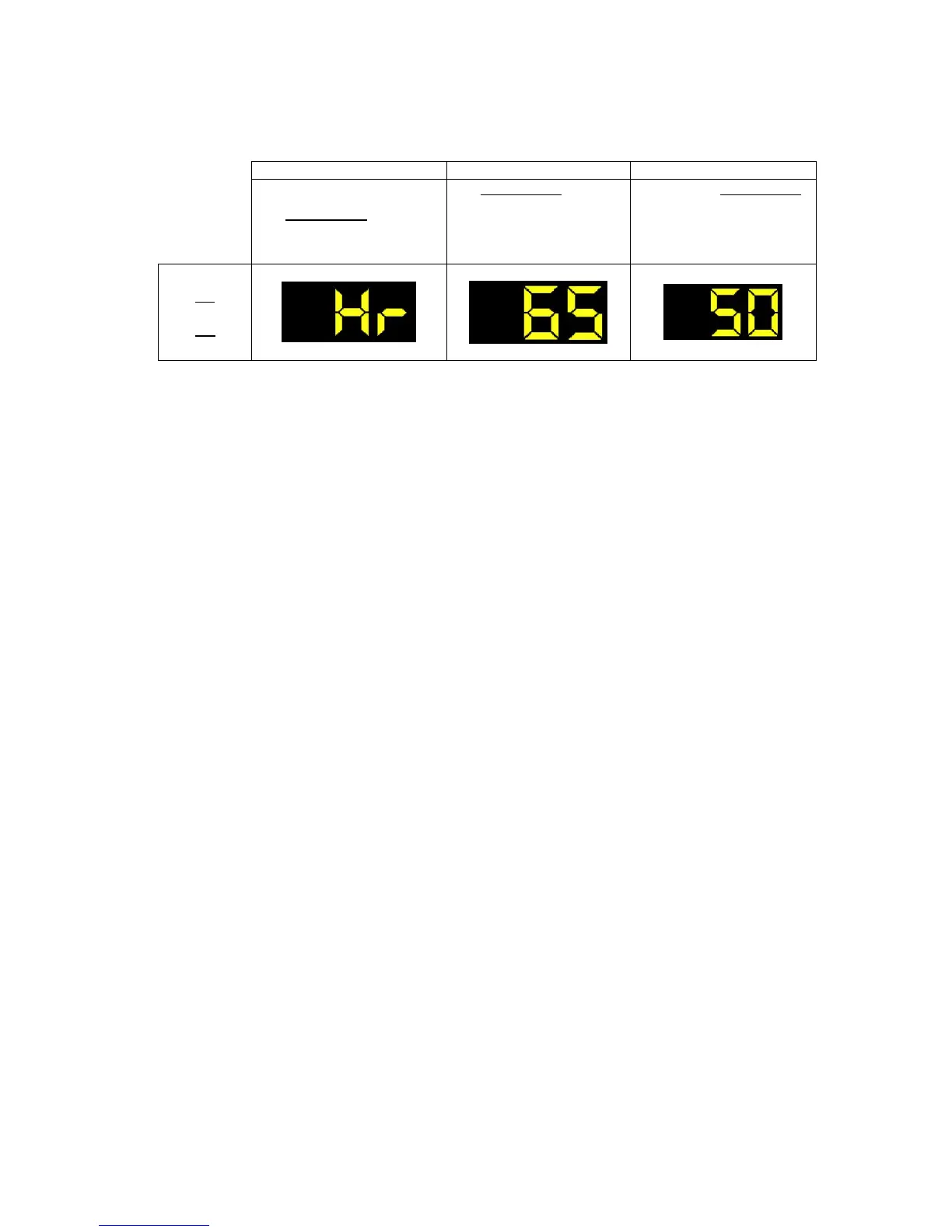
This time is displayed with a sequence of two digits at a time: the first two digits indicate thousands and
hundreds, the second two digits indicate tens and units for the TC4-3.
For example, if the operating time is 6,550 hours, the display will show the following sequence:
At the end of phase three (after the tens and units are displayed), the cycle is repeated.
To return to normal mode, either: switch the appliance off or press a button or turn the selector knob.







 To Next Page