Technical Support - MDM 86/97 599 76 11-68 Rev. 01
14.3.5 Front panel
Remove the worktop (see relevant paragraph).
Remove the control panel (see relevant paragraph).
Remove the iron ring, remove the door bellow seal from the front panel.
Unfasten the screws securing the door safety interlock.
Tilt the washing machine towards the back.
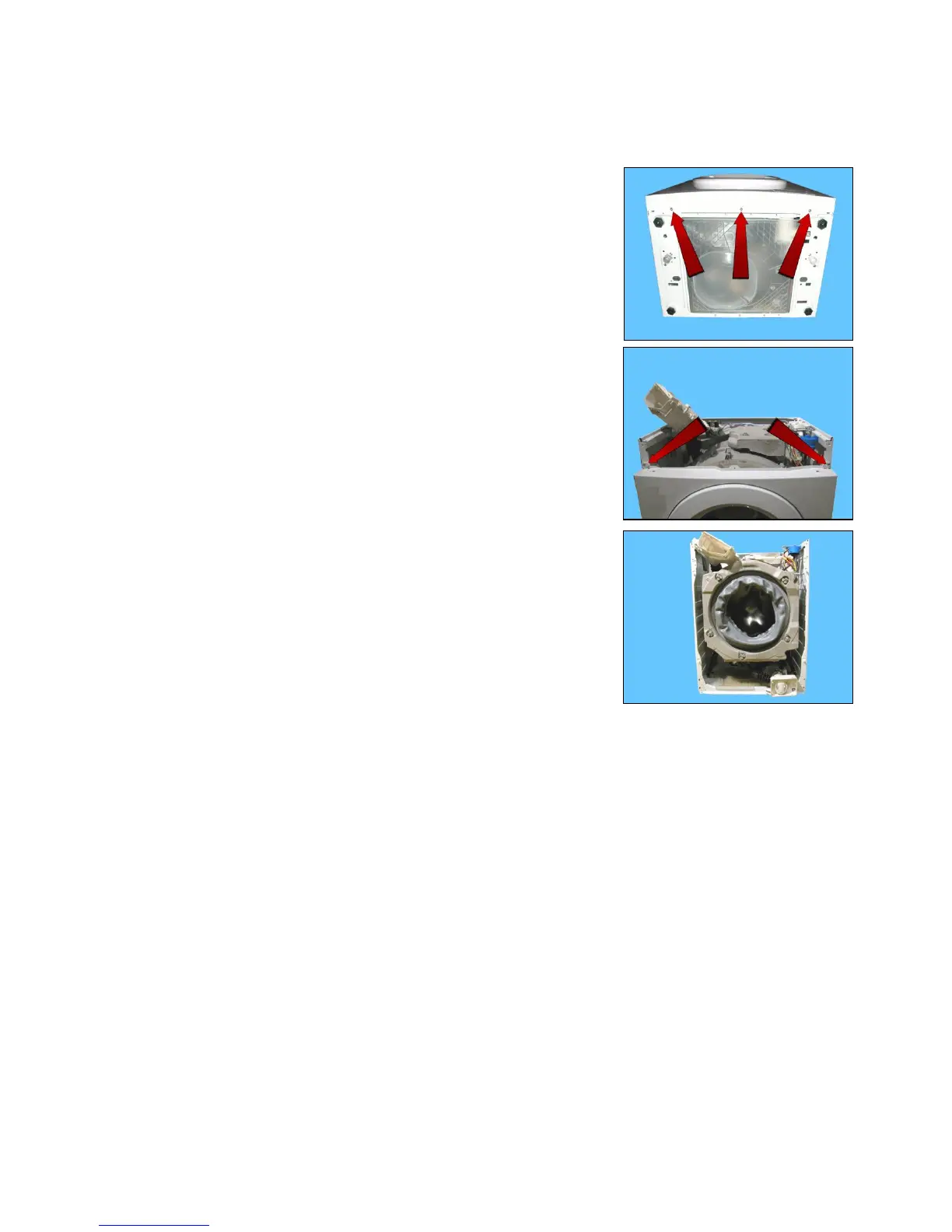
Unfasten the three screws securing the front panel at the bottom.
Remove the four screws which secure the front panel to the sides.
Remove the front panel.



 To Next Page