2-6
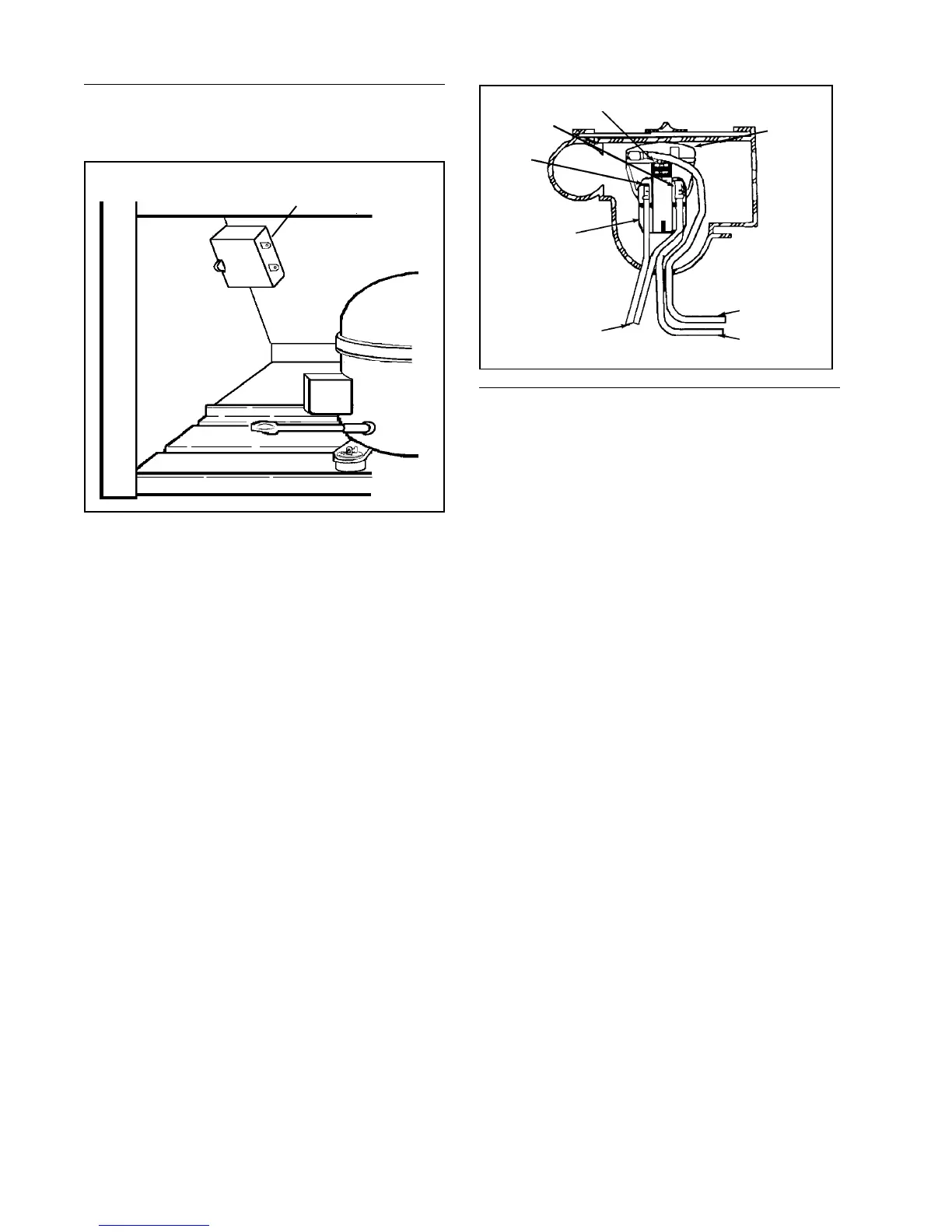
PTC STARTING DEVICE AND RUN
CAPACITOR
The PTC solid state starting device is a push-
on component mounted to the start and run
terminals of the compressor. This device
is connected in parallel with the run capaci-
tor and is in series with the compressor start
windings. This will produce a short circuit
across the run capacitor during the com-
pressor starting sequence and full current
is applied to the start windings as well as
the main winding. Since the PTC device is
temperature sensitive, a variance in its tem-
perature causes a change in its resistance.
When current is first applied to the com-
pressor, the PTC device's low resistance
shorts out the run capacitor; thus produc-
ing adequate motor starting torque.
As the compressor motor approaches run-
ning speed, the current through the PTC
device causes the temperature and resis-
tance of the PTC device to increase to where
it appears to be an open circuit. The com-
pressor continues to operate on the run
winding in parallel with the series combina-
tion of the run capacitor and start winding.
Run
Capacitor
Checking the PTC Device
1. Disconnect the unit from the power
source.
2. Discharge the capacitor. NOTE: See
"Testing The Capacitor" on page 2-7.
3. Remove the wires from the PTC de-
vice terminals.
4. Allow the PTC to cool to room
temperature.
5. Remove the PTC device.
6. Using an ohmmeter, check the resis-
tance between the PTC device termi-
nals. The ohmmeter should register
between 3 and 20 ohms.
An extreme variance between 3 and 20
ohms indicates a defective PTC device
which must be replaced.
NOTE: We discourage using a voltmeter
to check performance of the PTC device
because test results are influenced by
several factors, such as its dependence
on line voltage to the compressor, the re-
sponse characteristic of the voltmeter
and the PTC device temperature at the
time the compressor is energized.
Over-
load
Pro-
tector
Blue
PTC
Relay
Start
Run
Common
Orange
Capacitor
Leads




 To Next Page