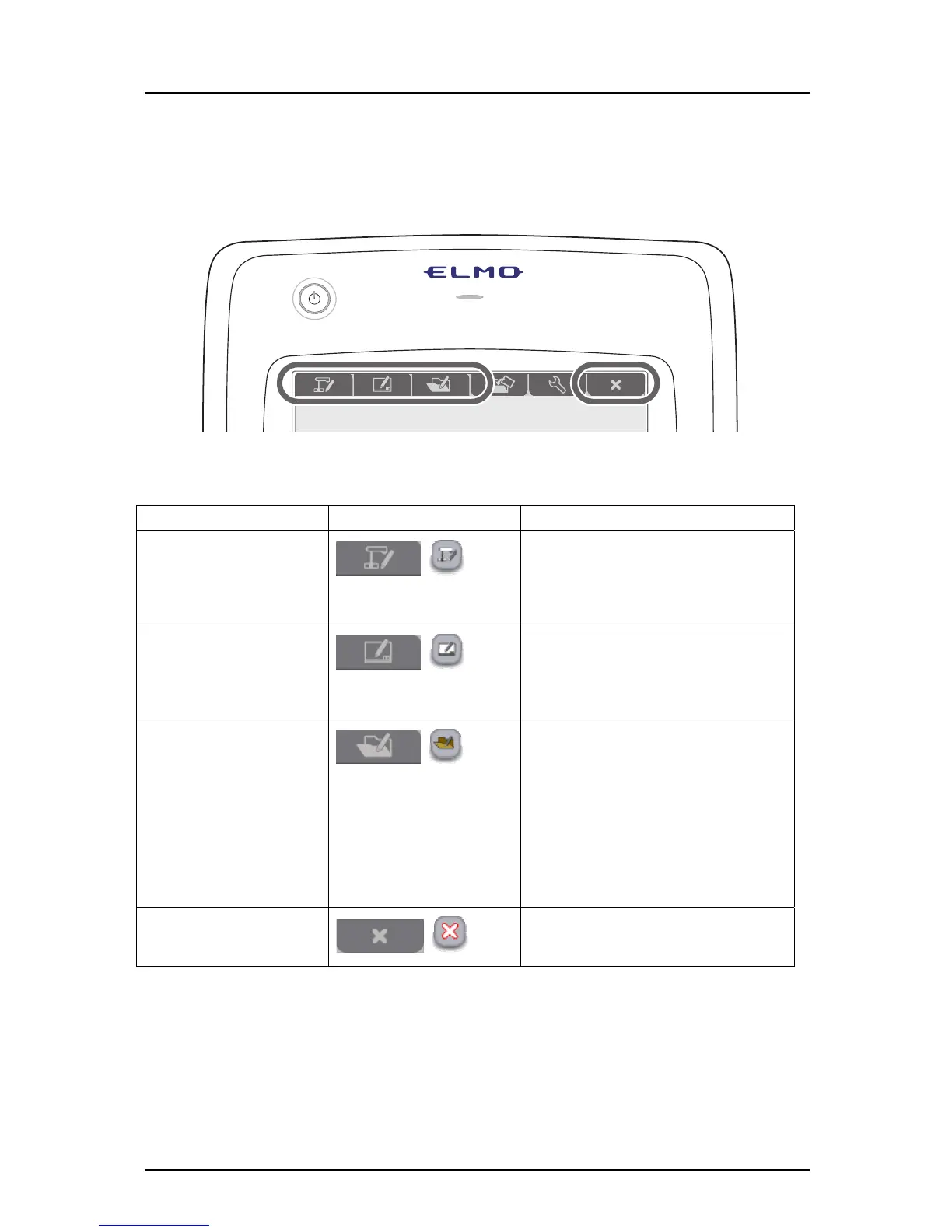
First, touch a function key at the top of the tablet to select the mode that you want to use.
Details of the modes are described in the table below.
Mode Function key Description
Document Camera
mode
For using a Document Camera in a
lesson.
The Document Camera image is
displayed.
Whiteboard mode
For using the tablet as a whiteboard
in a lesson.
A pre-prepared background is
displayed.
Teaching material import
mode
For using teaching materials in a
lesson.
The teaching materials are pictures,
videos and data that have been
created with the Tablet software
(Image Mate Accent).
A selected teaching material is
displayed in this mode.
Quit
For quitting the Tablet software
(Image Mate Accent).
The modes can be changed with the function keys at the top of the tablet, or with the menu
button in the "Expert" setting. Drawn lines are retained when the mode is changed.
20



 To Next Page