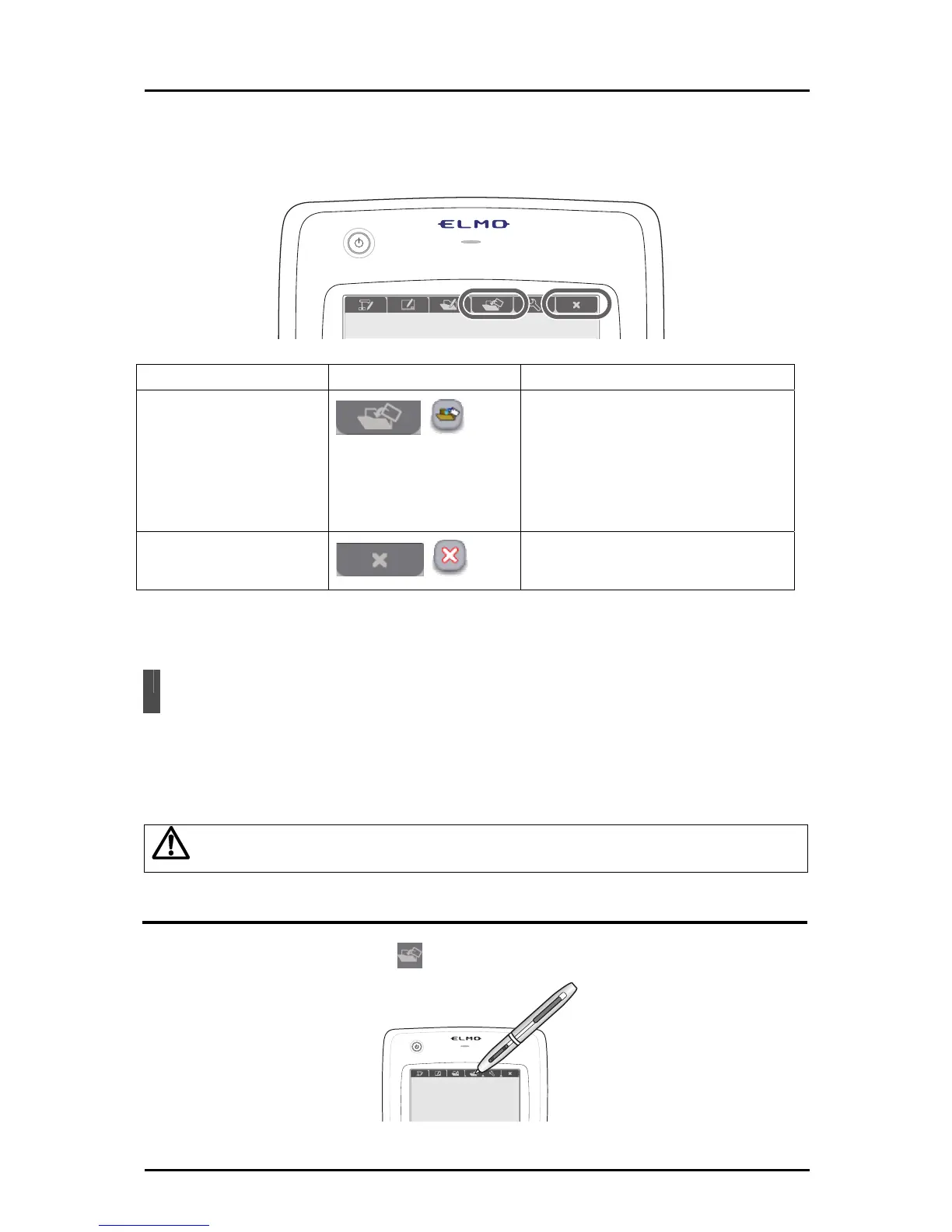
This section describes the teaching material creation mode.
First, touch a function key at the top of the tablet to create a teaching material to use in a
lesson.
Mode Function key Description
Teaching material
creation mode
To create teaching materials to use
in a lesson.
You can create teaching materials
using resources such as Document
Camera images, pictures, stamps
and videos.
Quit
To quit the Tablet software (Image
Mate Accent).
The modes can be changed with the function keys at the top of the tablet, or with the menu
button in the "Expert" setting. Drawn lines are retained when the mode is changed.
Teaching Material Creation Mode
If you create an example video or prepare an accurate drawing before a lesson in teaching
material creation mode, it will help you to make your class run smoothly.
Teaching materials created in teaching material creation mode can be edited after they are
saved.
Caution
Be careful, because if you create a new teaching material, open a teaching material,
or change th
e mode, a teaching material that has not been saved will be lost.
Operation
Touch the function key on the tablet.
53



 To Next Page