➌
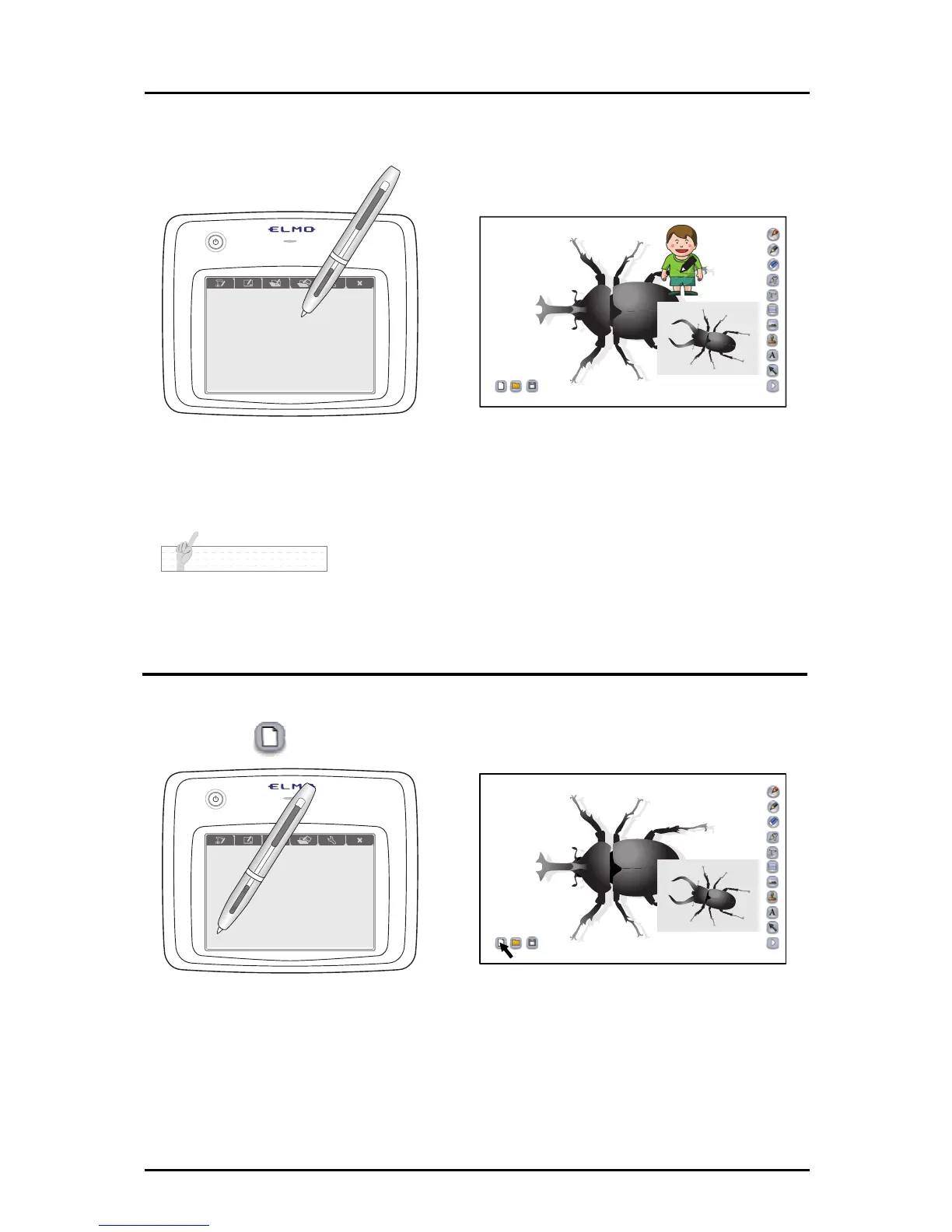
When a stamp is selected, the STAMP SELECT screen disappears, and
the stamp image is displayed on the teaching material creation screen.
➍
Touch the pen on the position where you want to insert the stamp image
to place it there.
N o t e
• You can add stamps.
See "Adding a Stamp" for more details.
File Operations
■ Creating a new teaching material
➊
Touch on the bottom left.
➋
The teaching material currently being created is erased and a new
teaching material is created.
64



 To Next Page