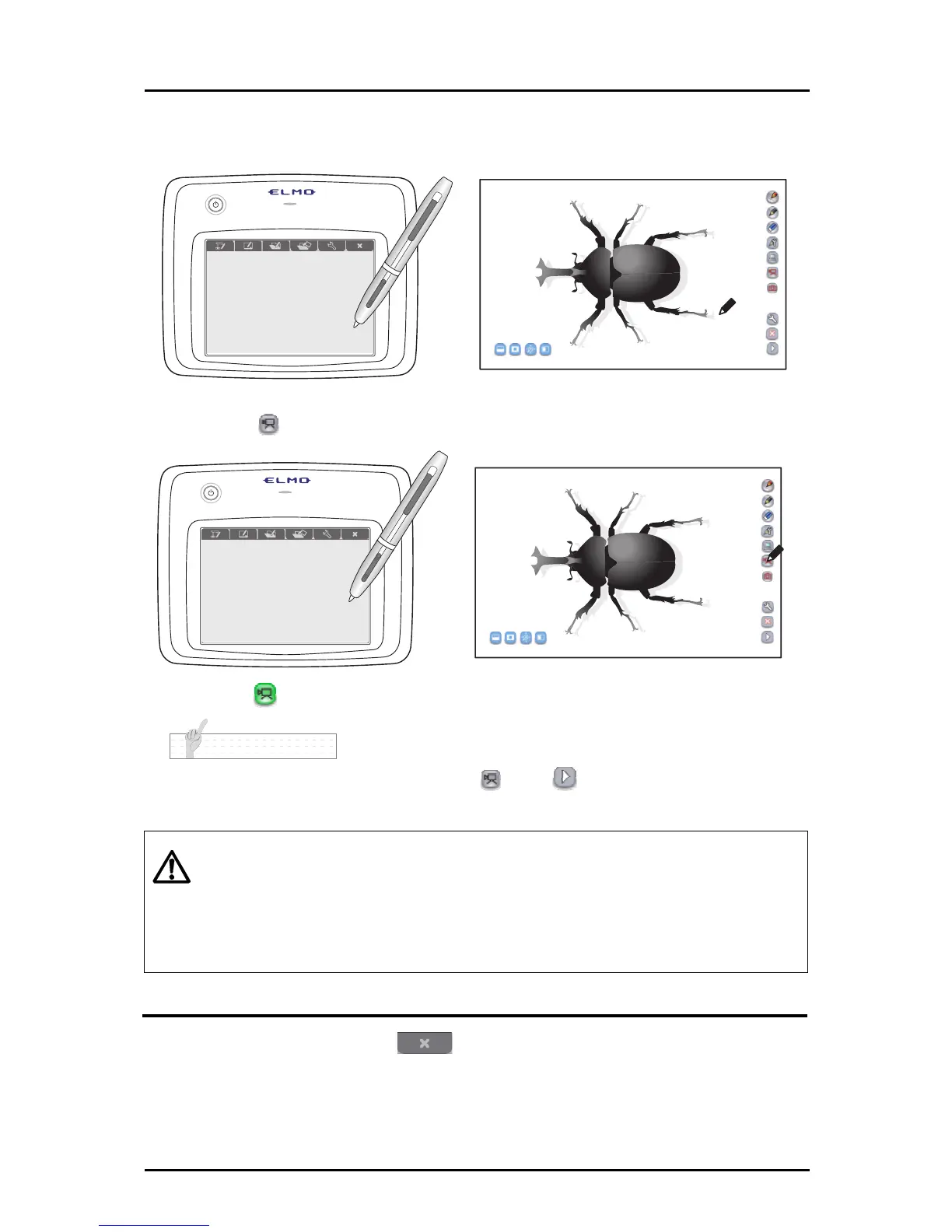
■ Recording a video
➊
Display the image that you want to record as video.
➋
Touch on the right of the screen to start the recording.
Touch again to stop the recording.
N o t e
To display the lesson recording start/stop button , touch
at the bottom of the menu buttons
and go to the next menu.
Caution
・
When the mode is changed to "Teaching material creation mode", the recording
stops.
・
For information on how to check the recorded picture, see "Selecting a Teaching
Material".
・
For details about connecting and setting the external input devices that are
required for audio recording, refer to the User's Guide of each device.
Quitting
➊
Touch the function key on the tablet to quit the Tablet software
(Image Mate Accent).
➋
Press the power button for 3 seconds or longer to turn OFF the Tablet.
29



 To Next Page